
HBO Max Subtitles: Turn On, Change, Fix (and Remove ASL)
HBO Max subtitles on every device: turn them on or off, change language and style, remove the ASL interpreter, fix captions, and watch with two lines at once.
HBO Max subtitles are in one menu on every device: start a title, open the Audio and Subtitles icon (it looks like a speech bubble), pick a language under Subtitles and close the menu. That is the whole answer to how to turn on subtitles on HBO Max. To turn them off, open the same menu and choose Off.
The name, briefly: Warner Bros. Discovery renamed HBO Max to Max in 2023 and switched it back to HBO Max in July 2025. Old guides that say "Max" describe the same service and mostly the same menus.
How to turn on subtitles on HBO Max on each device
There's no separate subtitles switch in the account settings. If you're looking up how to get subtitles on HBO Max, it's always the player menu; only the way you reach it changes.
In a web browser
Start a title on hbomax.com and click the screen to show the player controls. Click the Audio and Subtitles icon, choose a language under Subtitles and close the menu with the X.
On a phone or tablet
In the HBO Max app, start a title and tap the screen. Tap the Audio and Subtitles icon, pick a language under Subtitles, then tap the X to save.
On a TV, Roku, Fire TV or Apple TV
Start a title and pause it. Choose the Audio and Subtitles icon with your remote, pick a language under Subtitles and press the back button to save.
HBO Max lists closed captions in the same place. A captions track is labeled with "CC", for example "English - CC", and has the dialogue plus sound notes. HBO's accessibility page says most titles support captions.
How to turn off subtitles on HBO Max
How to turn off subtitles on HBO Max is the same menu in reverse: open Audio and Subtitles during playback and choose Off under Subtitles.
If the text keeps appearing after that, it's coming from your device. HBO's help center says the app follows the subtitle and caption settings on your device, so a system-wide captions switch on your TV, streaming stick, console or phone keeps them on. Turn it off in the device's accessibility settings.
How to change subtitles on HBO Max
Changing subtitles means one of two things: the language or the look.
Change the language
Open the Audio and Subtitles menu while the title plays and pick another language under Subtitles. The audio language is in the same menu. HBO Max plays the last audio language you picked; if you never picked one, it uses your app language, and if that isn't available, English.
Change the size, font and color
Where this setting lives depends on the device:
- Web: on hbomax.com, select your profile, then Settings and Subtitle Style. You can change the font, color, size and opacity.
- iPhone, iPad and Apple TV: in the system Settings app, under Accessibility, Subtitles & Captioning, Style.
- Android phones and tablets: open Settings, search for "Caption" and choose Caption style.
- Android TV: Settings, Device Preferences, Accessibility, Captions.
- Fire TV: Settings, Accessibility, Closed Caption, Text.
- Roku: press Home, then Settings, Accessibility, Caption style.
- Other TV devices: in HBO Max, open the Settings icon (a cog) and choose Subtitle Style.
How to remove ASL from HBO Max
Some titles on HBO Max have a version with American Sign Language interpretation: an interpreter signs the dialogue in a corner of the screen while the film plays as usual. Barbie and The Last of Us were among the first. HBO's help center says these titles show "(with ASL)" and a badge on the image.
The interpreter is part of the video, not a subtitle track, so the Audio and Subtitles menu won't hide it. That's why how to remove ASL from HBO Max is a common question. The answer is to play the other version:
- Leave the player and go back to the title's page.
- Look for the versions of the title. When Barbie came out with ASL, reporting at the time described a versions tab on the film's page with both the original and the ASL version.
- Play the version without "(with ASL)" and without the sign language badge.
If you got there from search, check the result you tapped. Searching for a film often shows both versions, and it's easy to pick the one with the interpreter. The same steps answer how to get rid of sign language on HBO: there's nothing to switch off, you just need the regular version.
Don't confuse this with audio description, which is a narrator describing what happens on screen. That one is an audio track: open Audio and Subtitles and choose a language without "Audio Description" under Audio.
HBO Max captions not working
If you see HBO Max captions not working, the cause is usually one of these:
- They won't turn off. Your device's caption setting is on. HBO Max follows it, so switch it off in the device's accessibility settings.
- The language isn't in the list. HBO says only some titles include subtitles, closed captions or several audio tracks. No setting adds a track that doesn't exist.
- The style doesn't change. On phones and most streaming devices, the style comes from the device, not the app. Check the list above for where your device keeps it.
- Someone narrates the scenes. That's audio description; pick a different audio track.
- Subtitles stopped mid-episode. Close the app, start the title again and check the menu. If other titles have the same problem, it's a playback issue rather than a subtitle one.
For anything else, HBO's help center has a feedback form.
What happened to HBO Go
People still search for HBO Go subtitles, but HBO Go is gone. In the US it was discontinued on July 31, 2020, when HBO moved its subscribers to HBO Max, and other countries switched over in the following years. Everything above applies to the app you use instead.
How to watch HBO Max with two subtitles at once
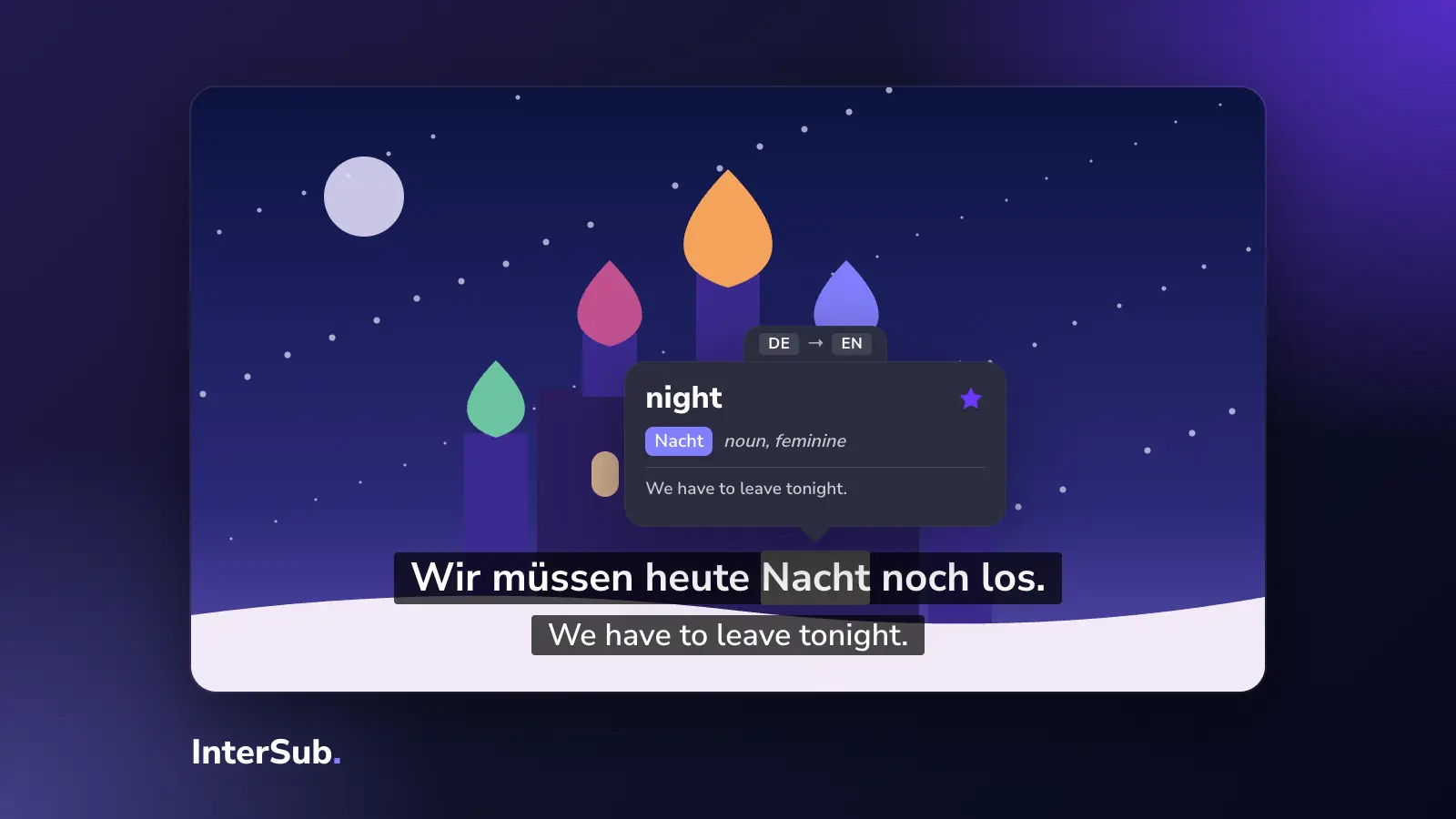
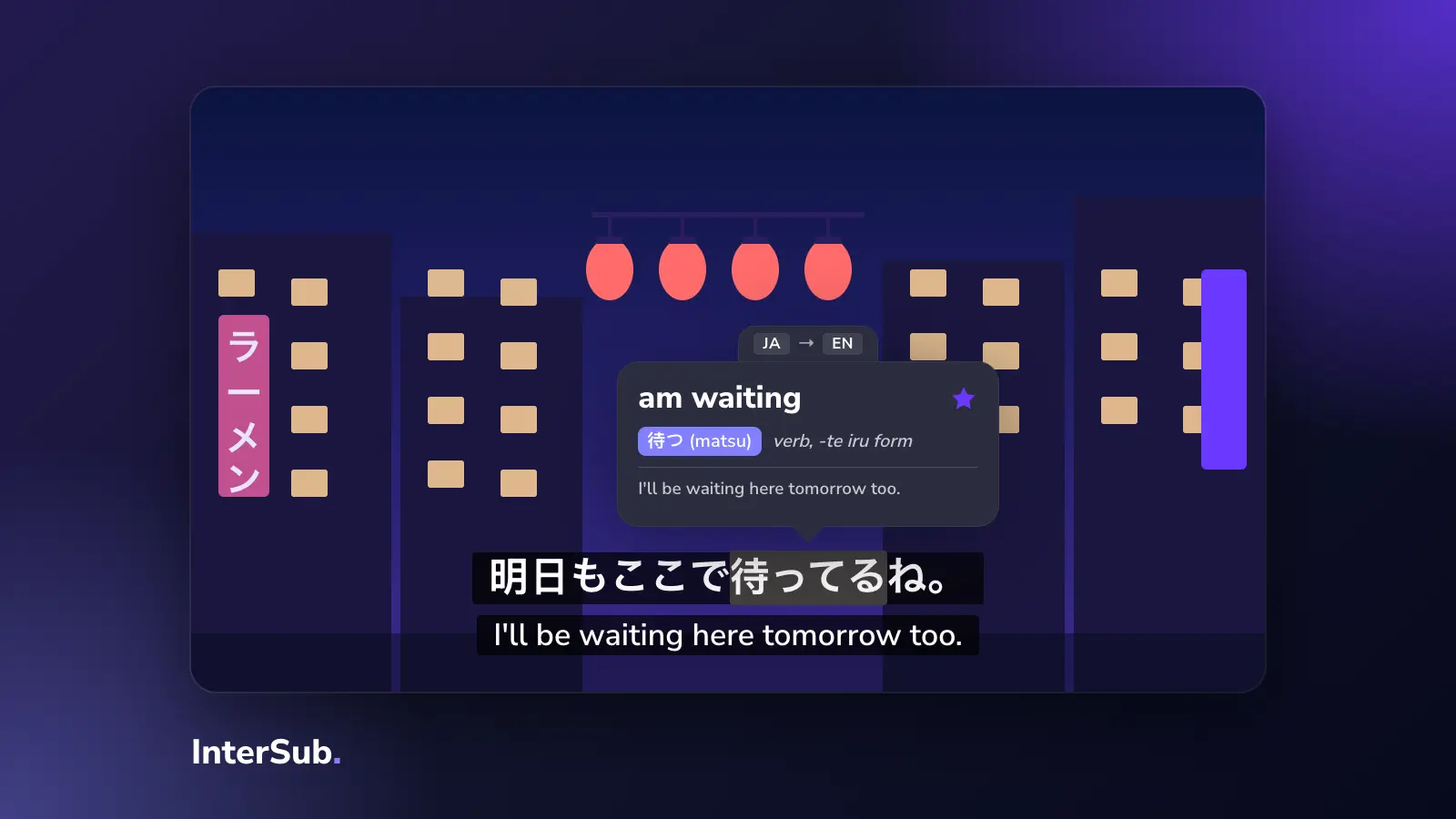
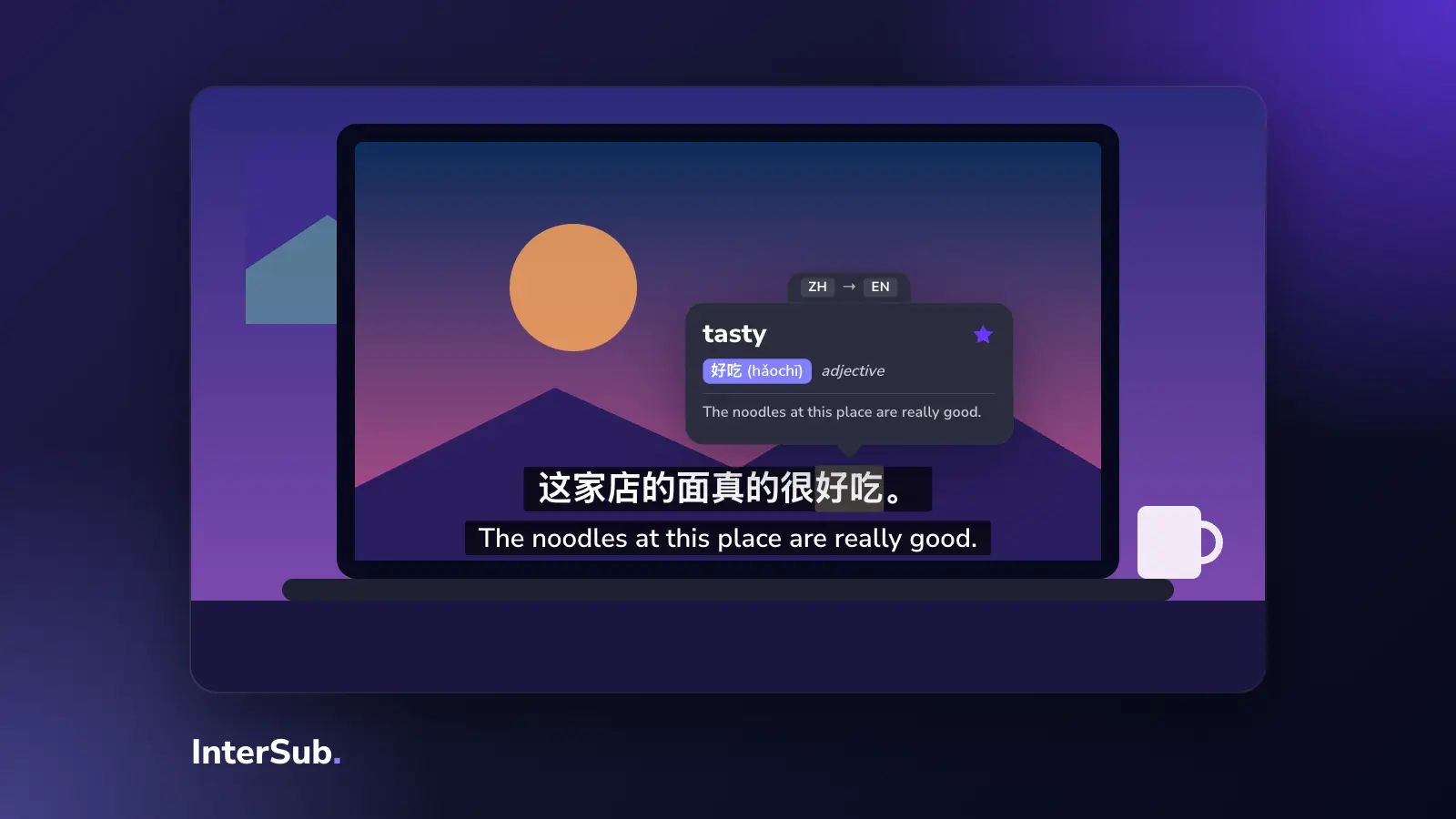
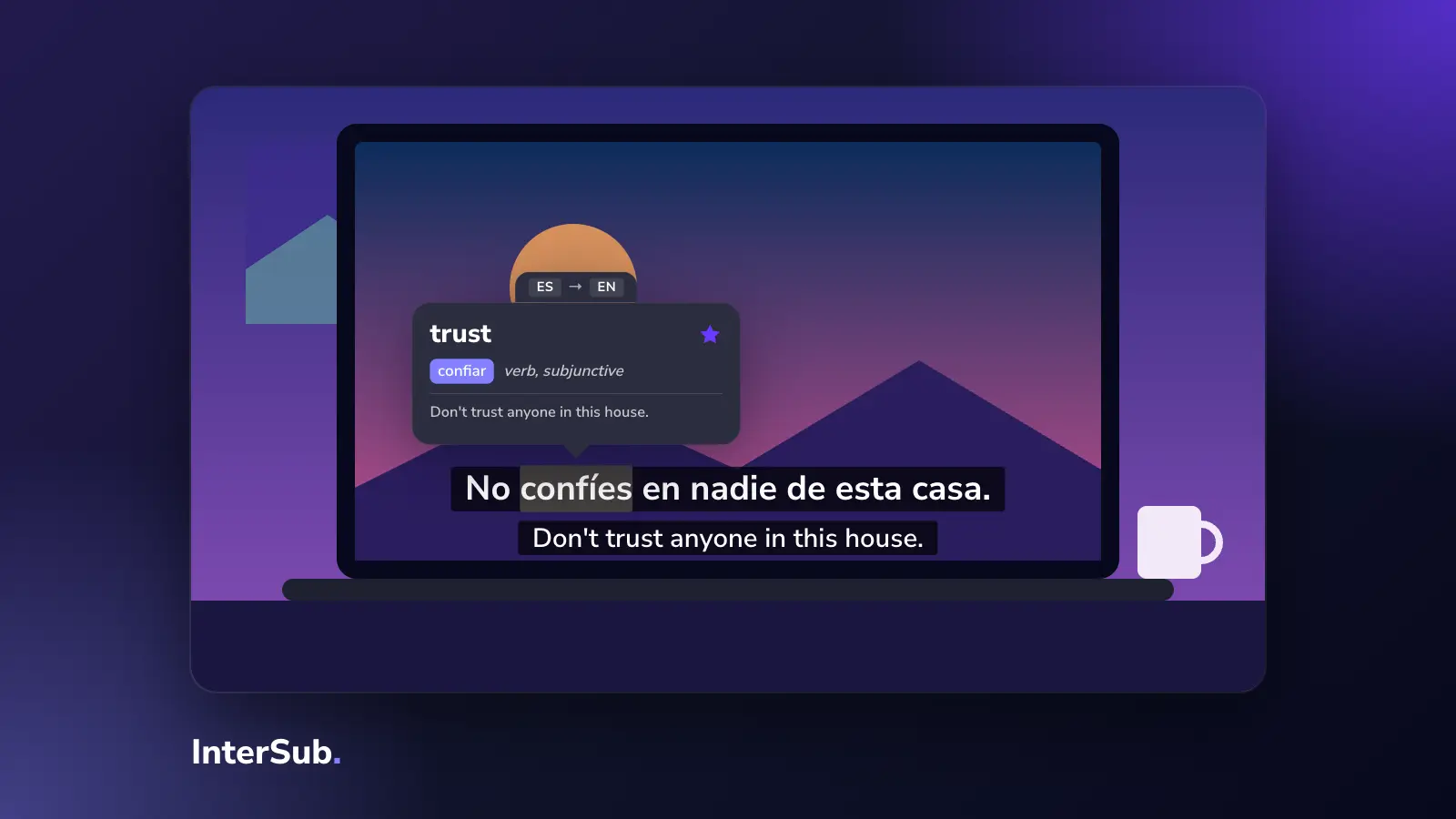
HBO Max shows one subtitle track at a time, in every app. To see two lines together, for example Spanish and English, you need a computer and a browser extension. That's how HBO Max dual subtitles work, and the setup is the same as for Disney+ subtitles or two subtitles on Netflix.
- Install InterSub in Chrome, Edge or Firefox.
- Open hbomax.com in that browser and start a title.
- In InterSub, choose the language you are learning and your own language.
- Adjust size, colors and position so both lines are easy to read.
Now you watch with dual subtitles: the original line and the translation on screen together. Hover over any word and the video pauses and shows its translation with the words around it, so you can see which meaning fits the scene. Words you look up are saved to your Wordbook, which you can export to Excel or sync with Anki.
InterSub has supported HBO Max since version 4.21, and version 4.27 fixed a problem where HBO Max subtitles could appear duplicated or mixed up. If a title has no subtitles in your language, InterSub can translate the second line with AI. That is a paid feature; you can try it during the 14-day free trial. It needs at least one subtitle track to translate from, so a title with no subtitles at all won't work.
Extensions don't run in TV apps. To watch on the big screen, play HBO Max in your computer's browser and send the picture to the TV with AirPlay, Cast or an HDMI cable, then use InterSub's Remote Control on your phone to pause and look up words from the sofa. Our dual subtitles extension page shows what it does on other platforms, and the same setup works for Prime Video subtitles.
HBO Max for language learners
Long drama series are good material for learning: the same characters talk for many hours, so you get used to their voices and the words they use.
A few habits help:
- Watch in the original language. Subtitles made for the original audio match what the actors say. Subtitles in your language on a dubbed title often follow the dub instead. InterSub's paid forced translation setting ignores that track and translates the original line.
- Start with something you've seen. A show you watched in English is easier to follow in Spanish or French, so you can pay attention to the words.
- Rewatch with less help. Watch an episode with both lines, then watch it again with the second line shown only on pause. InterSub has a setting for this.
Ten minutes the next day on the words you saved does more than another episode with English always on. Practice them in Anki or in the free InterSub Words bot on Telegram, which explains each word and checks your own example sentences; all the ways to practice are on the install page. If you're not sure two lines suit you, read when double subtitles help and when they get in the way.
Frequently asked questions
How do I turn on subtitles on HBO Max on my TV?
Start a title and pause it, choose the Audio and Subtitles icon (a speech bubble), pick a language under Subtitles, then press the back button on your remote to save.
Why is there sign language on my HBO Max show?
You are playing the version of the title with American Sign Language interpretation, marked "(with ASL)". It is a separate version, not a setting: go back to the title's page and play the regular version instead.
Why are HBO Max subtitles not working?
If they won't turn off, your device's own caption setting is probably on, because HBO Max follows it. If a language is missing, the title doesn't have that track: only some titles include subtitles, captions or several audio languages.
Can you have two subtitles on HBO Max?
Not in the HBO Max apps: they show one subtitle track at a time. In Chrome, Edge or Firefox on a computer, a dual subtitles extension such as InterSub adds a second line.
How do I change the subtitle style on HBO Max?
On hbomax.com, select your profile, open Settings and then Subtitle Style to change font, color, size and opacity. On phones, tablets and most streaming devices, the style comes from the device's accessibility or caption settings.