


Anki Chrome extension: flashcards from the videos you watch
An Anki Chrome extension for the words you meet in videos
Anki is a flashcard app that shows each card right before you are likely to forget it. InterSub fills it with words from real videos. Watch Netflix, YouTube, Udemy or Crunchyroll with dual subtitles, hover a word to translate it, star the ones you want to keep, and they sync to an InterSub deck in Anki on your computer and phone. No copying words by hand.
How it works
What is Anki?
Anki is a flashcard app for desktop and mobile built on spaced repetition. Language learners, medical students and anyone with a lot to memorize use it to remember more with less review time.
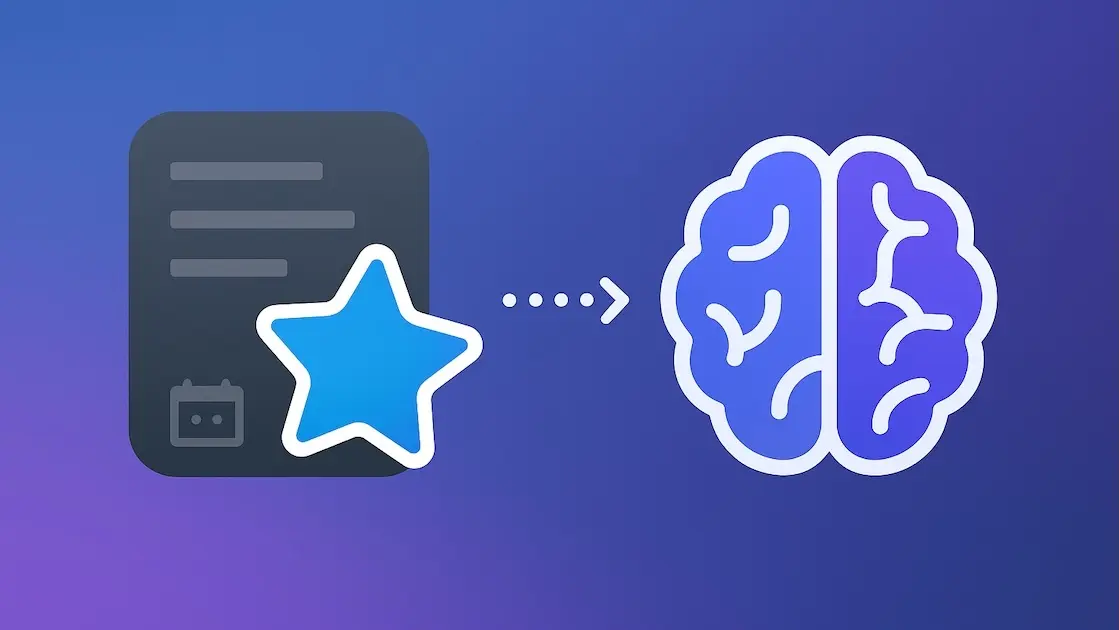
Why spaced repetition works
Each time you remember a card, Anki shows it again later; each time you forget, sooner. Your review time goes to the words you are about to lose, not to the ones you already know.
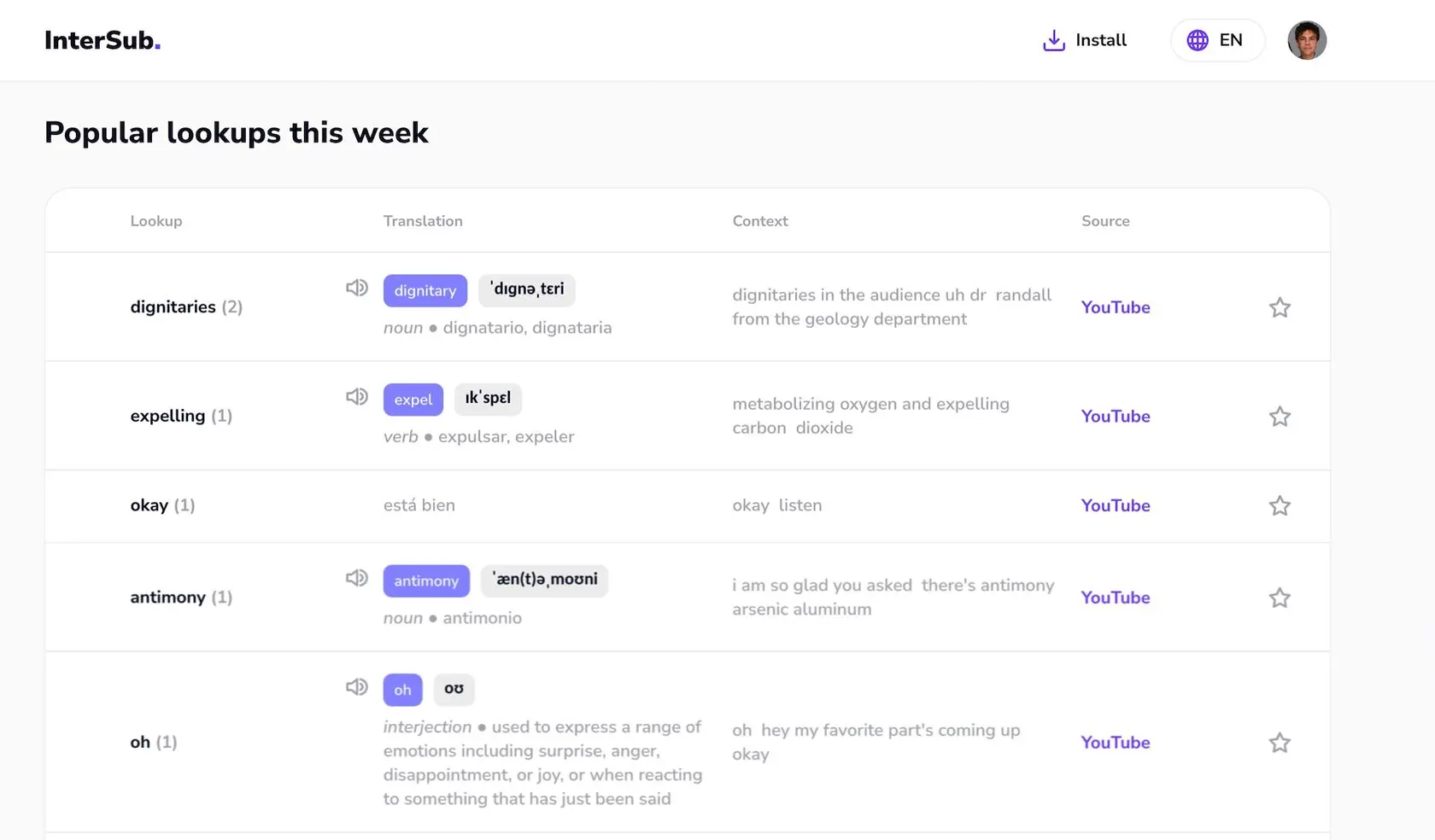
Your InterSub Wordbook, now in Anki
InterSub saves every word you look up in subtitles to your Wordbook, a vocabulary builder that fills itself while you watch. Star the words you want to learn, and they sync to the InterSub deck in Anki. Setup takes a few minutes: see the Anki sync guide.
Review vocabulary from the shows you watch
Every card is a word you met in a real scene, which makes it easier to remember than a word from a list. Review vocabulary in Anki, then hear it again in the next episode.Anki + InterSub for any subject
Learning a language from films, following medical school lectures or taking CS50 online: look up the terms you don't know while you watch and learn new words in Anki later.
Frequently asked questions
What is Anki?
Anki is a powerful flashcard app (web, Android and iOS) that uses spaced repetition to help users memorize vocabulary more effectively. It schedules reviews based on how well you recall each word, ensuring you retain new words without feeling overwhelmed.
How does InterSub integrate with Anki?
InterSub works as an Anki Chrome extension: it syncs the words you star in your InterSub Wordbook to Anki, where they appear as flashcards in the InterSub deck. Each new sync adds the words you have starred since. Anki sync comes with the Pay-as-you-go and Premium plans, and you can try it during the 14-day Premium trial.
How do I sync my InterSub Wordbook with Anki on desktop?
- Open Anki and go to Tools → Preferences → Syncing.
- In the “Self-hosted sync server” field, enter https://app.intersub.cc.
- Click Close to save the settings.
- Click Sync in the top-right corner and log in with your InterSub email and password.
Which words sync to Anki?
Only the words you mark with a star in your Wordbook. InterSub saves every word you look up, so the star lets you choose what goes into your flashcards. New words can take a few minutes to show up in Anki.
How do I sync my InterSub Wordbook with Anki on Android?
- Open AnkiDroid, tap the ≡ menu and go to Settings → Sync.
- Scroll down to Custom sync server and tap Sync URL.
- Enter https://app.intersub.cc and tap OK.
- Go back to the main screen, tap the sync button and log in with your InterSub email and password.
What should I do if my Anki sync isn’t working?
If you see “Conflict between decks on this device and AnkiWeb”, choose “Download from AnkiWeb”: your starred words sync and your existing decks stay as they are.
If you signed in to InterSub with Google, Facebook or Chrome and have no password, open your InterSub profile, copy your email and click the pencil icon to set a password. Then log in to Anki with that email and password.
If you signed in to InterSub with Google, Facebook or Chrome and have no password, open your InterSub profile, copy your email and click the pencil icon to set a password. Then log in to Anki with that email and password.
Get Started with InterSub
InterSub is a free browser extension for Chrome, Edge and Firefox. Install it, connect Anki and turn the words from your videos into flashcards. Anki sync comes with Pay-as-you-go and Premium, and every new account starts with a 14-day Premium trial.