

Yay, you can now translate words in video subtitles and on websites!
Where to watch
YouTube
A site that needs no introduction :) Turn on YouTube dual subtitles on any video, and translate YouTube subtitles with AI when there are none in your language.
What to do:
- go to youtube.com, select the video,
- enjoy watching and learning.
Netflix
The world's most popular streaming service. Thousands of movies, shows, documentaries, and TV shows for every taste. Netflix dual subtitles show the original line and its translation together, so language learning with Netflix fits into your evening.
What to do:
- go to netflix.com, select a video,
- if needed, choose audio in a language you are learning, e.g. English,
- enjoy!
Amazon Prime Video
Yet another famous streaming service with tons of movies, documentaries, TV shows etc. Prime Video dual subtitles work on movies and series alike.
What to do:
- go to primevideo.com, select a video,
- choose audio in a language you are learning, e.g. Spanish,
- that's it!
HBO Max
One more big-name streaming platform packed with iconic series, blockbusters, original shows, and exclusive Warner Bros. content. HBO Max dual subtitles work on every show.
What to do:
- go to play.max.com, select a video,
- choose audio in a language you are learning, e.g. Spanish,
- that's it!
Crunchyroll
Enjoy the largest collection of anime in one place. Now you can feel more confident watching videos that don't have dubbing/subtitles in your language, using English instead, which is always available. Learn Japanese with anime: Crunchyroll AI subtitles fill in the second line when your language is missing.What to do:
- go to crunchyroll.com, select a video,
- if needed, choose a language of audio in which you'd like to watch it,
- enjoy your fav anime!
Bilibili.tv
One of the largest video platforms for anime, Asian dramas and creator videos. Bilibili dual subtitles make it a good place to learn Japanese, Chinese or Korean.What to do:
- go to bilibili.tv, select a video,
- choose the subtitle language you're learning if needed,
- enjoy watching and learning!
Coursera
The most popular learning platform. Coursera dual subtitles help you follow lectures in the language you're learning.
What to do:
- go to coursera.com, select the course, and start watching the first lesson,
- done!
Udemy
The another cool learning platform. Udemy dual subtitles help you follow courses in English or another language you're learning.
What to do:
- go to udemy.com, select a course you'd like to learn,
- start watching the first lesson,
- you are all set!
LinkedIn Learning
Learning platform from the #1 business social network. LinkedIn Learning dual subtitles help you take courses in the language you're learning.
What to do:
- go to linkedin.com/learning, select the course, and start watching the first lesson,
- done!
TED
TED (Technology, Entertainment, Design) is a famous global non-profit organization that hosts conferences with the aim of spreading worthwhile ideas through short, powerful talks. TED dual subtitles turn every talk into listening practice.What to do:
- go to ted.com, select a video,
- Yo are all set!
Domestika
One of the largest platforms for creative online courses – design, illustration, photography, marketing, and more.
What to do:- go to domestika.org, select a course and start the first lesson,
- you are all set!
DW Learn German
Free platform from Deutsche Welle offering structured courses, videos, and exercises to learn German at all levels.What to do:
- go to learngerman.dw.com, choose a course or video lesson,
- start learning right away!
Learn.cantrill.io
A popular platform with in-depth courses on AWS and cloud technologies created by Adrian Cantrill.What to do:
- go to learn.cantrill.io, pick a course and open the first lesson,
- enjoy learning!
Shahid
The leading Arabic streaming platform with movies, TV series, shows, and exclusive originals from MBC.What to do:
- go to shahid.mbc.net, select a movie or series,
- switch site language to English or French if neede,
- sit back and enjoy!














How to watch

Hover over an unfamiliar word
- the video pauses,
- a pop-up dictionary shows the translation and what the word means in this scene,
- the word is saved to your Wordbook.

Rewind a line and pause
Press Space to pause or play.
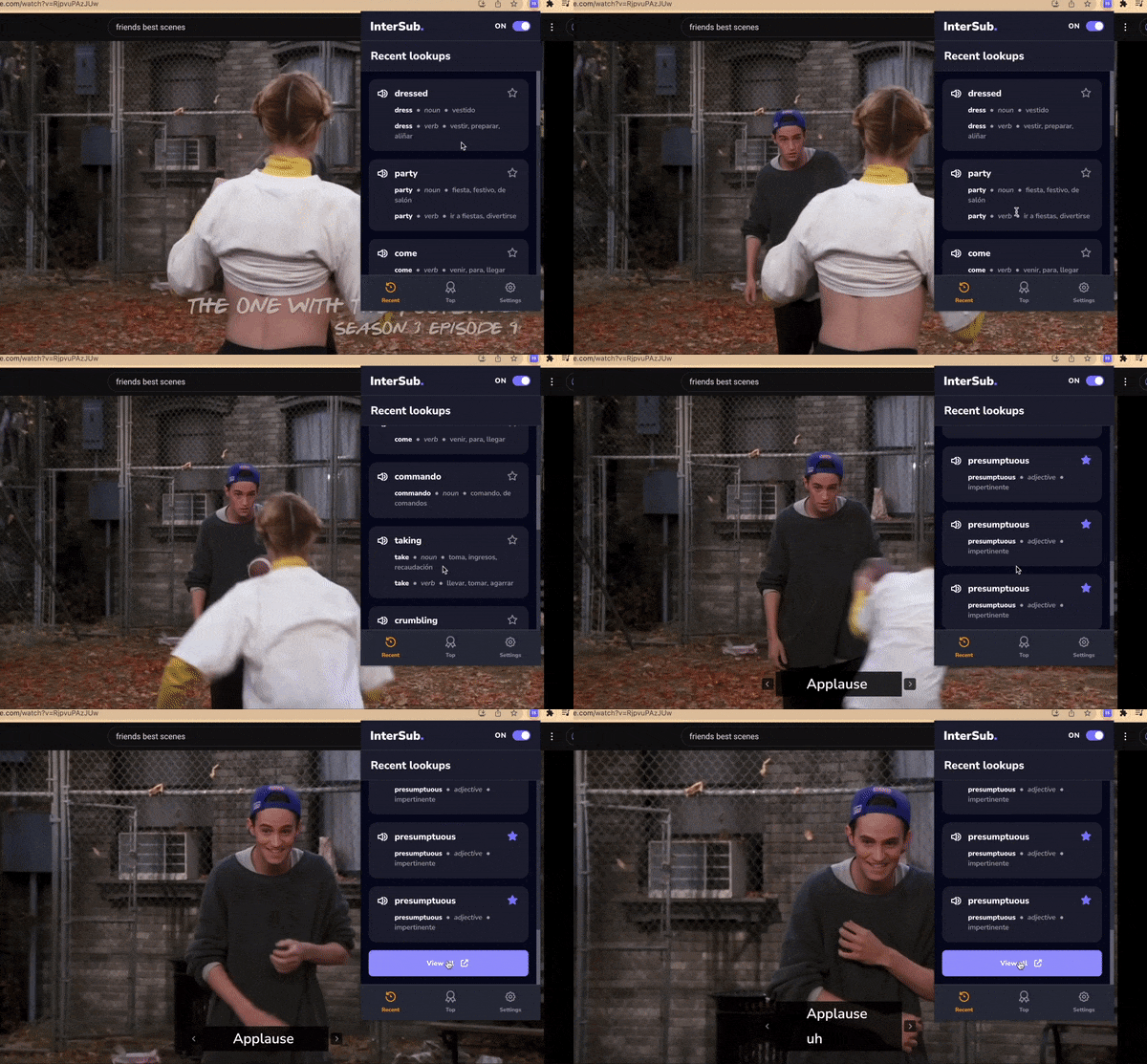
Quickly review your latest words
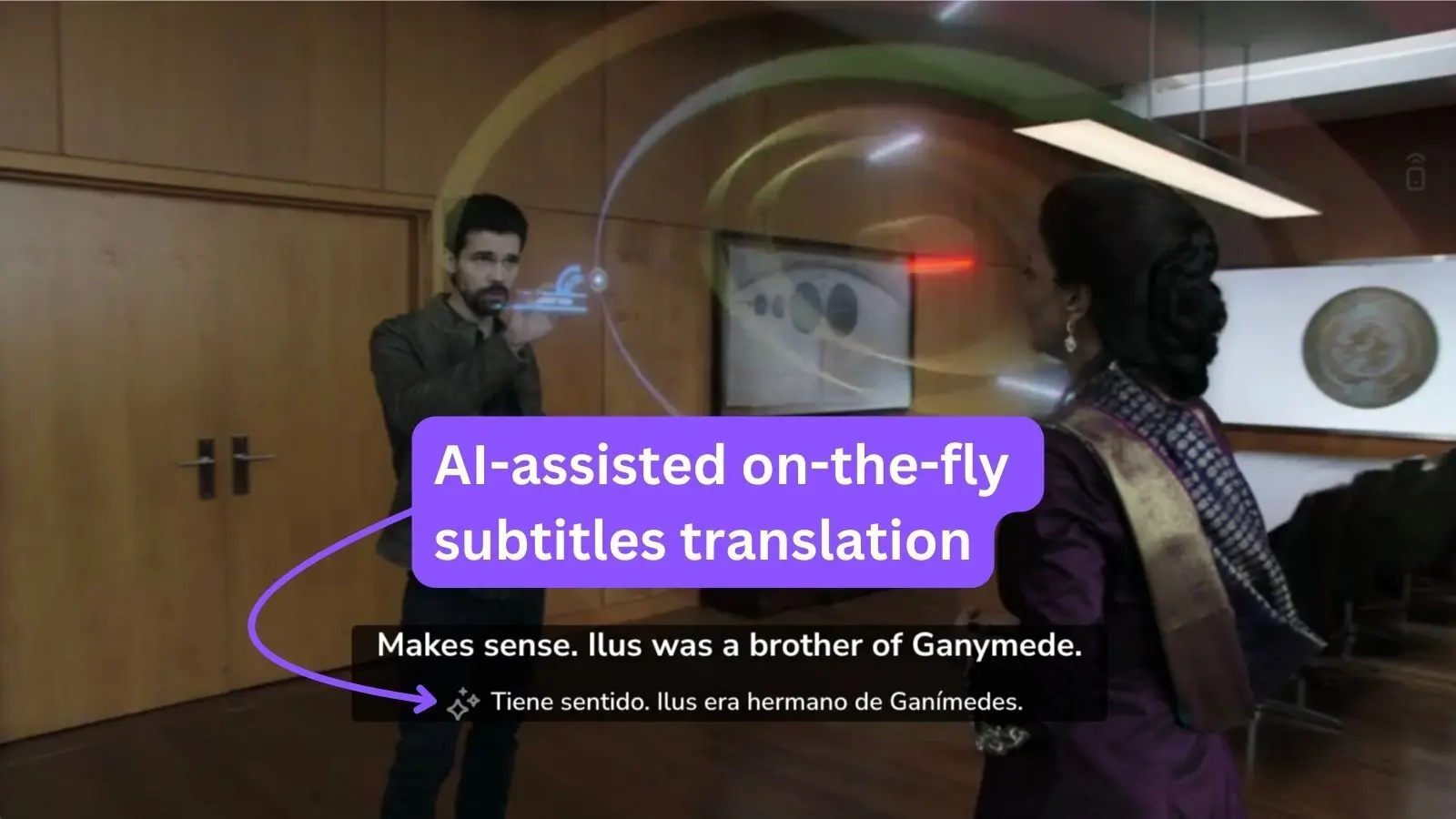
No subtitles in your language?
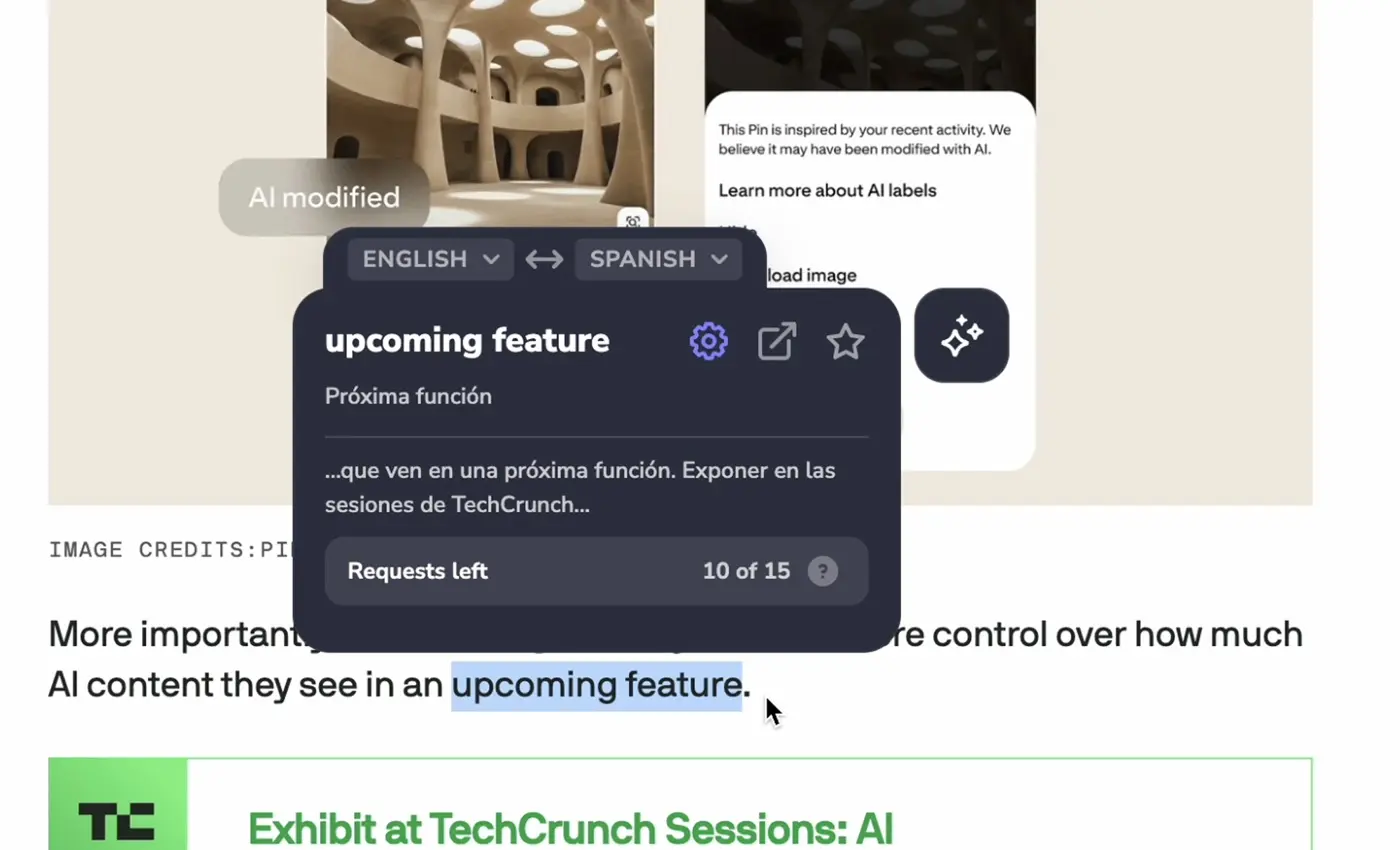
Translate words on any website
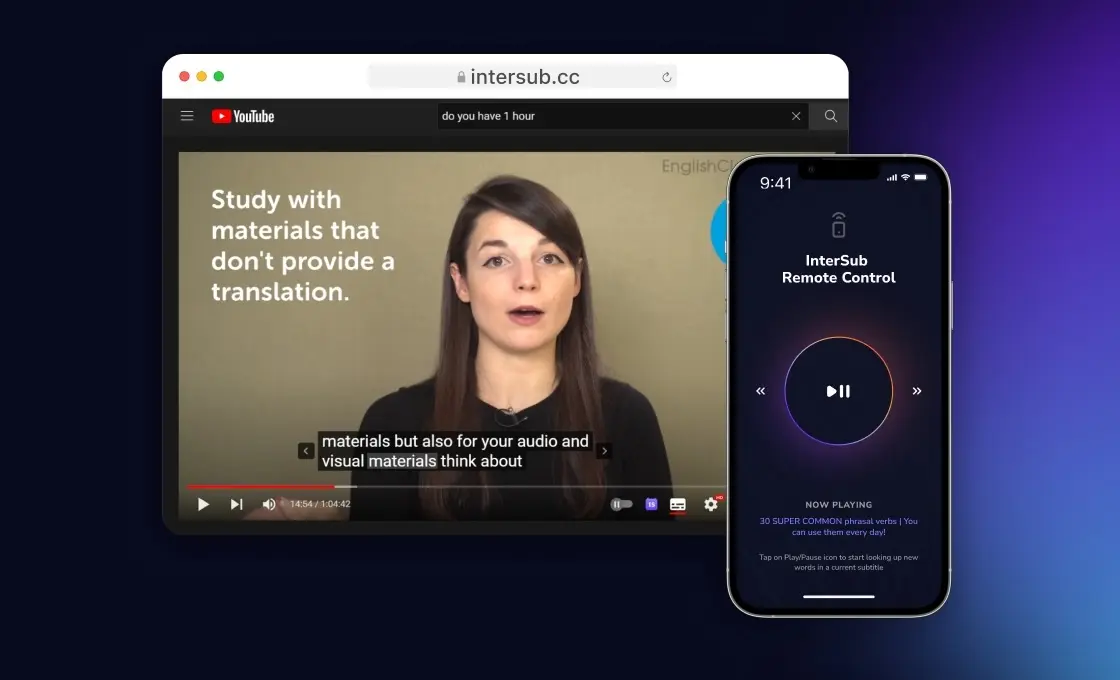
Remote Control for looking up words without getting off the couch
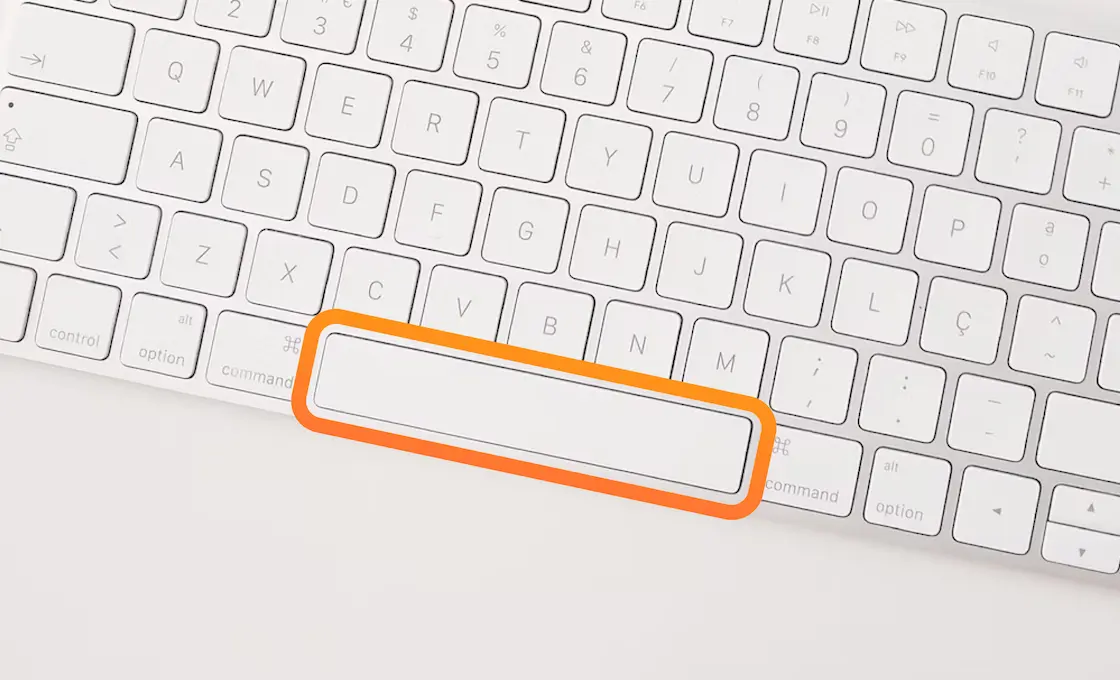
Use hotkeys like a pro
- ← / → rewind and fast-forward, Space pauses and plays
- = / − make the main subtitles bigger or smaller; add Shift for the second line
- ↑ / ↓ move subtitles up or down
- Ctrl+I (Cmd+I on Mac) turns InterSub on or off on any site
- S turns shadowing on or off
- D turns dual subtitles on or off
How much is it
Free Plan
- 14 day trial of Premium.
- 15 new word lookups in subtitles and on websites per month
- Unlimited dual subtitles, without the AI subtitle translator
- Auto-save words to your vocabulary builder (Wordbook)
- Limited access to vocabulary (Wordbook)
$0 /moPay-as-you-go
- 50, 100, 200, or 500 word lookups in subtitles and on websites or requests to AI Language buddy
- Unlimited access to your Wordbook
- Unlimited dual subtitles with the AI subtitle translator
- Weekly frequent words reminders
- Limited access to words training mobile apps and bots
from $1.49Premium Plan
Unlimited word lookups
Unlimited dual subtitles
Unlimited access to the Wordbook
Weekly frequent words reminders- Access to word training mobile apps and bots
from $6 /mo



What else you can do
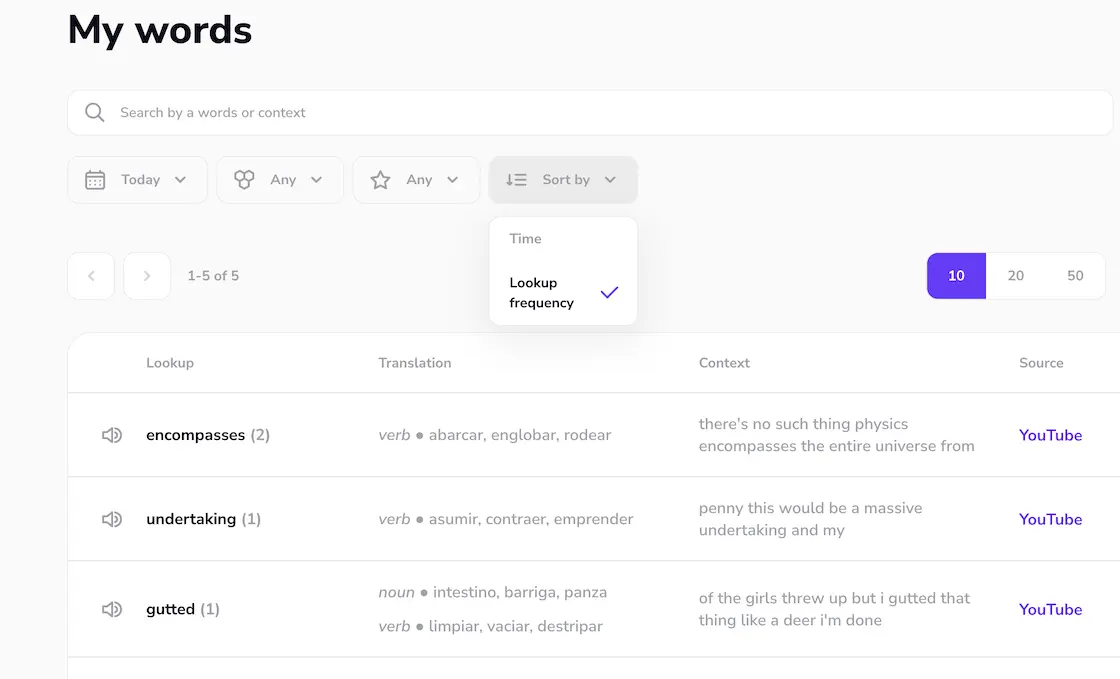
Register
- a personal account with all the words you looked up, their translations and export,
- a 14-day free trial of Premium with every InterSub feature, AI subtitle translation included.
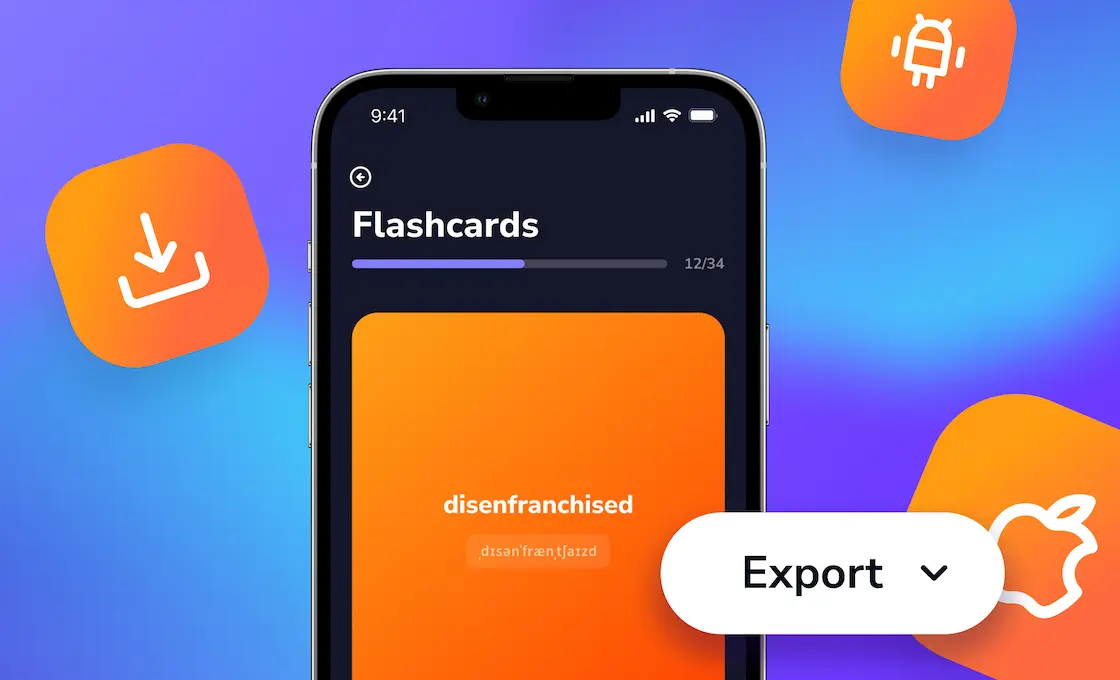
Practice saved words in Anki or our Telegram bot
Using a different app? Export your words as an Excel file and load them into it.
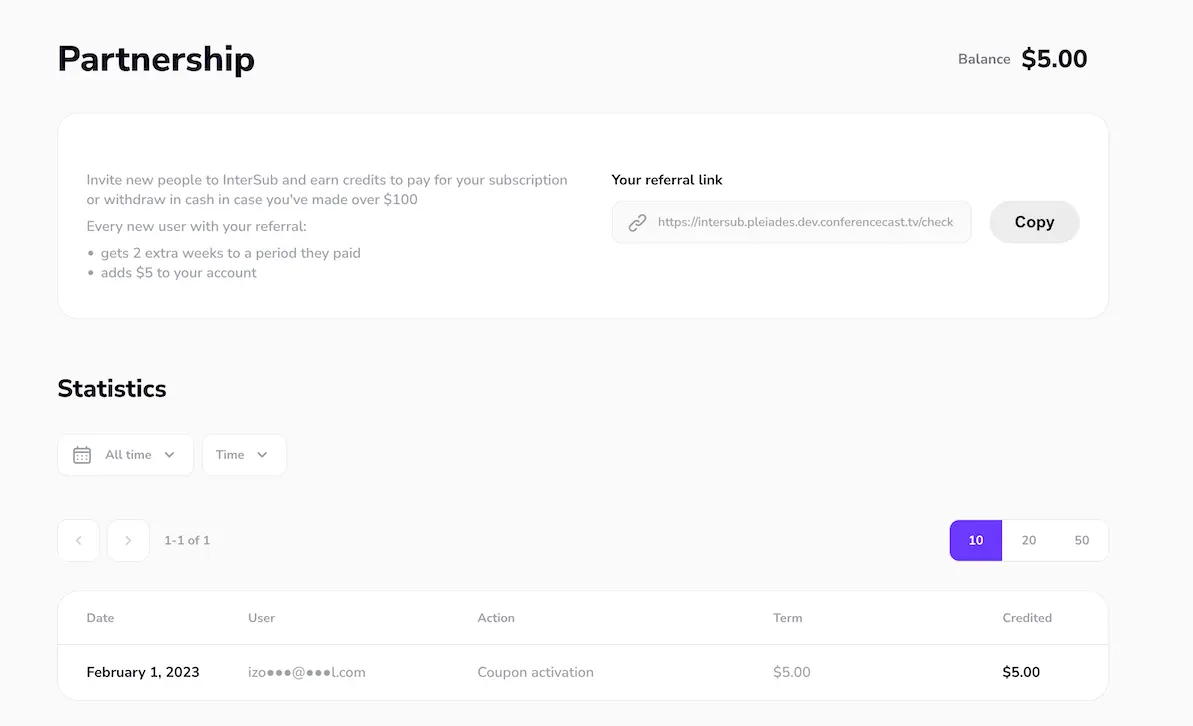
Spread a word about us and earn bonuses
- someone signs up through your affiliate link,
- when they pay for a subscription, we give them two extra weeks of access for free, and you get $5 in bonuses,
- you can use the bonuses to pay for your subscription or withdraw them.
A video platform site doesn't open
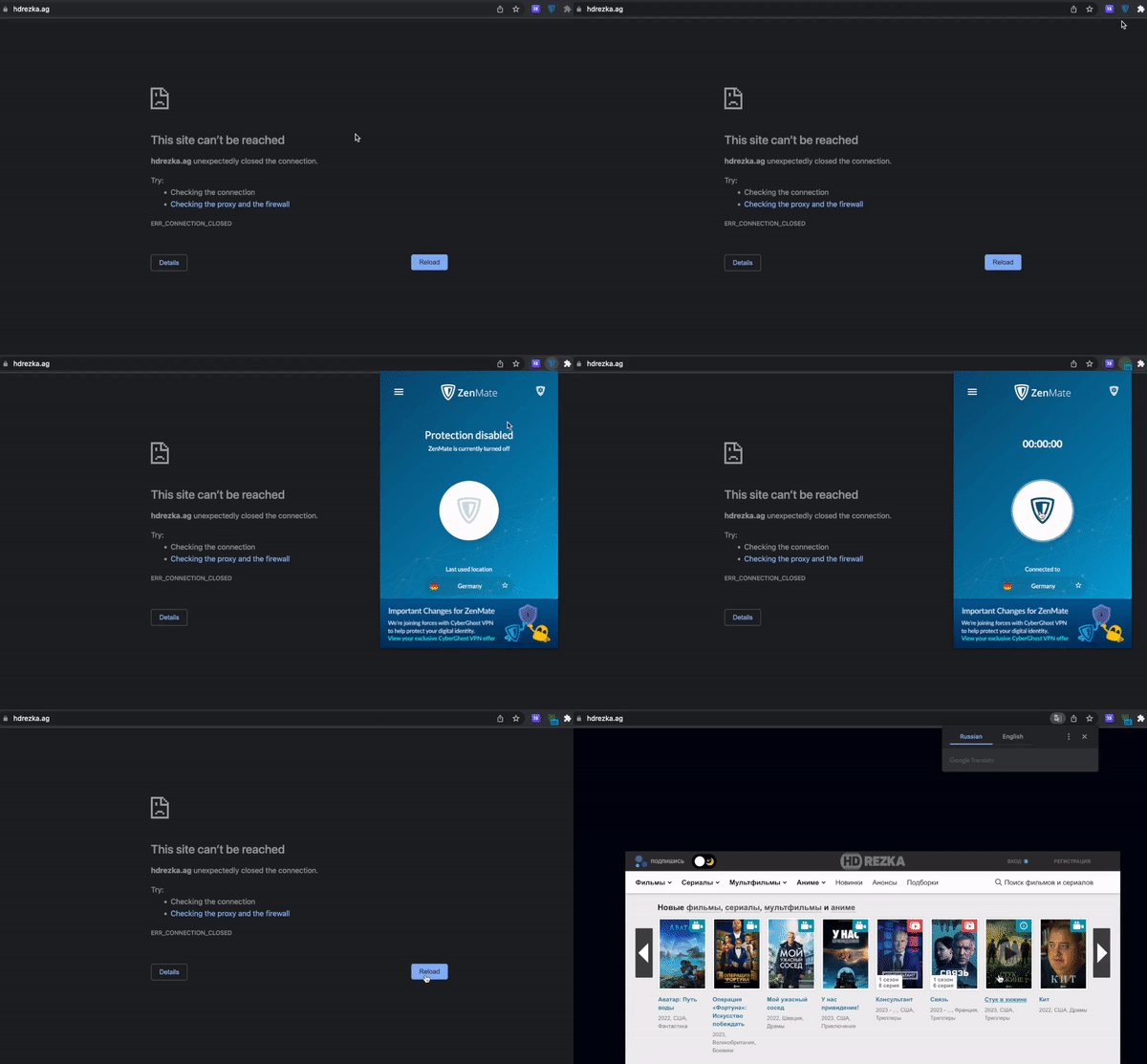
Try with VPN
If the video lags, watch a couple of seconds with the VPN on, then pause, turn the VPN off and keep watching.