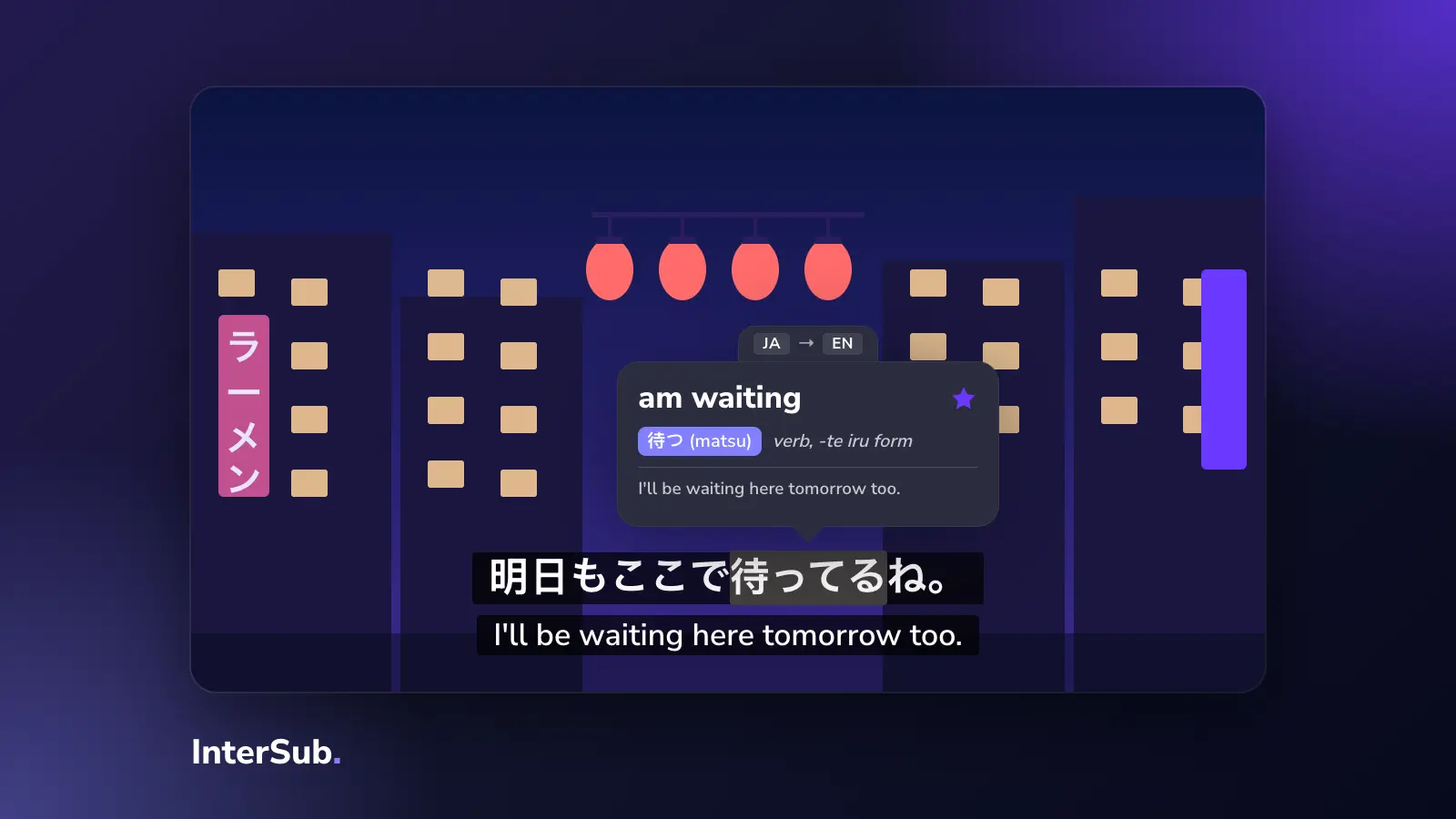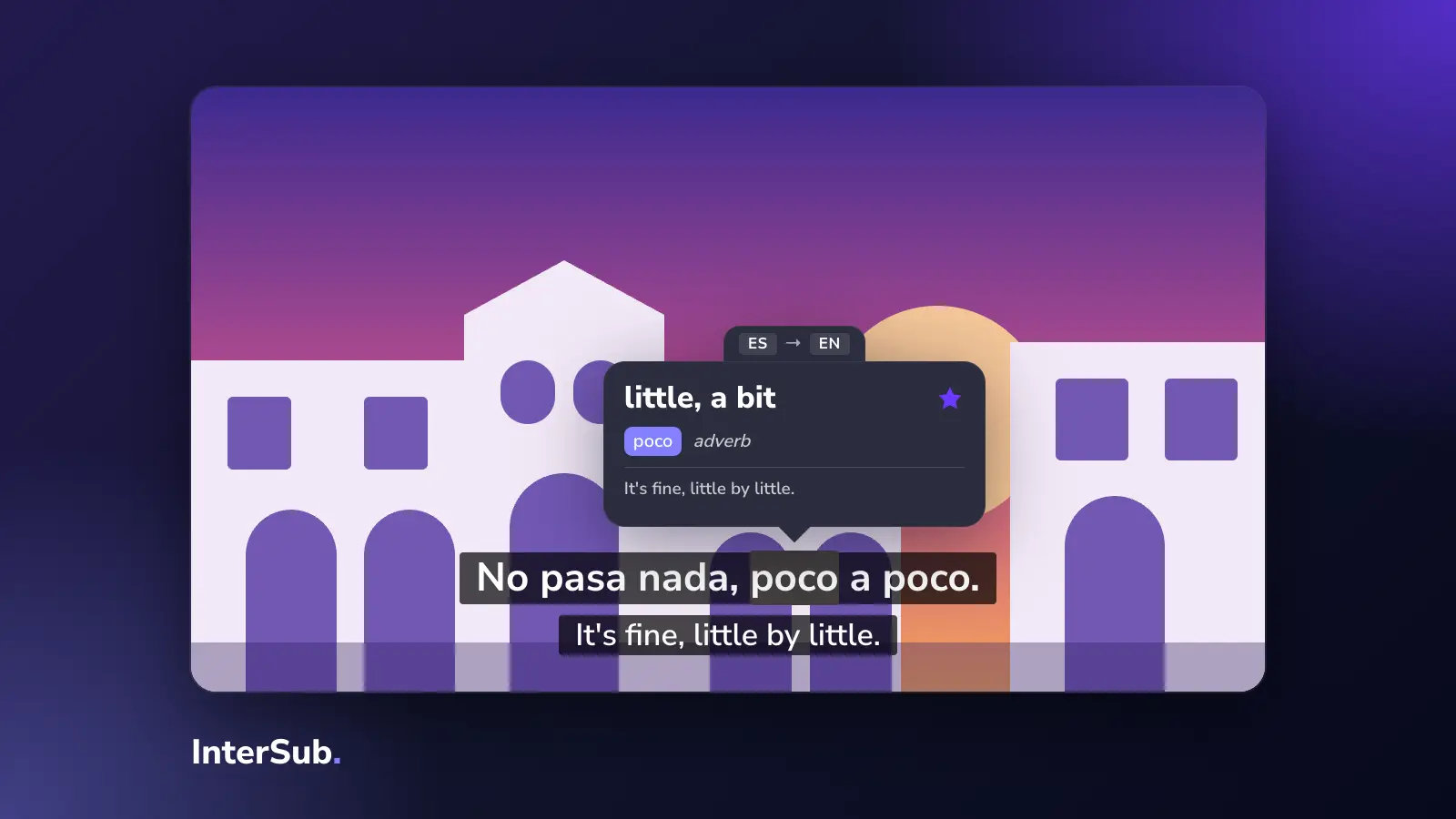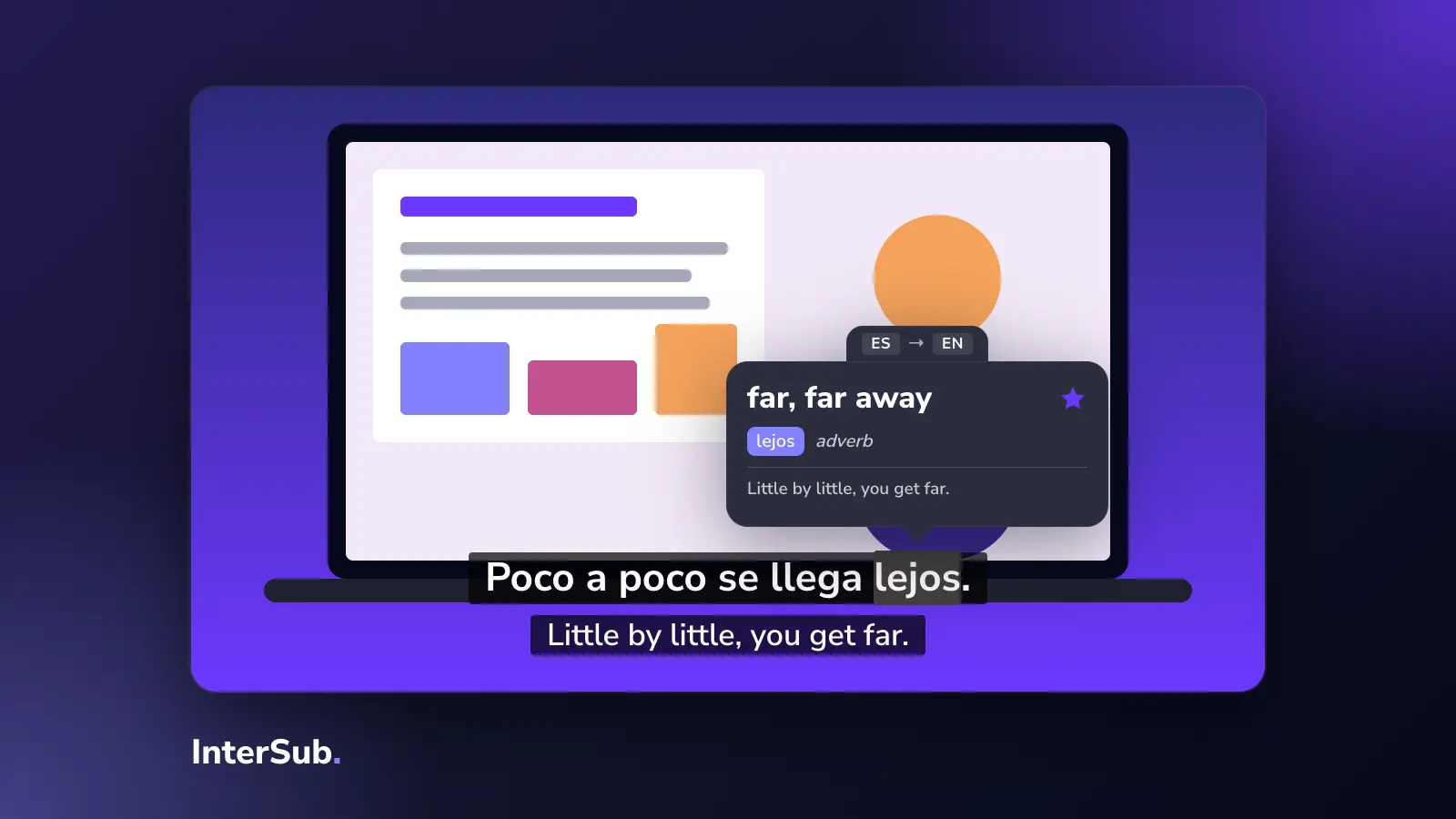

Netflix Two Subtitles: How to Watch With Two at Once
Netflix plays one subtitle track. How to get dual subtitles on Netflix with a browser extension, on a computer and on a TV, and which settings help you learn.
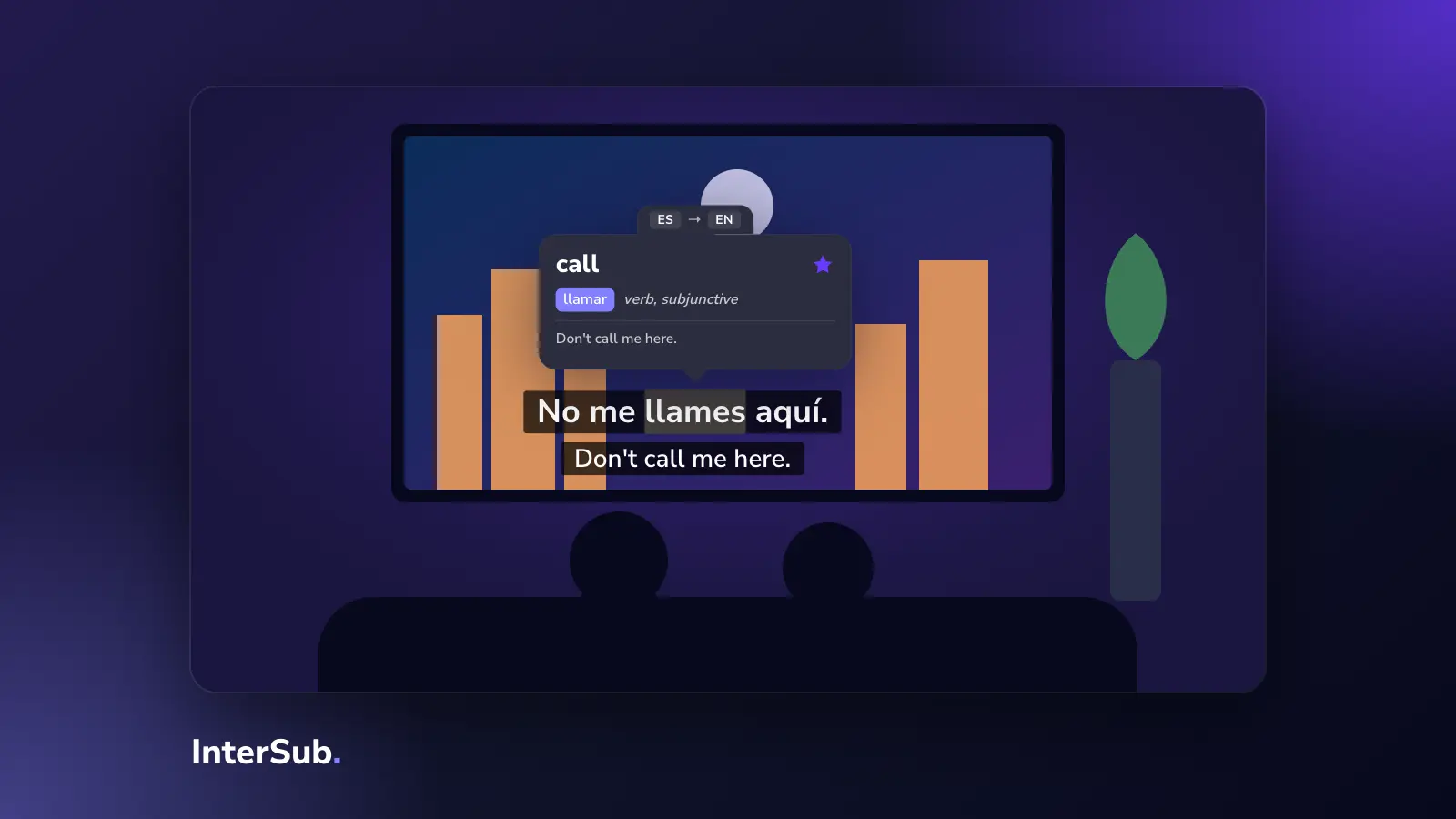
Netflix two subtitles at once is not something Netflix can do on its own: it lets you choose one audio track and one subtitle track. To see two lines, for example Spanish and English, you need a browser extension on a computer. Setup takes a few minutes, and it works on a TV too.
Can you play two subtitles at once on Netflix?
Not in the Netflix apps. On a TV, a phone or a game console you get one subtitle track, and there is no hidden setting that changes it.
In a browser it is different. Chrome, Edge and Firefox let extensions add a layer on top of the Netflix player, and that layer can show a second subtitle line. This is how all Netflix double subtitles and Netflix bilingual subtitles tools work, ours included.
How to get dual subtitles on Netflix
- On a computer, install InterSub in Chrome, Edge or Firefox.
- Open Netflix in that browser and start a show.
- In InterSub, pick your native language and the language you are learning. The video's subtitles appear as one line and the translation as the other.
- Adjust size, position and colors so both lines are easy to read.
That's the whole setup for Netflix dual subtitles. Netflix still decides which subtitle languages exist for a title in your country; if the language you need is missing, InterSub can translate the second line live on a paid plan.
One thing that confuses people: when you watch a dubbed version, the subtitles often follow the original script, not the dub, so the two don't match. For learning, watch with the original audio. If a show's subtitle track follows the dub anyway, InterSub's "Translate Second Subtitles Live" setting ignores that track and translates the line you actually hear.
Netflix two subtitles at once on a TV
Extensions don't run in TV apps, but you can still watch on the big screen:
- Mac: use AirPlay to send the screen or the browser window to an Apple TV or a TV that supports AirPlay.
- Windows: use Cast in the quick settings to send the screen to a wireless display, or simply connect the TV with an HDMI cable.
Then scan the QR code InterSub shows and open Remote Control on your phone. From the sofa you can pause, rewind and tap a word in the current subtitle to see its translation.
Settings that help with language learning on Netflix
Two lines on screen are where most people start. These settings are where language learning with Netflix actually happens:
- Second line only on pause. You watch with the original subtitles and see the translation only when you stop. This is the one we recommend once you follow most of the dialogue.
- Subtitles only on pause. For listening practice: no text while the scene plays.
- Shadowing. The video pauses after each subtitle so you can repeat it out loud; the pause length is adjustable.
- Word lookup. Hover over a word and the video pauses and shows the translation with its context. Saved words go to your Wordbook, and you can sync them through the Anki Chrome extension setup.
These are what separate a Netflix language learning extension from a plain dual subtitles extension. If you are not sure two lines are right for you at all, read what we think about double subtitles and when they get in the way.
Frequently asked questions
Does Netflix have dual subtitles?
No. Netflix lets you choose one audio track and one subtitle track. Two subtitles at once need a browser extension.
How to get dual subtitles on Netflix?
Open Netflix in Chrome, Edge or Firefox on a computer, install a dual subtitles extension such as InterSub, and choose your two languages in its settings.
Can you have two subtitles on Netflix at once?
Yes, on a computer, with an extension. The Netflix apps on TVs, phones and game consoles can't run extensions, so there it is one track only.
How to watch Netflix with dual subtitles on a TV?
Play Netflix in the browser on your computer with InterSub and show that screen on the TV: AirPlay from a Mac, Cast or a cable from a PC. Use InterSub Remote Control on your phone to pause and look up words from the sofa.