
Bilibili English Subtitles: How to Watch Bilibili in English
How to get Bilibili English subtitles on Bilibili.tv and bilibili.com, what to do when a video only has Chinese, and which browser extensions translate it.
To get Bilibili English subtitles, first check which Bilibili you are on. On Bilibili.tv, the international site, licensed anime and shows often have official English subtitles: open the subtitle menu in the player and pick English. On bilibili.com, the main Chinese site, most videos have Chinese subtitles at best, so you turn those on and add an English line with a browser extension.
This guide covers both sites: how to turn subtitles on, what to do when a video has no English, and which extensions translate Bilibili. If you are learning Chinese, read the last part, because Bilibili is one of the best free sources of real Chinese listening.
bilibili.com and Bilibili.tv: two different sites
Most confusion around how to watch Bilibili in English comes from the fact that there are two Bilibilis.
bilibili.com is the original Chinese platform. The interface is in Chinese, and so is almost everything on it: vlogs, lectures, gaming, tech reviews, music and anime. It is known for danmaku, the user comments that fly across the video. Some anime and shows there are licensed for mainland China only, and outside China they won't play or won't show up at all.
Bilibili.tv is the international version, with an English interface. Bilibili's own about page lists Southeast Asia and the Greater China region as its markets and says the content varies by region. It is built around licensed anime and Asian shows, and these usually come with subtitles in several languages, often including English, Indonesian, Thai and Vietnamese.
So the answer to "does Bilibili have English?" depends on the site and the video.
How to put English subtitles on Bilibili.tv
How to put English subtitles on Bilibili is simplest on Bilibili.tv:
- Open the title and start an episode.
- Move the mouse over the video to show the player controls.
- Open the subtitle menu and choose English, if the title has it.
If English isn't in the list, the title doesn't have it in your region. Creator videos on Bilibili.tv often have no subtitles at all, or only the uploader's own language.
How to turn on subtitles on bilibili.com
On bilibili.com, the player has a subtitle button in the control bar under the video, usually labelled 字幕 or shown as a CC icon. Click it and choose a track.
Two kinds of tracks are common there:
- Uploader subtitles. Many creators add their own Chinese subtitles. These are usually accurate, because the uploader wrote or checked them.
- AI-generated subtitles. Bilibili creates Chinese subtitles automatically for many videos. In the menu they are marked as AI-generated (AI生成 or 自动生成). They are good on clear speech and weaker on music, dialect and people talking over each other.
Some videos have no subtitle track at all. Others have Chinese text burned into the picture, which no player or extension can switch off or translate.
What to do when a video has no English
This is the usual case on bilibili.com, and on Bilibili.tv creator videos. If the video has a Chinese subtitle track, you can get a Bilibili English translation of each line:
- Turn on the Chinese subtitles in the player, as described above.
- Use a Bilibili translate extension that reads that track and shows a translated line.
The key is the Chinese track. A subtitle translator translates text, not speech, so a video without any subtitle track has nothing to translate.
Watching Bilibili with Chinese and English subtitles in InterSub
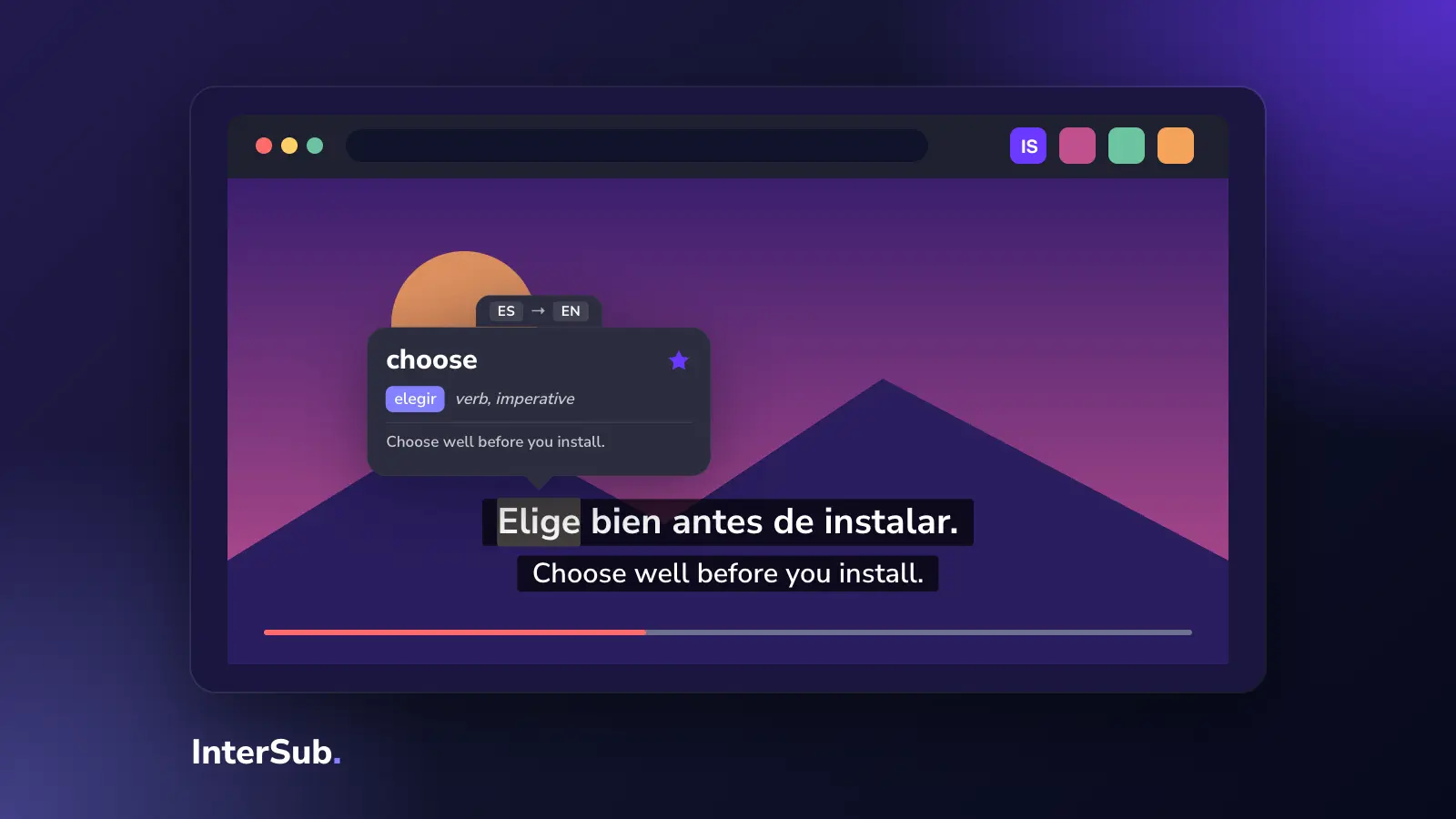
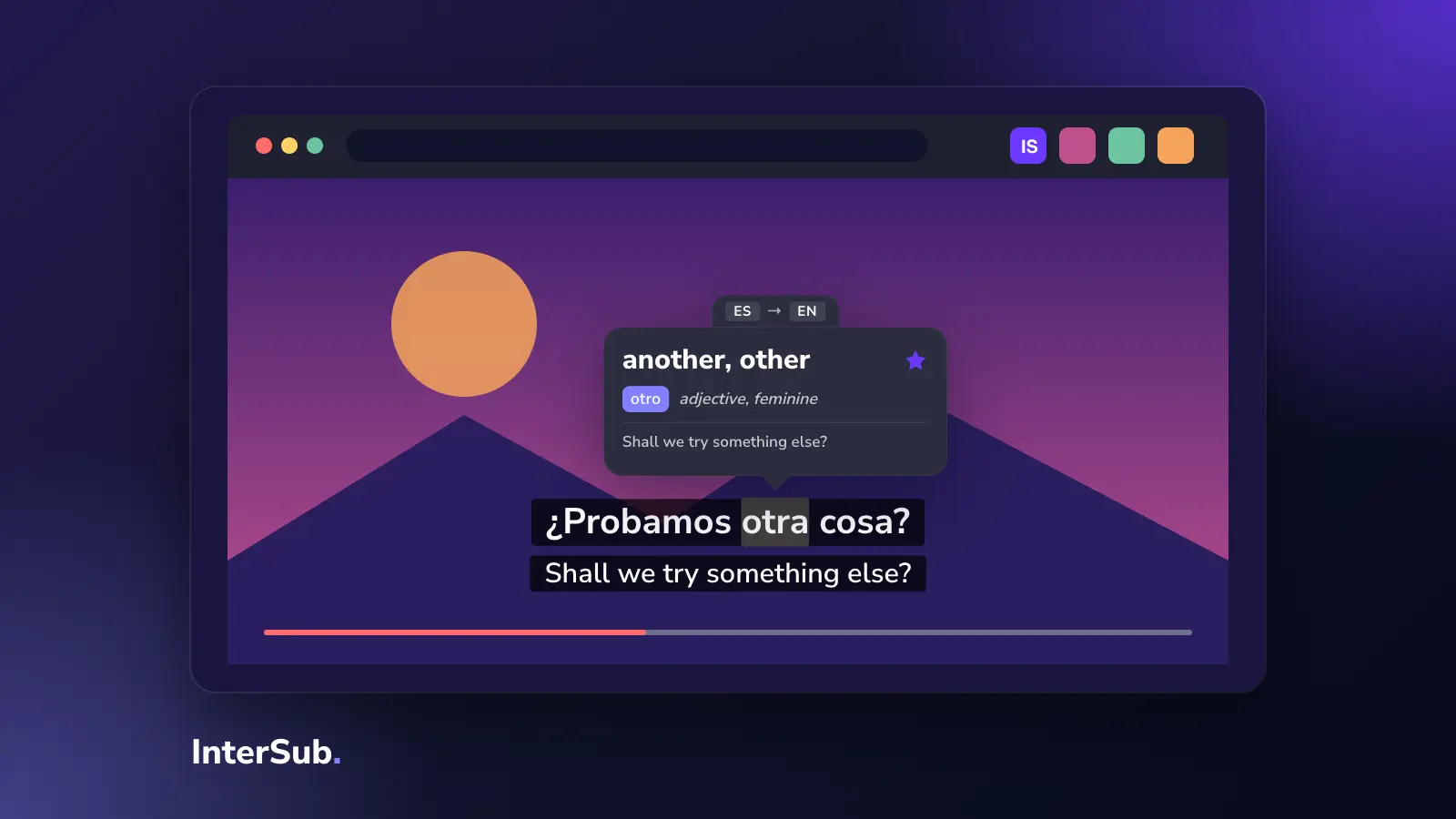
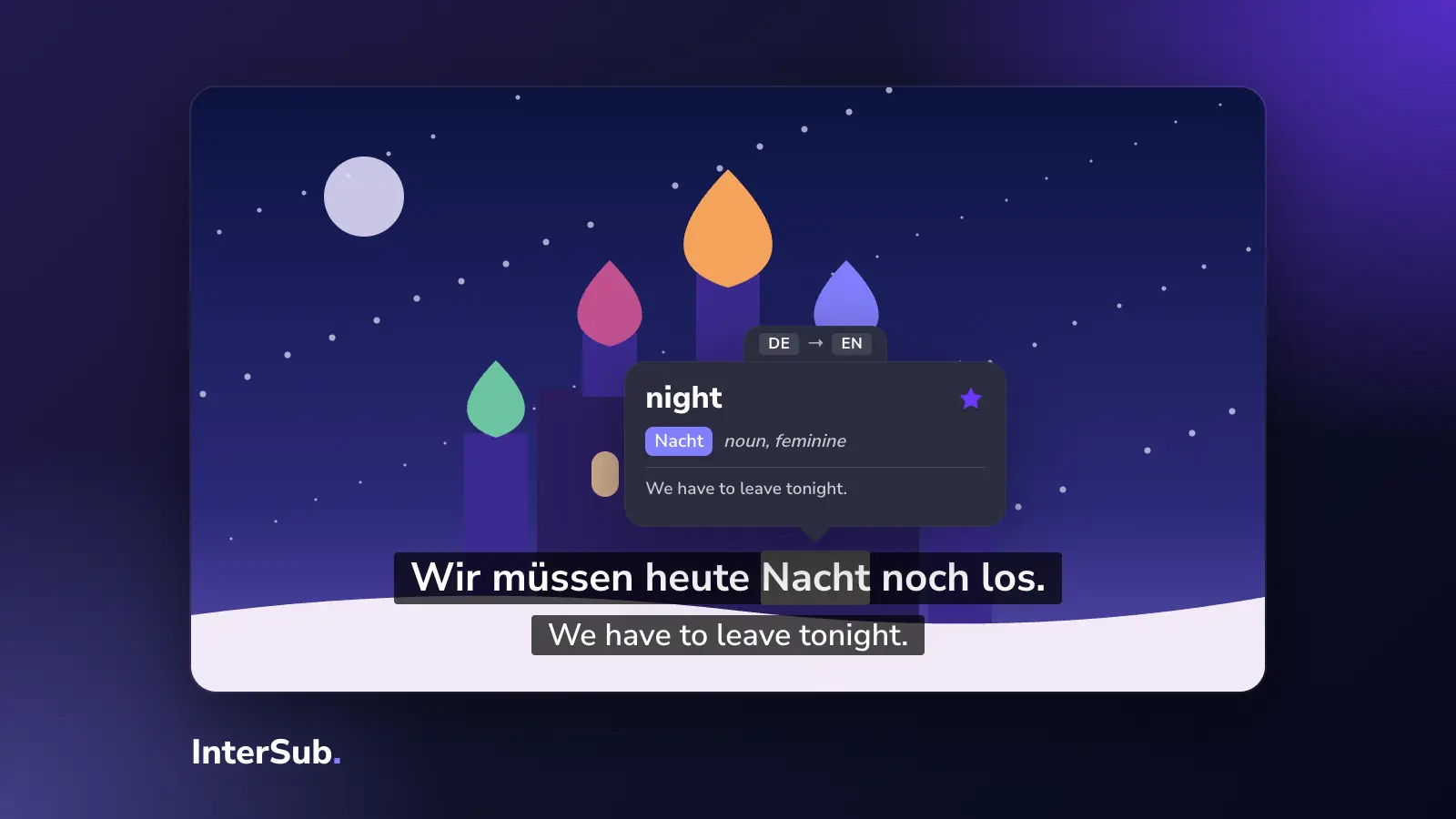
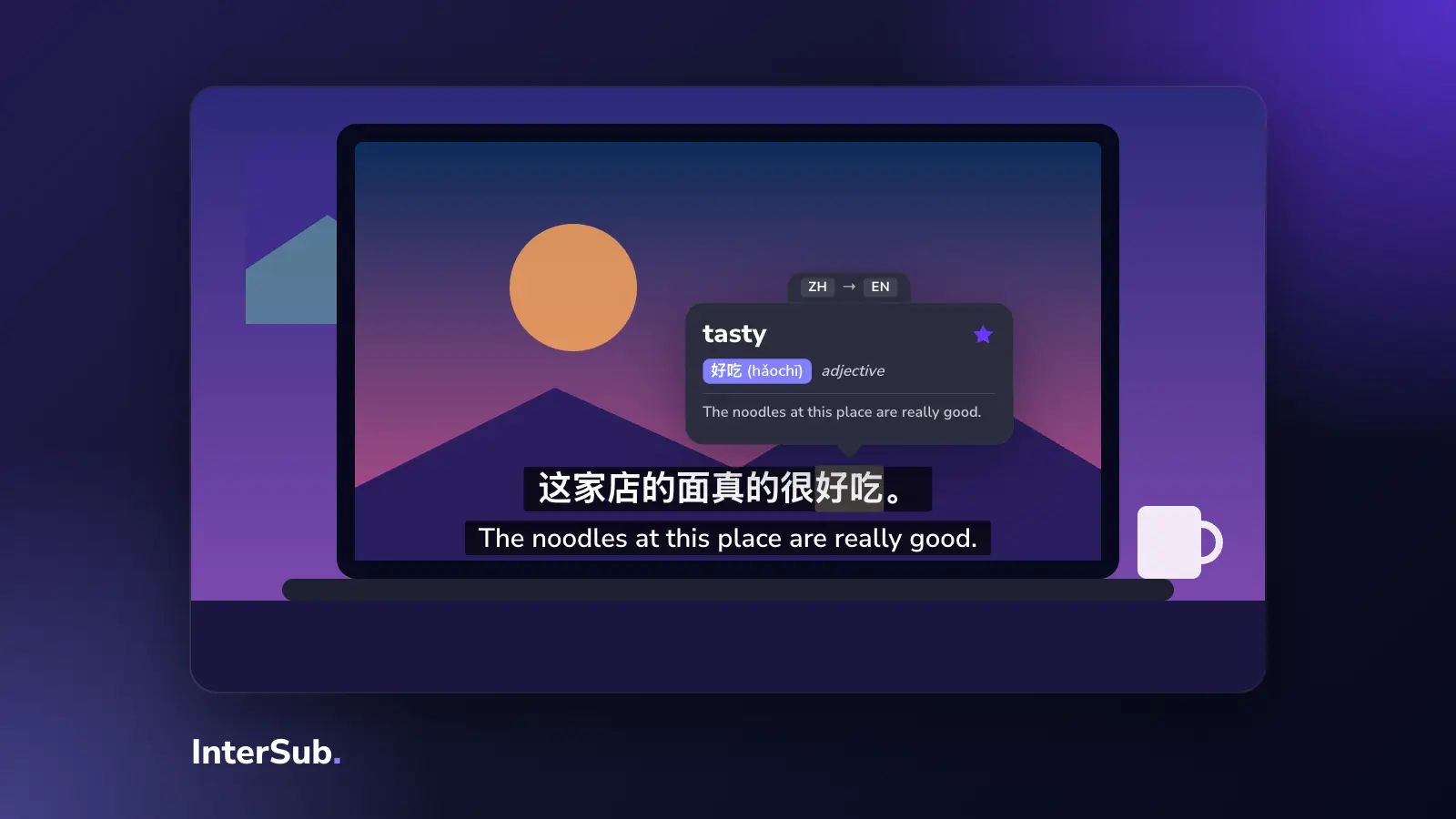
InterSub is a Bilibili to English extension for Chrome, Edge and Firefox. It works on both Bilibili.tv and bilibili.com, and it keeps the Chinese on screen instead of replacing it. You watch with dual subtitles: the Chinese line on top and English, or your own language, under it.
- Install InterSub in Chrome, Edge or Firefox.
- Open a video on bilibili.com or Bilibili.tv and turn on its subtitles.
- In InterSub, set Chinese as the language you are learning and English as your language.
- Adjust the size, colors and position so both lines are easy to read.
Hover over any word and the video pauses and shows its translation, together with a translated slice of the words around it. That matters in Chinese, where one character can mean several things and you need context to know which one fits. Words you look up are saved to your Wordbook, which you can export to Excel or sync with Anki.
When a video has Chinese subtitles but no English track, InterSub translates the second line with AI. That is a paid feature; you can try it during the 14-day free trial. It needs a subtitle track to translate from: if a video has no subtitles at all, there is nothing to show.
To compare tools, see our dual subtitle extensions compared, or read what our dual subtitles extension does on each platform.
What InterSub doesn't translate on Bilibili
InterSub works with subtitles and the words in them. It doesn't translate danmaku, the scrolling bullet comments, and it doesn't translate the bilibili.com interface: menus, titles, descriptions and the comment section stay in Chinese.
If you need those in English, other extensions handle them. Immersive Translate, for example, says it translates danmaku, comments and the site's menus on Bilibili. Its own page also warns that dense danmaku is hard to read in translation, and suggests turning the comment layer down. You can run both: Immersive Translate for the site, InterSub for the subtitles.
Neither tool gets around region locks. If a video is limited to mainland China, it won't play in your browser, and no extension changes that.
Bilibili for learning Chinese
For Chinese learners, bilibili.com is a large free library of the speech textbooks don't give you: people talking the way they actually talk, often with Chinese subtitles to read along.
Good places to start:
- Vlogs. Daily life, cooking, travel and shopping vlogs use everyday words at a natural pace. Food vlogs are a gentle start: you can see what the words mean.
- Lectures and explainers. Science, history and tech channels speak clearly and repeat key terms. University lectures are uploaded too, if you want something harder.
- Anime with Chinese subtitles. On bilibili.com, Japanese anime comes with Chinese subtitles, and Chinese animation (donghua) is dubbed in Mandarin. Donghua is better for listening; Japanese anime with Chinese subtitles is reading practice.
A routine that works: pick one short video, watch it with Chinese and English, then watch it again with English shown only on pause (InterSub has a setting for this). Read along with the Chinese line and look up the words you keep hearing. Review them in your Wordbook the next day, or in the free InterSub Words bot on Telegram, which gives explanations and examples and checks your own sentences with an AI tutor. See all the ways to practice your words.
If Japanese is your real goal, Bilibili.tv carries a lot of anime with subtitles in several languages. Our list of the best anime to learn Japanese sorts shows by level, and you can also learn Japanese with anime on Crunchyroll with the same two-line setup.
Frequently asked questions
Does Bilibili have English subtitles?
Bilibili.tv, the international site, has an English interface, and its licensed anime and shows often come with English subtitles, depending on the title and your region. On bilibili.com, the Chinese main site, most videos have Chinese subtitles at best, so English usually comes from a translation extension.
How do I translate Bilibili to English?
Turn on the Chinese subtitles in the player, then use a browser extension that translates the subtitle line. InterSub shows the Chinese line with an English translation under it in Chrome, Edge or Firefox. Machine translation of the subtitles is a paid feature, included in the 14-day free trial.
What is the difference between bilibili.com and Bilibili.tv?
bilibili.com is the main Chinese site, with a Chinese interface and mostly Chinese creator videos, anime and shows. Bilibili.tv is the international version, with an English interface, licensed anime and subtitles in several languages; its catalog varies by region.
Is there an extension to translate Bilibili?
Yes. InterSub adds an English line under the Chinese subtitles and translates any word you hover over, on both bilibili.com and Bilibili.tv. If you also need bullet comments (danmaku) or the site menus in English, Immersive Translate covers those.
Why can't I watch some videos on bilibili.com outside China?
Some videos, especially licensed anime and shows, are limited to mainland China because of licensing. Outside China they may not play or may not show up at all. No subtitle tool changes that.