
Netflix Japanese Subtitles: How to Turn Them On and Learn
How to turn on Netflix Japanese subtitles on a computer, TV or phone, why they are sometimes missing, and how to watch with Japanese and English at once.
Netflix Japanese subtitles are turned on from the Audio & Subtitles menu in the player: start a show, open the menu, and pick Japanese under Subtitles. If Japanese isn't in the short list, choose Other to see every language the title has. If it isn't there either, the title has no Japanese track in your country, and no setting will add one.
Below is how to do it on each device, why the track is sometimes missing, what Japanese [CC] and furigana mean, and how to watch with Japanese and English together.
How to turn on Japanese subtitles on Netflix
The menu is the same everywhere; only the way you open it changes.
- Computer (browser): start playing, move the mouse, and click Audio & Subtitles in the player controls. Choose Japanese under Subtitles.
- Phone or tablet: tap the screen while the video plays, tap Audio & Subtitles, and pick Japanese.
- TV, streaming stick or game console: press up or down on the remote while the video plays, open Audio & Subtitles, and choose Japanese. On Apple TV, swipe up. On some TVs the languages appear at the bottom of the screen without an icon.
If Japanese is not in the list, select Other. Netflix shows the most relevant languages first and keeps the rest behind that option.
To make Japanese show up by default, add it to your profile's languages. In a browser: Account, then Profiles, choose the profile, open Languages, and add Japanese for audio and subtitles. In the phone app: My Netflix, your profile name, Manage Profiles, the profile, Audio & Subtitles. The choice saves per profile, so a separate profile for language practice keeps the rest of the family on English.
Why Japanese subtitles are missing on Netflix
Netflix's help center lists these reasons:
- Licensing. Subtitle and audio languages are part of the deal for each title and each country. A licensed show may have Japanese subtitles in Japan and none in the US.
- The season. Different seasons of one show can come from different sources. Netflix says languages for seasons it offered before 2018 may not be available.
- New episodes. For licensed shows released weekly, extra languages arrive when the season is complete.
- Your device. Some devices made before 2014 can't display Japanese, Chinese, Korean and several other scripts. If the track exists on your laptop but not on an old TV, that is the reason.
- Downloads. A downloaded episode keeps only the two most relevant languages. Delete the download and choose Japanese before you download it again.
To find titles that do have them, browse netflix.com/browse/subtitles and filter by Japanese. That is the quickest way to get a list of Netflix with Japanese subtitles in your own country, since every catalog is different.
Japanese originals, anime and dubbed shows
What you get depends on what kind of title it is.
- Japanese live-action originals such as Midnight Diner: Tokyo Stories or Alice in Borderland usually carry Japanese subtitles, because Netflix produces them.
- Netflix anime with Japanese subtitles is most likely on anime Netflix releases as its own. For licensed anime the Japanese track depends on the region.
- Dubbed shows (a Korean or American series with Japanese audio) can also have Japanese subtitles, but they may follow the dub or the original script. For learning, stick to titles where Japanese is the original language, so the words on screen match what the actors say.
Japanese subtitles vs Japanese [CC]
You will often see two options: Japanese and Japanese [CC]. Sometimes there is only the [CC] one.
[CC] tracks are made for deaf and hard-of-hearing viewers. Netflix's Japanese style guide asks for as much of the original dialogue as possible, plus speaker names in parentheses when you can't see who is talking, and descriptions of important sounds and music. So Japanese [CC] is a full transcript with some extra lines like a phone ringing or background music.
For a learner that is fine, sometimes even better: the [CC] track sticks closely to what is said. Just skip the bracketed sound notes when you read.
Does Netflix have furigana?
A little. Netflix's Japanese timed-text style guide uses ruby, the small kana written above a kanji, which learners call furigana. The rules are strict:
- ruby goes on the first appearance of a difficult term or a name, not on every one;
- in children's content, every instance gets ruby;
- the guide warns against overusing it.
So you'll see furigana on an unusual name or a rare word the first time it appears, then never again. Don't expect a full reading aid. If you can't read kanji yet, you'll need a lookup tool alongside the subtitles.
How to watch with Japanese and English at the same time
The Netflix apps play one subtitle track at a time. On a computer, a browser extension can add a second line on top of the player, which is how Netflix dual subtitles work. Our guide on two subtitles on Netflix covers the general setup; here is the Japanese version.
- Install InterSub in Chrome, Edge or Firefox.
- Open Netflix in that browser and start a Japanese title.
- In InterSub, set Japanese as the language you are learning and English (or your own language) as the second line.
- Make the Japanese line large enough to read kanji comfortably.
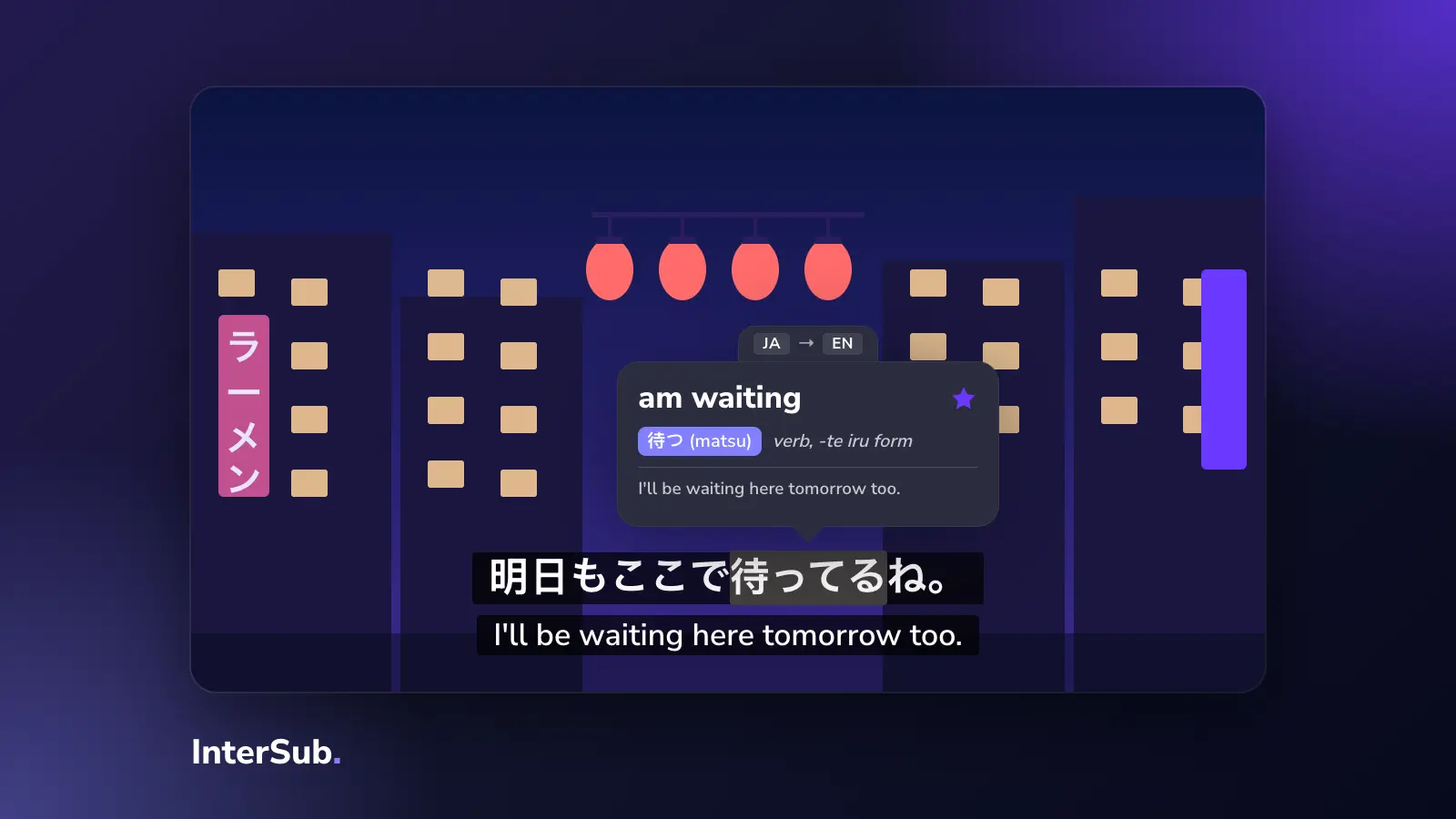
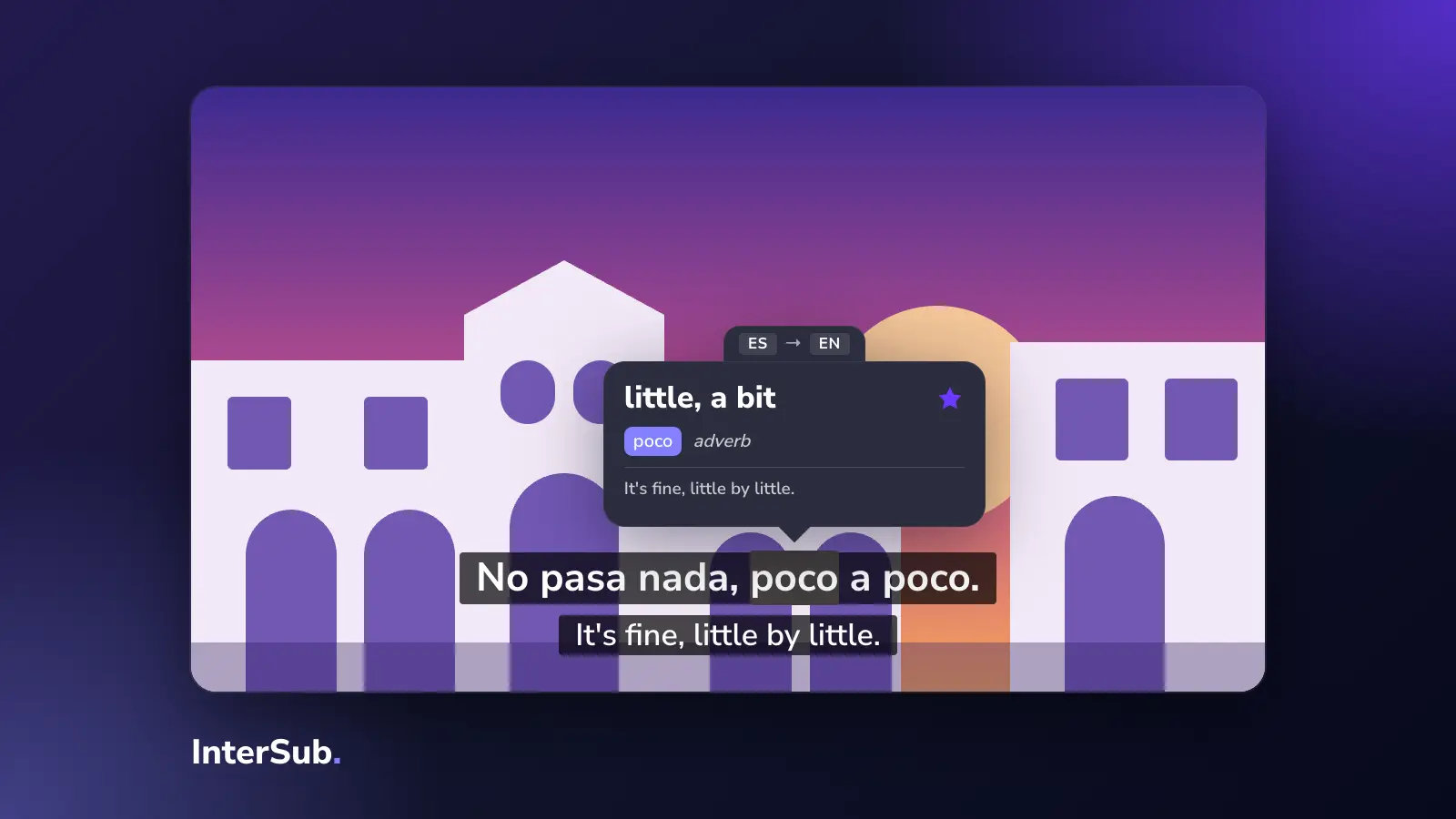
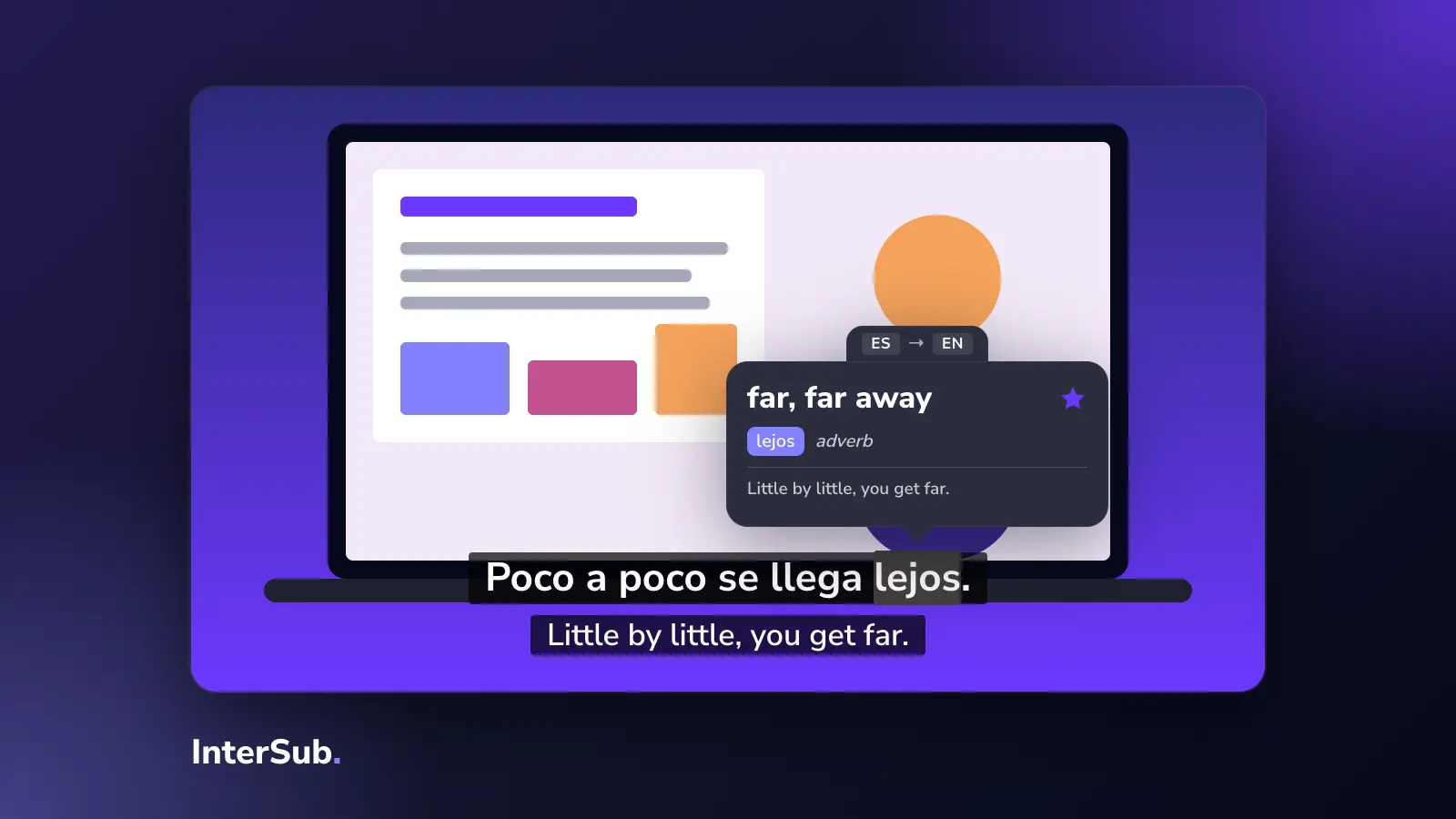
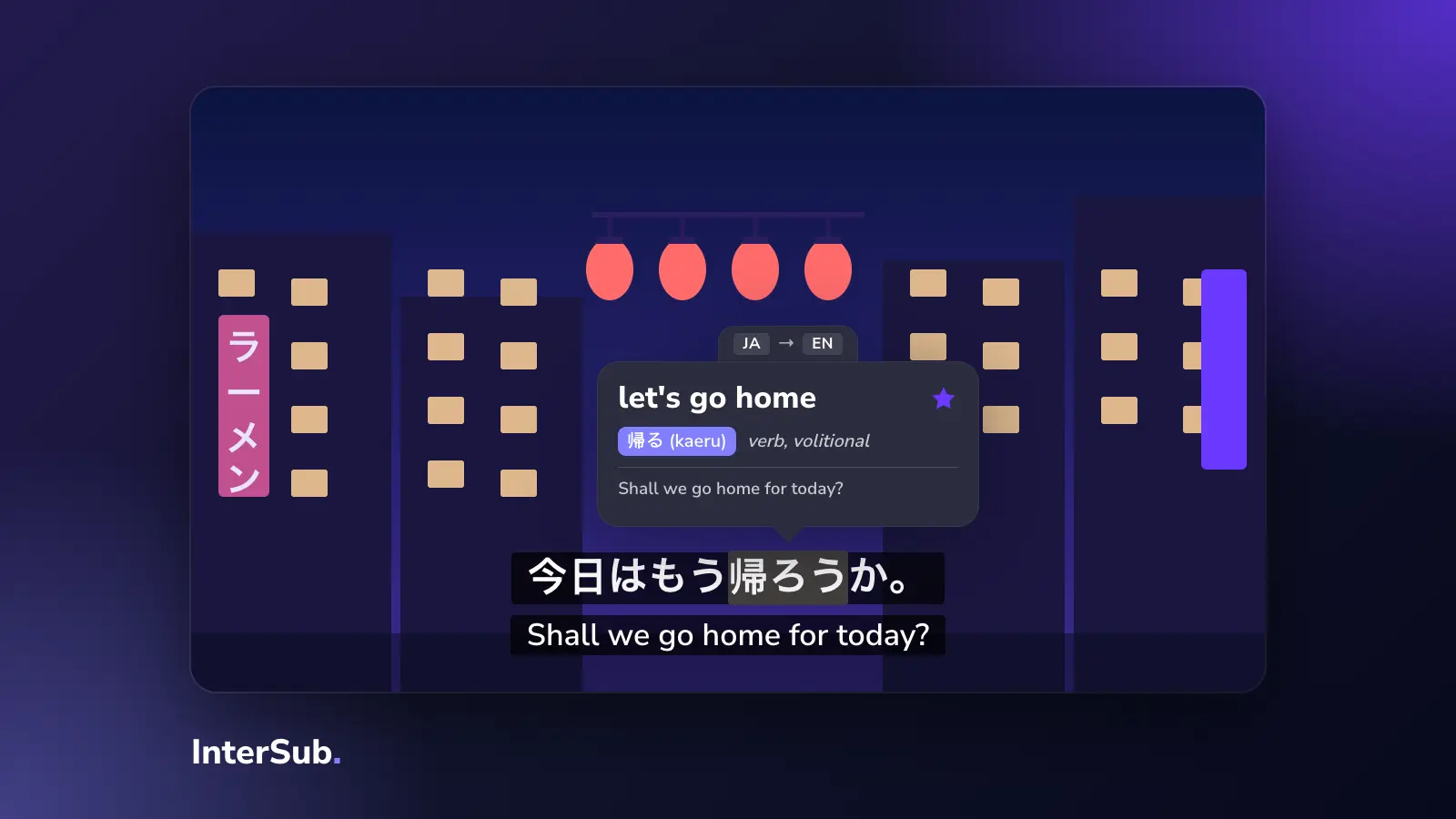
You now see Japanese Netflix subtitles and the English line together, as dual subtitles. Hover over a word and the video pauses and shows its translation with the words around it, so you can tell which meaning fits this scene. Each word you look up goes to your Wordbook, which you can export or sync with Anki.
If a title has Japanese subtitles but no English track in your country, InterSub can translate the second line with AI on a paid plan or during the free trial. It can't create the Japanese line itself: if Netflix has no Japanese subtitles for a title where you are, there is nothing to show. Pick a different title or check the subtitle browse page above.
Japanese shows on Netflix for learners
All of these are on Netflix, though catalogs vary by country. Check the title page where you are.
Easier: short episodes, everyday speech
- Aggretsuko. A red panda in an office job. Short episodes full of workplace Japanese: polite phrases to the boss, casual ones with friends.
- Komi Can't Communicate. A school comedy about a girl who struggles to speak. Simple sentences and lots of classroom vocabulary.
- Midnight Diner: Tokyo Stories. Live action. One late-night diner, one guest per episode, slow everyday conversation.
Middle: more speed, more character voices
- The Way of the Househusband. A former yakuza now doing housework. Funny because rough gangster speech meets shopping and cooking, which is a good way to hear the difference between registers.
- Violet Evergarden. Calm pacing and clear delivery, though the vocabulary is more formal and literary.
Harder: fast action and slang
- Sakamoto Days. Action comedy with quick exchanges and casual speech.
- Alice in Borderland. Live-action thriller. Lots of shouting and short lines under pressure.
Characters in all of these use different forms of address, which tells you a lot about how they relate. Our guide to Japanese honorifics explains -san, -kun, -chan and the rest. For films, see Japanese movies with subtitles.
Netflix or Crunchyroll for anime
If you want to watch anime with Japanese subtitles, Netflix is one of two main options. The other is Crunchyroll, which has the larger anime catalog but fewer Japanese subtitle tracks: many videos, especially in some regions, have none. If you are looking for a website to watch anime with Japanese subtitles, try Netflix first for its originals and Crunchyroll for the rest. InterSub works on both; our page on how to learn Japanese with anime covers the Crunchyroll side.
A learning routine that works
Long sessions with both lines on tend to turn into reading English. A short routine teaches more:
- First watch: one episode with Japanese and English. Follow the story, look up only the words that keep coming back.
- Second watch: the same episode, with English shown only when you pause. InterSub has a setting for this.
- Pick five lines you liked and say them out loud along with the actor. Shadowing mode pauses after each subtitle so you have time to repeat.
- Review your Wordbook for ten minutes the next day, or sync it with Anki.
Stay with one show for a whole season. The same characters use the same phrases again and again, and by the middle of the season you'll catch lines you needed English for in episode one.
Frequently asked questions
Why can't I get Japanese subtitles on Netflix?
Netflix says subtitle languages depend on the title, your country, your profile's language settings and your device. Licensing is the usual reason a title has no Japanese track where you are; older TVs made before 2014 may not display Japanese at all.
How to watch Netflix with Japanese and English subtitles at the same time?
Netflix plays one subtitle track. Open Netflix in Chrome, Edge or Firefox on a computer, install a dual subtitles extension such as InterSub, and choose Japanese and English in its settings.
Does Netflix have furigana in Japanese subtitles?
Sometimes. Netflix's Japanese subtitle guidelines use ruby (furigana) mostly for the first appearance of a hard reading or a name, and on every instance in kids' content. You won't get furigana over every kanji.
What does Japanese [CC] mean on Netflix?
It is a track for deaf and hard-of-hearing viewers. It has the dialogue plus sound cues and speaker labels in brackets. For learning, it works like normal Japanese subtitles with a bit of extra text.
Where to watch anime with Japanese subtitles?
Netflix and Crunchyroll are the two main places. Netflix originals usually have a Japanese track; on Crunchyroll it depends on the show and your region.