
Language Reactor Review and the Best Alternatives (2026)
An honest Language Reactor review: strengths, Pro pricing, browser limits, and the best Language Reactor alternative for Firefox, Prime Video or Disney+.
Language reactor alternative tools are worth a look if you use Firefox, watch Prime Video, Disney+ or online courses, or want something simpler. Language Reactor itself is a strong free toolbox for Netflix and YouTube in Chrome. This review covers what it does well, what Pro costs, where it stops, and five tools that fill the gaps.
What Language Reactor is
Language Reactor used to be called Language Learning with Netflix. Today it is a browser extension plus a website: the extension adds study tools to the Netflix and YouTube players, and the website holds catalogs, saved words, an AI chat and a reader for imported text.
The Language Reactor Chrome extension has about 2 million users. In the Chrome Web Store it rates 3.7 out of 5 from around 4,400 reviews, and it was updated in October 2026.
Language Reactor review: what it does well
A fair Language Reactor review starts with the strengths, and there are many:
- Study mode on Netflix and YouTube. Two subtitle lines, a sidebar with the full transcript, and keyboard shortcuts to jump to the previous or next line or replay the current one. Auto-pause after each subtitle is one key away.
- Click any word. The dictionary shows translations, example sentences with audio and an AI explanation (Lexa).
- PhrasePump. A listening drill that picks sentences with your saved words that are due for review and mixes in new vocabulary.
- Saved words everywhere. Words you save get highlighted in every form across the content you watch, and you can export them to Anki with screenshots and audio.
- More than video. Import web pages or books and listen with text-to-speech, chat with the Aria bot, or work through FSI and DLI drills.
- 40+ languages, with transliteration for languages that use other scripts.
If you learn from Netflix and YouTube in Chrome, it is hard to beat for the price.
Language Reactor pricing: is it free?
People often ask is Language Reactor free, and the answer is yes for the core: subtitles, the dictionary, playback controls and PhrasePump cost nothing. Pro is optional.
Current Language Reactor pricing for Pro, from its own Pro page:
| Plan | Price |
|---|---|
| 1 month | US$5.95 |
| 3 months | US$13.95 |
| 1 year | US$39.95 |
Pro adds four things. On Netflix you get speech recognition and machine translation, so dubbed content gets matching subtitles and missing languages get a translated line; the FAQ mentions a quota of about 5 hours of new content a day. You can save words anywhere, not only in PhrasePump. The Lexa dictionary uses a stronger AI model, and Aria remembers your conversations. If you cancel, you keep and can export the words you already saved.
Where Language Reactor falls short
None of this makes it a bad tool. These are the reasons people go looking for something else.
Browser: Chrome first, no official Firefox version
The developers distribute the extension through the Chrome Web Store, and the help pages describe Chrome only. Edge can install extensions from the Chrome Web Store once you allow other stores, so many Edge users run it that way.
Language Reactor Firefox support is a common question. There is no official Firefox add-on. You will find an unofficial port in the Firefox add-ons store, but it is not published by Language Reactor's developers, so decide for yourself whether you trust it.
Two video platforms
The extension works on Netflix and YouTube. Its FAQ says plainly that Disney+ and Amazon Prime are not supported yet. If you also watch HBO Max, Crunchyroll or a Udemy course, you need another tool for those.
Netflix breakages
Every Netflix extension depends on how Netflix builds its player, and when Netflix changes something, extensions break until they catch up. People who search Language Reactor Reddit are usually looking for exactly these user reports. The most detailed ones we found are on Language Reactor's own forum: in June 2026 many users saw Netflix subtitles stuck on "Loading subtitles", and staff said it came from a Netflix change and that a fix was on the way. This happens to all tools in this category from time to time, ours included.
A lot on one screen
Some people love the transcript sidebar, the catalogs and the extra modes. Others just want to watch a show with two lines of subtitles and look up a word now and then. That is a matter of taste, not a flaw.
The best Language Reactor alternatives
InterSub
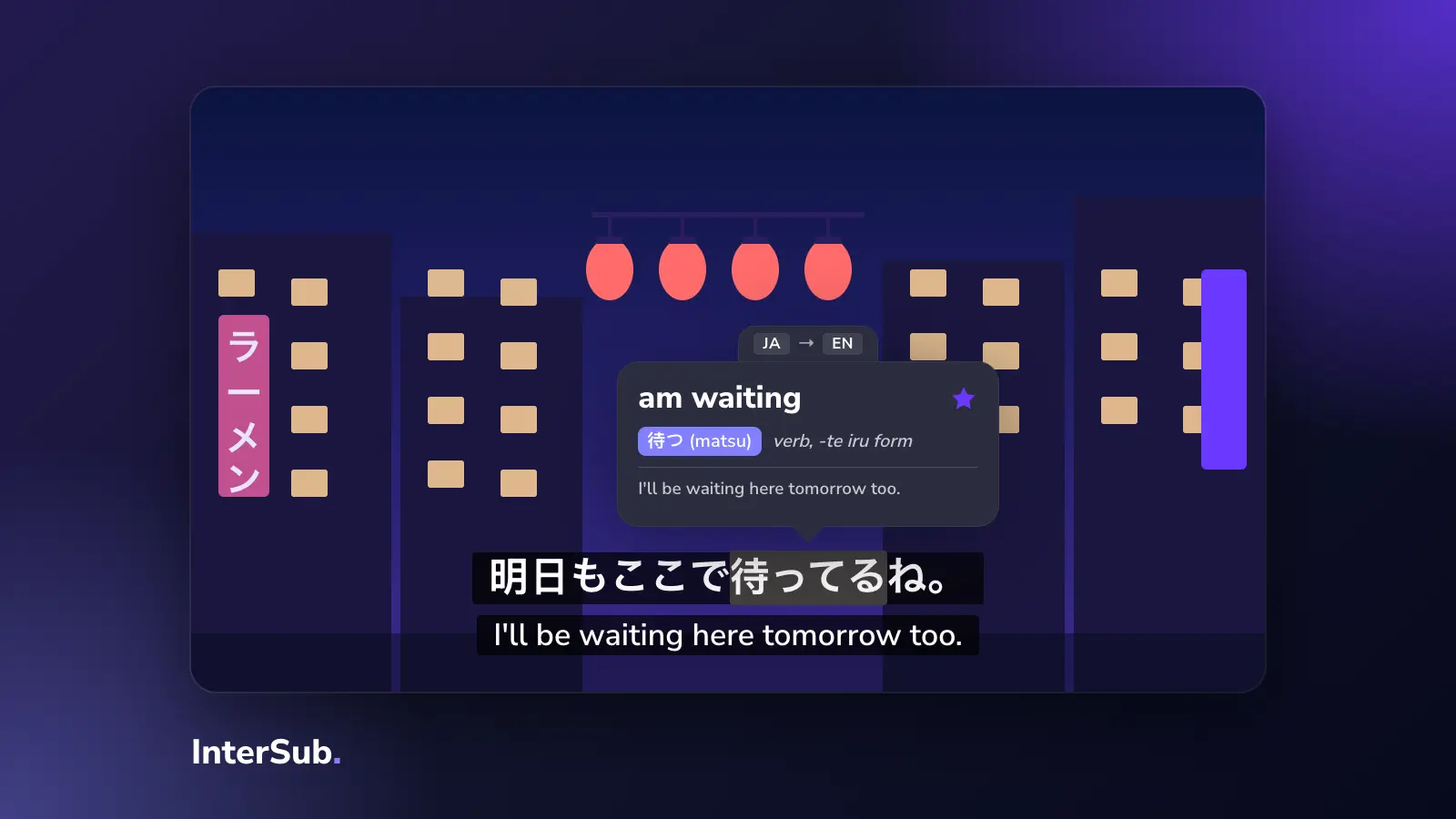
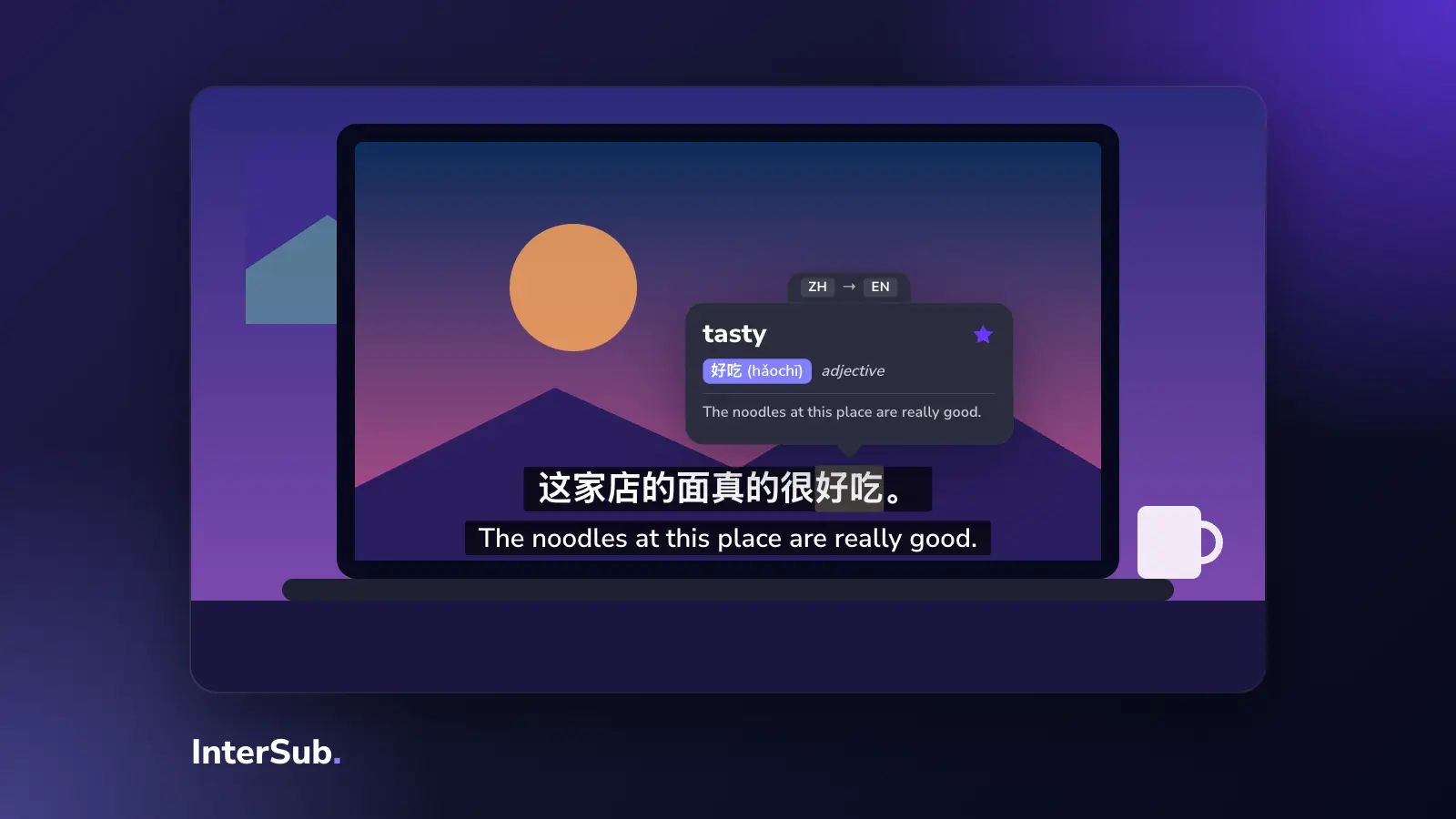
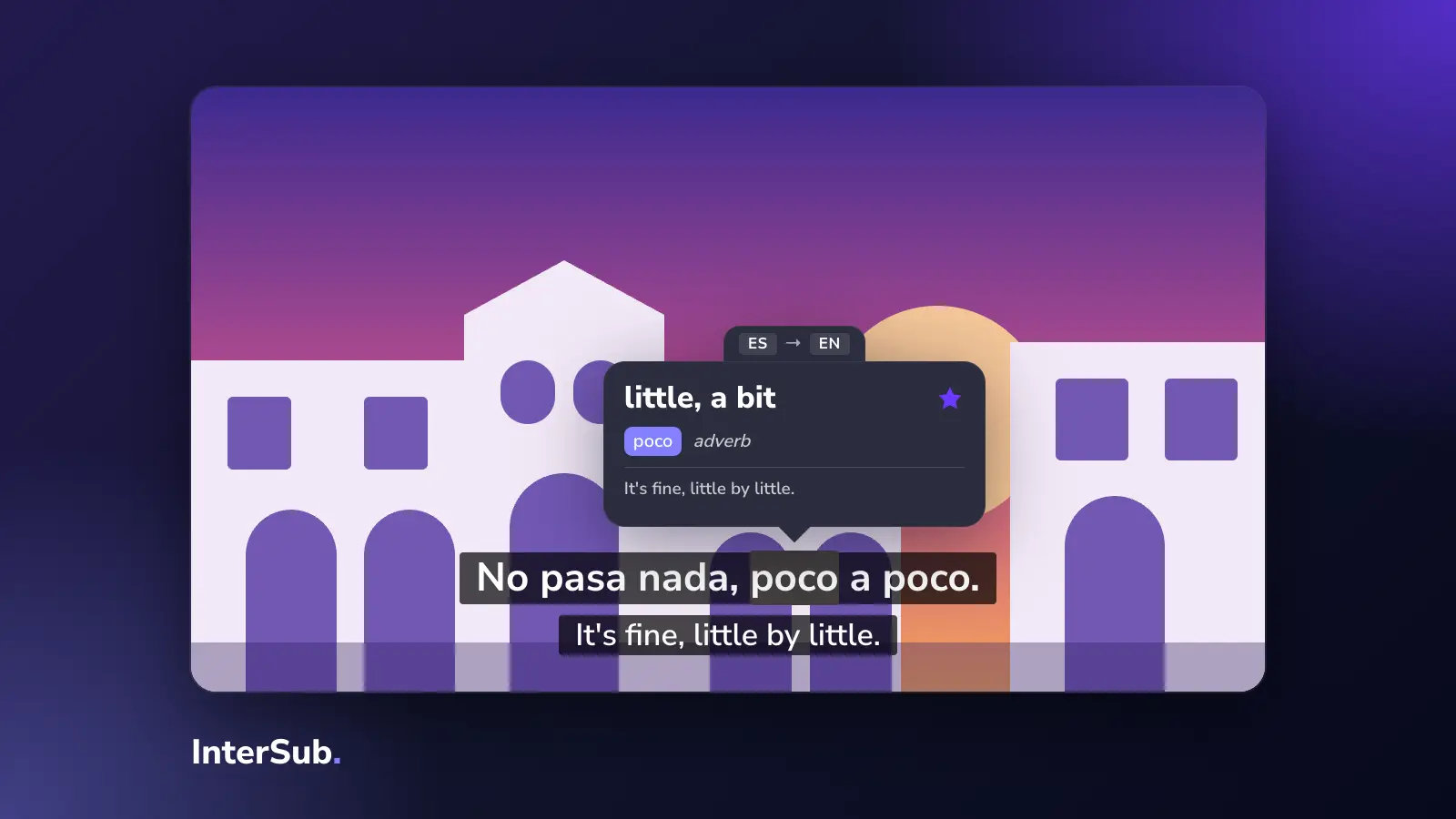
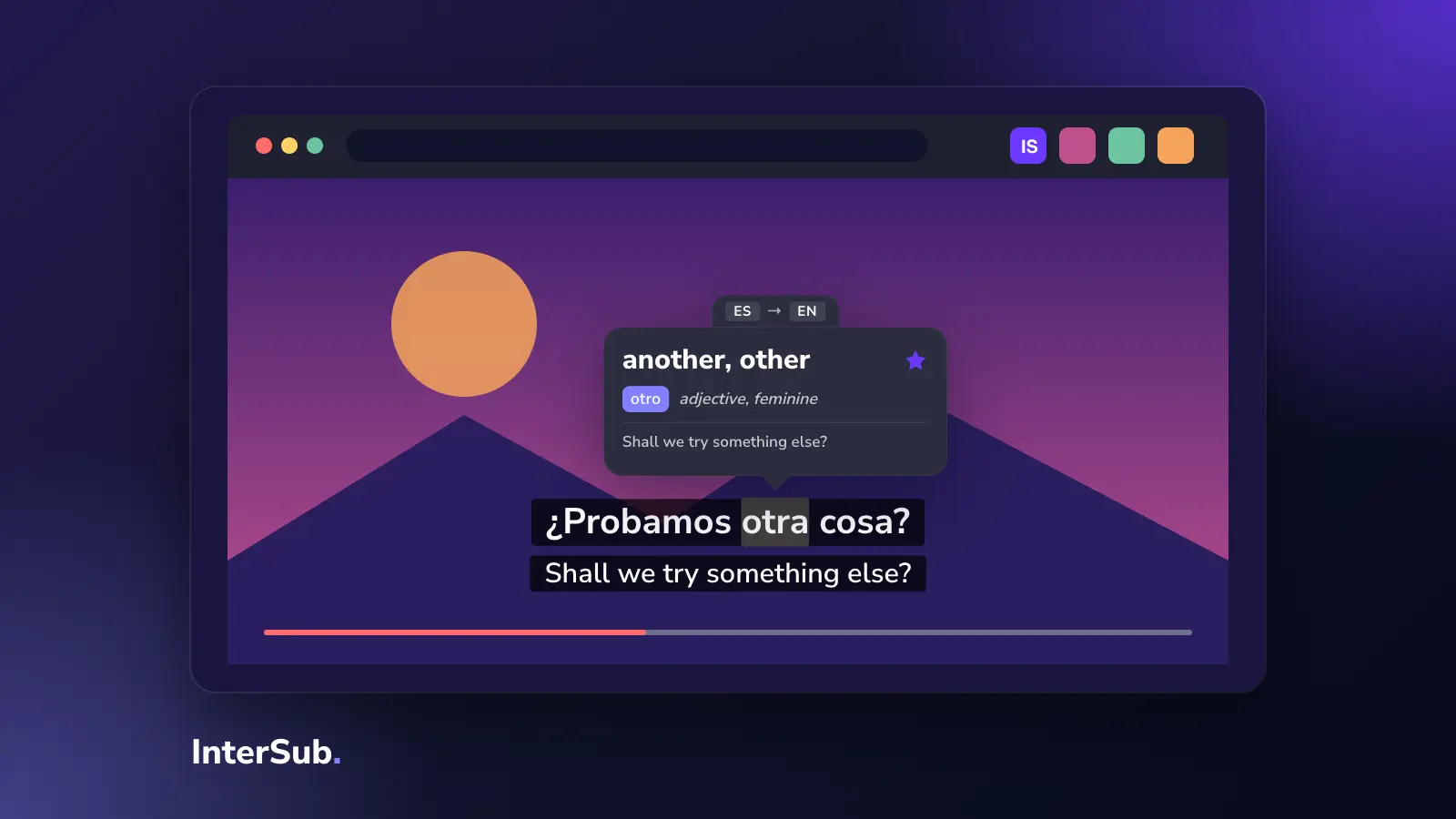
This is our extension, so weigh what we say accordingly. InterSub is a dual subtitles extension with a pop-up dictionary, and it is deliberately simpler than Language Reactor: you watch, see two lines, hover a word to get a translation with context, and the word goes to your Wordbook.
Where it differs:
- Browsers: official versions for Chrome, Edge and Firefox. Safari, including mobile, is in the works.
- Platforms: YouTube, Netflix, Prime Video, HBO Max, Disney+, Crunchyroll, Bilibili.tv, Shahid and TED, plus course sites: Coursera, Udemy, LinkedIn Learning, Domestika, DW Learn German and Learn.cantrill.io.
- Learning modes: subtitles only on pause, the second line only on pause, and shadowing, which pauses after each line so you can repeat it.
- Saved words: the Wordbook syncs with Anki, and you can also practise saved words in the InterSub Telegram bot. Syncing the whole Wordbook needs a paid plan.
- AI subtitle translation when a show has no subtitles in your language. This is a paid feature, also included in the 14-day Premium trial.
- Price: a free plan with unlimited dual subtitles and 15 word lookups a month. Paid plans start at $1.49 for a lookup pack; Premium starts at $6 a month. See plans and prices.
It also works as a translator extension on ordinary websites: select or double-click a word in an article and get the same pop-up.
Trancy
Trancy is the closest to Language Reactor in scope, with even more AI features: AI subtitles and sentence splitting on YouTube, grammar breakdowns, a speaking coach, web page translation and a PDF translator. It has extensions for Chrome, Edge, Firefox, Brave, Arc and Safari, plus mobile apps. The free plan has unlimited lookups and limits you to 100 saved words. Premium lists at $42 a year, and there was a 30% discount running in October 2026.
Dualsub
Dualsub is a small, lightweight extension for Chrome, Edge and Firefox that shows dual subtitles on YouTube and a few Asian streaming sites (iQ, Viki, WeTV, Youku, iflix). Showing subtitles is free. Its AI subtitle translation runs on paid API keys: $4.99 for a weekly pack or $9.99 for a monthly pack, with a small free quota. It has no dictionary or word list, so it fits people who only want two lines on YouTube.
Migaku
Migaku is built around flashcards. Its Chrome extension works on YouTube, Netflix, Disney+, Viki and other sites, and turns words and sentences into cards you review in its own app on iOS, Android or the web. There is no free plan: $10 a month, $96 a year or $240 for lifetime, with a 10-day money-back trial.
The Language Reactor vs Migaku choice comes down to this. Language Reactor is free to start and is strongest for watching and listening. Migaku costs money from day one and is strongest if you want to build a large flashcard deck from what you watch, which is why many Japanese and Chinese learners use it.
Lingopie
Lingopie is not an extension. It is a streaming service with its own catalog of over 5,000 shows, podcasts and books in 15 languages, with clickable dual subtitles and flashcards built in. It runs on phones, computers and TV apps (Roku, Fire TV, Google TV). Plans start at $41.97 for three months; there is a 7-day free trial. Good if you want a ready-made library rather than your own Netflix account.
Comparison table
Prices checked on the official sites in October 2026.
| Tool | Browsers | Platforms | Free plan | Price | Best for |
|---|---|---|---|---|---|
| Language Reactor | Chrome (Edge via Chrome Web Store) | Netflix, YouTube, imported text | Yes, generous | Pro $5.95/mo or $39.95/yr | Deep study on Netflix and YouTube |
| InterSub | Chrome, Edge, Firefox | 15+ incl. Prime Video, HBO Max, Disney+, Crunchyroll, Coursera, Udemy | Yes, 15 lookups/mo | From $1.49; Premium from $6/mo | Many platforms, simple flow, Firefox |
| Trancy | Chrome, Edge, Firefox, Safari, Brave, Arc | YouTube, Netflix, HBO, Disney+, TED, Coursera, Udemy | Yes, 100 saved words | Premium $42/yr list | Lots of AI tools in one place |
| Dualsub | Chrome, Edge, Firefox | YouTube and a few Asian streaming sites | Yes, subtitles only | AI packs $4.99/week, $9.99/month | Just two lines on YouTube |
| Migaku | Chrome | YouTube, Netflix, Disney+, Viki and more | No | $10/mo, $96/yr | Flashcards from what you watch |
| Lingopie | None, own app | Own catalog | No, 7-day trial | From $41.97 per 3 months | A ready-made show library |
For a closer look at the extensions only, see our dual subtitle extensions compared.
Which one to pick
- You watch Netflix and YouTube in Chrome and want everything free: stay with Language Reactor.
- You use Firefox, or you watch Prime Video, HBO Max, Disney+, Crunchyroll or online courses: try InterSub.
- You want AI on everything, including PDFs and speaking practice: Trancy.
- You only want two lines on YouTube: Dualsub.
- You want a big flashcard deck, especially for Japanese or Chinese: Migaku.
- You don't have a streaming subscription and want curated shows: Lingopie.
Nothing stops you from running two of them. Many people keep Language Reactor for Netflix and add a second extension for the platforms it doesn't cover. If Netflix is your main source, here is how to get two subtitles on Netflix step by step.
Frequently asked questions
Is Language Reactor free?
Yes, the core is free: dual subtitles on Netflix and YouTube, the pop-up dictionary, playback controls and PhrasePump. Pro costs US$5.95 a month and adds machine translation and speech recognition on Netflix, saving words everywhere and a stronger AI model.
Does Language Reactor work in Firefox?
Language Reactor's developers distribute the extension through the Chrome Web Store and don't publish a Firefox version. If you use Firefox, pick an alternative that has an official Firefox add-on, such as InterSub, Trancy or Dualsub.
Does Language Reactor work on Disney+ or Prime Video?
No. Language Reactor's own FAQ says it does not support Disney+ or Amazon Prime yet. It works on Netflix and YouTube, plus text you import into its website.
What is the best Language Reactor alternative?
It depends on what you need. InterSub covers more streaming and course platforms in Chrome, Edge and Firefox, Trancy adds many AI tools, Migaku is built around flashcards, and Lingopie is a streaming service with its own catalog.
Language Reactor vs Migaku, which is better?
Language Reactor has a generous free plan and suits Netflix and YouTube learners. Migaku is paid only and focuses on mining sentences into flashcards, which many Japanese and Chinese learners like.