
Dualsub vs Trancy vs Subadub: 7 Extensions Compared
Dualsub, Trancy, Subadub, DualPiP, Sublango, Language Reactor and InterSub: what each one does, where it works, what it costs and who it suits.
Dualsub, Trancy and Subadub are the names people compare most often, but they are very different tools. Dualsub puts two subtitle lines on YouTube. Trancy is a large learning suite. Subadub makes Netflix subtitles copyable and does nothing more. Below are seven extensions, what each one actually does as of October 2026, where it works, what it costs and who it suits. InterSub is one of them; we make it, so check our claims against the table like everyone else's.
Dualsub: two lines on YouTube, simple and light
Dualsub calls itself a lightweight extension that translates and shows dual subtitles on YouTube and a few other video sites. Its documentation lists YouTube, iflix, iQIYI, Viki, Youku and WeTV. Netflix is not on that list.
You turn on YouTube's captions, pick two languages, and Dualsub shows both. When a second track is missing, it can translate one with its own AI service, which works best for English subtitles. That AI translation is paid, with a free quota you get through an API key; the basic two-line view is free.
It runs in Chrome, Edge and Firefox. On the Chrome Web Store it has 100,000 users and a 2.8 rating; on Firefox Add-ons its rating is 4.2. There is no word list or flashcard export.
Suits: people who watch mostly YouTube and want a simple youtube subtitles extension with nothing else on screen.
Trancy: a large learning suite
Trancy shows bilingual subtitles on YouTube, Netflix, HBO Max, TED, edX, Coursera and Udemy, and it also translates web pages. Beyond subtitles it has word and sentence translation with AI definitions, grammar analysis, a word list, practice modes, pronunciation, AI captions for videos without subtitles, and a mobile app.
There is a free plan with unlimited word and sentence translation but a limit of 100 saved words and 50 saved sentences. Premium is a monthly or yearly subscription; its pricing page did not show readable prices when we checked, so look there before you decide. Trancy has 300,000 users on the Chrome Web Store (rating 4.3) and a Firefox version.
Suits: learners who want many tools in one place and don't mind a busy screen.
Subadub: copyable Netflix subtitles
Subadub is a small tool by Russel Simmons for Netflix only. It replaces Netflix subtitles with selectable text, so you can copy a line into flashcards or look a word up with a dictionary extension such as Yomichan, and it lets you download the full subtitles of an episode as an SRT file. Its listing does not describe a second translated line, so it is not a dual subtitle tool in the usual sense.
It is free, was updated on July 1, 2026 (version 0.1.12), and has about 10,000 users on Chrome plus a Firefox version.
Suits: Japanese learners and anyone who makes their own flashcards from Netflix subtitles.
DualPiP: subtitles in a floating window
DualPiP puts a video into a resizable picture-in-picture window with bilingual subtitles, translation, AI captions from speech recognition, scrolling comments and playback controls. Since version 1.5 it also shows two subtitle lines on the page itself. It can load a video's own subtitles, search OpenSubtitles and SubDL, or import a file.
The free plan is free forever. Pro costs $39.99 once for lifetime access, and a one-year plan costs $14.99 with no auto-renewal; both include quotas for AI captions and AI translation. It works in Chrome, Edge, Brave, Vivaldi and Arc (version 116 and later), not in Firefox. It has 10,000 Chrome users and a 4.5 rating.
Suits: people who watch while working in another window, and anyone who needs subtitles on videos that have none.
Sublango: translated subtitles and voice-over
Sublango is a paid subtitle translator extension rather than a learning tool. It adds live captions, translated subtitles and AI voice-over on YouTube, Netflix, Prime Video, Disney+, HBO Max, Rakuten Viki, Udemy and Coursera. Its site and store listing do not say whether the original line and the translation appear together.
An account and an active subscription are required; the plans are called Subtitles, Pro and Max, and no prices were shown publicly when we checked. It is a Chrome extension with 551 users.
Suits: people who want to understand a video in their own language, or listen to a voice-over, more than study the original.
Language Reactor: the best-known option
Language Reactor shows two subtitle languages on Netflix and YouTube, with a popup dictionary, playback controls and exports for Anki. It has 2,000,000 Chrome users and offers paid features. We cover it and its competitors in a separate post on Language Reactor alternatives.
InterSub: dual subtitles and a dictionary on many sites
InterSub is a dual subtitles extension for Chrome, Edge and Firefox; Safari is coming. It works on YouTube, Netflix, Prime Video, HBO Max, Disney+, Crunchyroll, Bilibili.tv, Shahid, TED, Coursera, Udemy, LinkedIn Learning, Domestika, DW Learn German and Learn.cantrill.io.
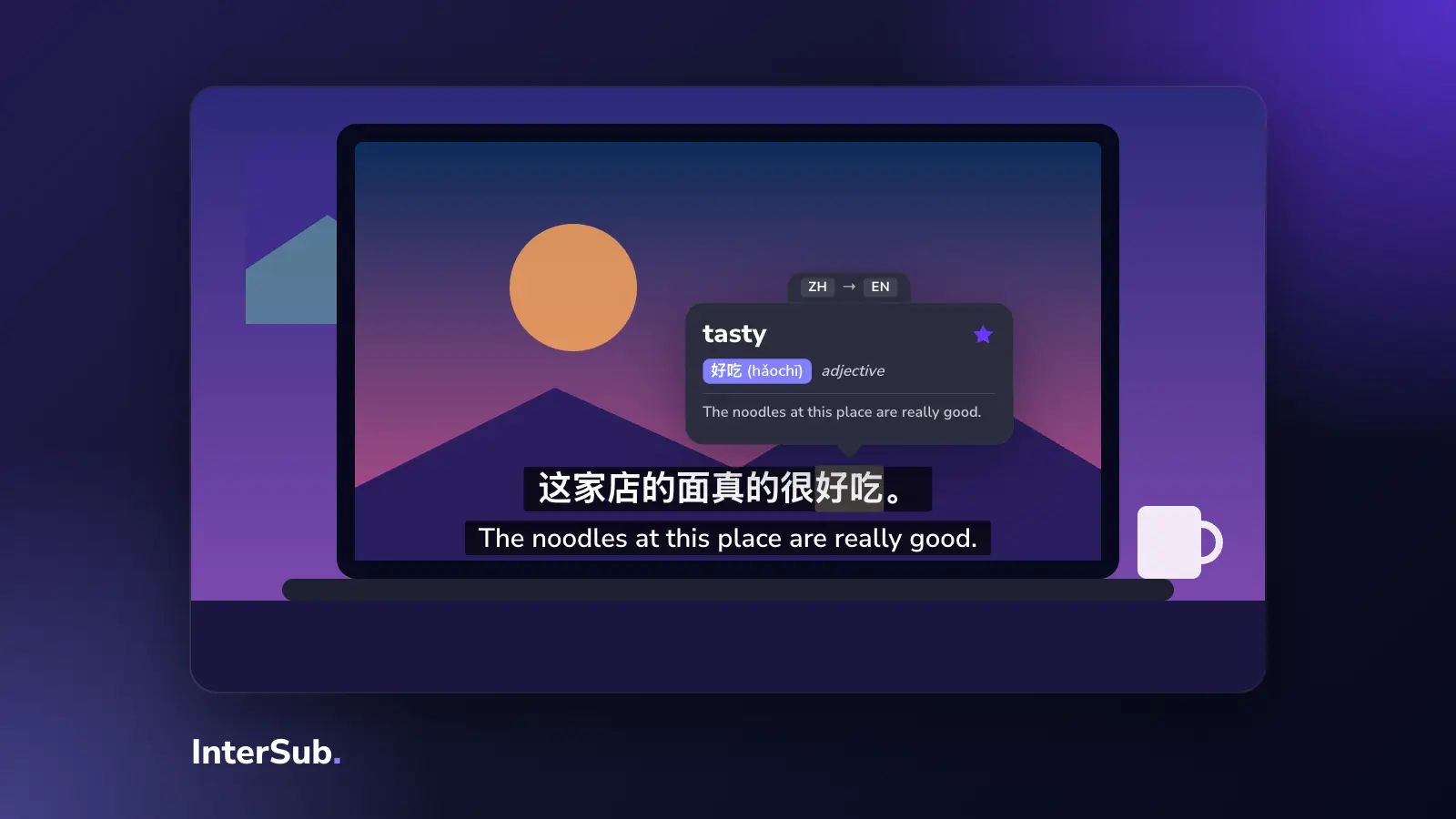
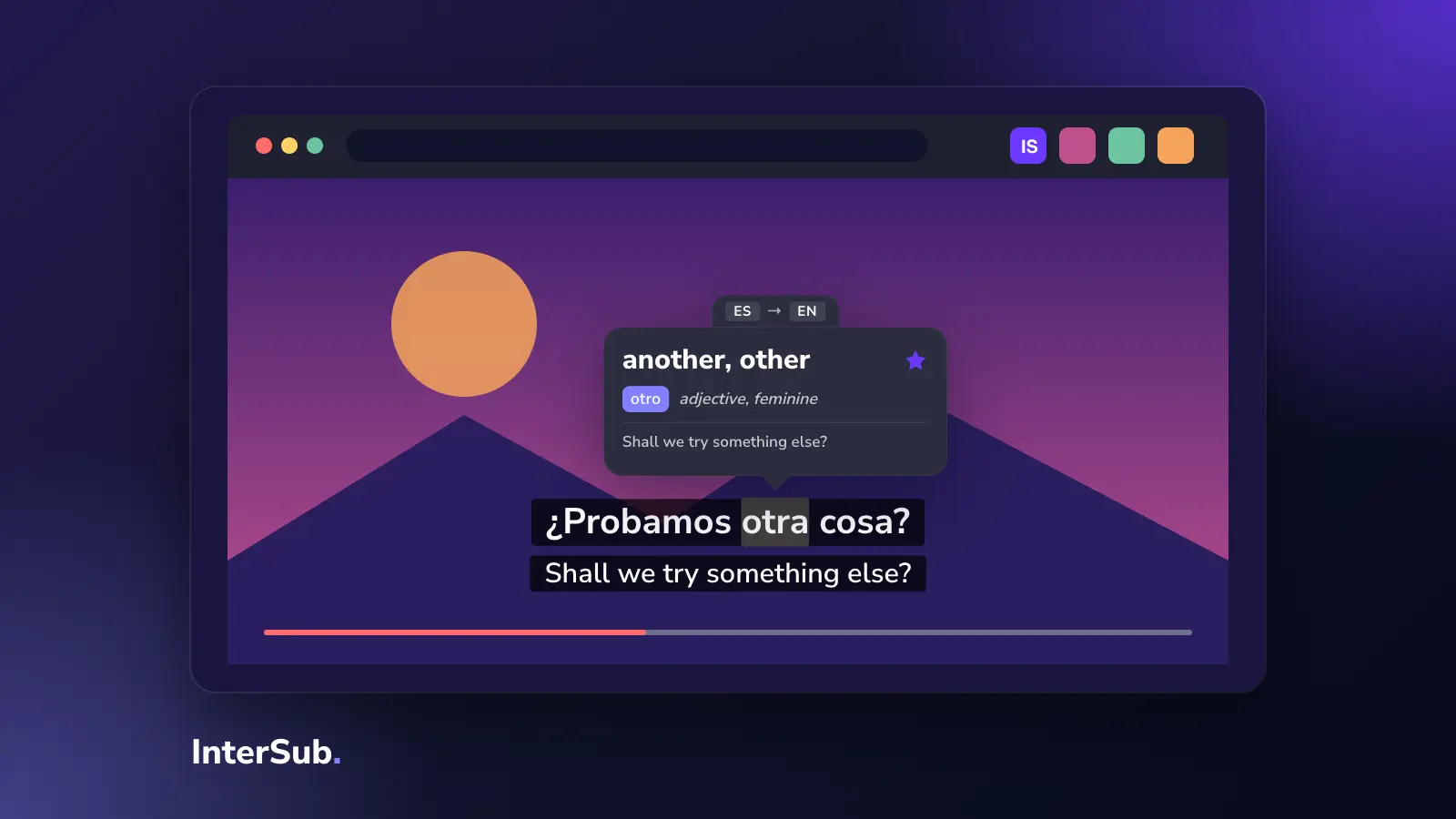
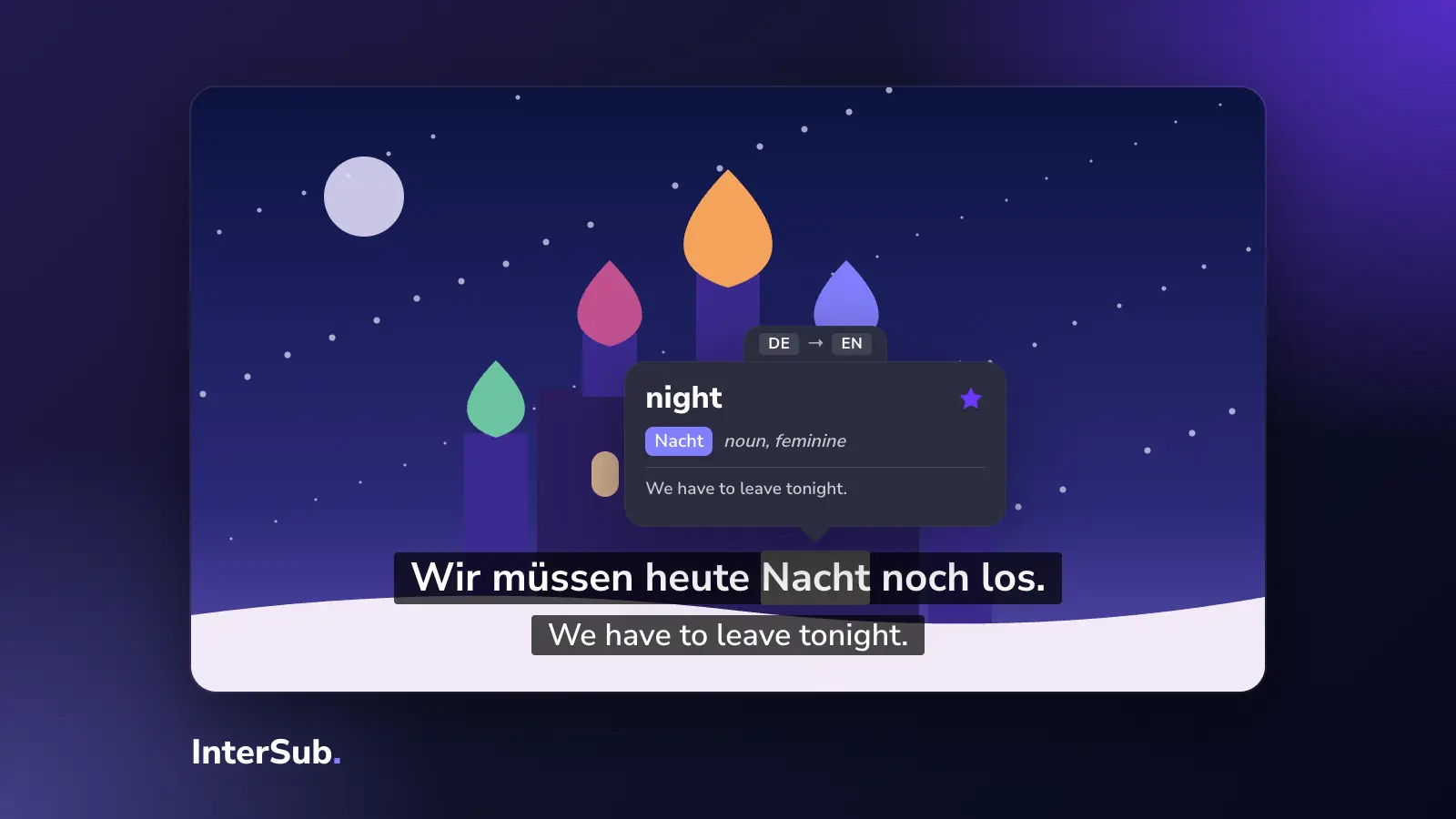
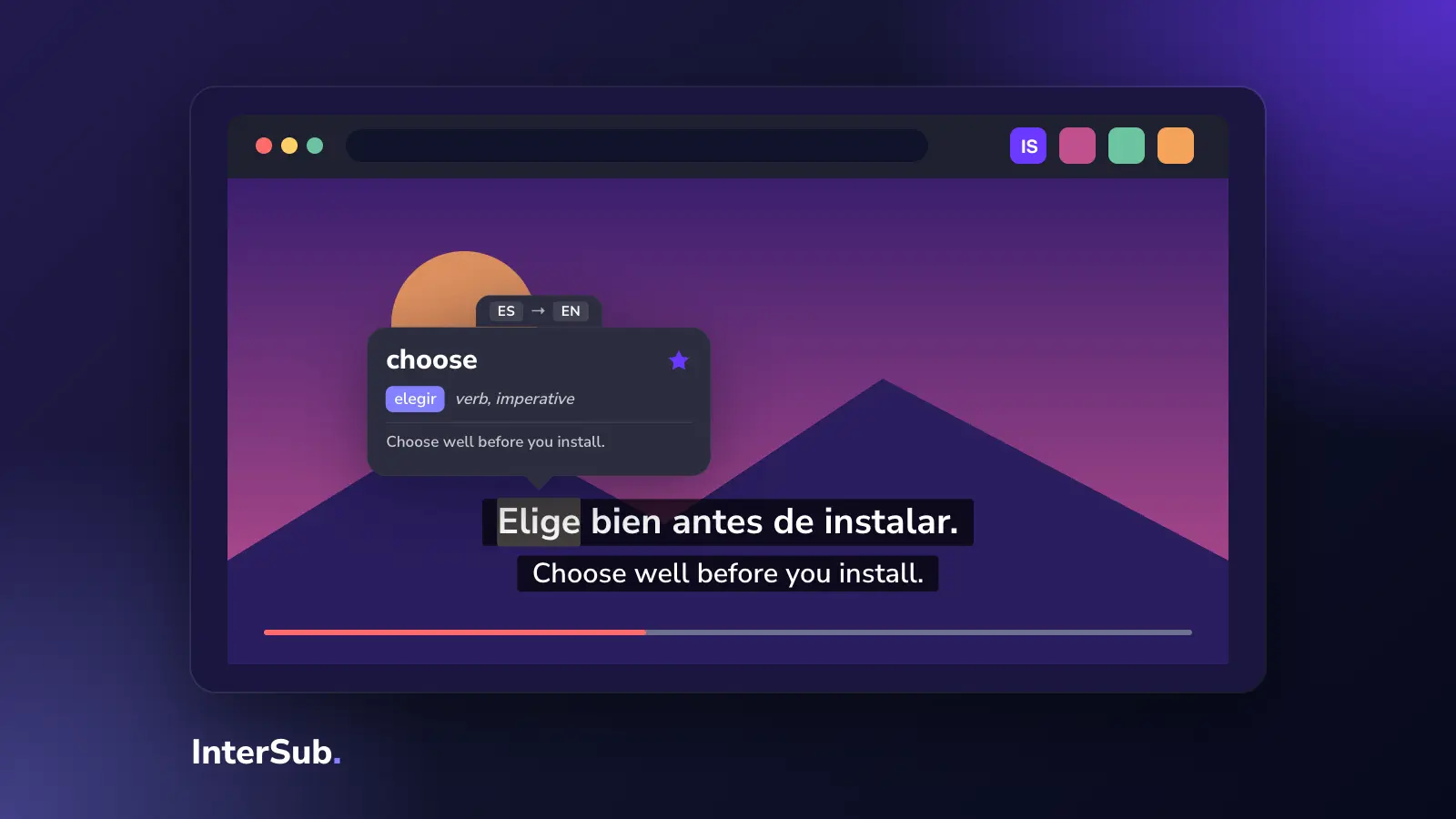
It shows the video's subtitles and a second line in your language. Hover over a word and the video pauses and shows the translation with a short translated slice of the sentence around it. Looked-up words are saved to your Wordbook, which you can export to Excel or sync with Anki. Learning settings include the second line only on pause, subtitles only on pause, and shadowing.
The free plan has unlimited dual subtitles without AI translation, 15 word lookups a month and a 14-day Premium trial. AI translation of the second line and full Wordbook access are paid; Pay-as-you-go starts at $1.49 and Premium at $6 a month on our plans page. Chrome Web Store: 20,000 users, rated 4.6.
Suits: people who watch on several platforms, including course sites, and want to save words for review.
Comparison table
Users and ratings are from the Chrome Web Store on October 21, 2026.
| Extension | Main sites | Browsers | Two lines at once | Word list / export | Price | Chrome users |
|---|---|---|---|---|---|---|
| Dualsub | YouTube, Viki, iQIYI, WeTV and a few more | Chrome, Edge, Firefox | Yes | No | Free; AI translation paid with free quota | 100,000 |
| Trancy | YouTube, Netflix, HBO Max, Coursera, Udemy and more | Chrome, Firefox, mobile app | Yes | Word and sentence lists | Free plan; Premium subscription | 300,000 |
| Subadub | Netflix | Chrome, Firefox | No, one copyable line | SRT download | Free | 10,000 |
| DualPiP | Most sites with a standard video player | Chrome, Edge, Brave, Vivaldi, Arc | Yes | No | Free; Pro $39.99 once or $14.99 a year | 10,000 |
| Sublango | YouTube, Netflix, Prime Video, Disney+, Udemy, Coursera and more | Chrome | Not stated | No | Subscription required | 551 |
| Language Reactor | Netflix, YouTube | Chrome | Yes | Anki export | Free with paid features | 2,000,000 |
| InterSub | YouTube, Netflix, Prime Video, HBO Max, Disney+, Crunchyroll, Coursera, Udemy and more | Chrome, Edge, Firefox | Yes | Wordbook, Excel, Anki | Free plan; paid from $1.49 | 20,000 |
How to choose
Start from where you watch and what you want to do with the words you meet. Every tool above needs a computer; none of them runs in the Netflix or YouTube apps on a TV or phone (Trancy has its own mobile app).
YouTube only
Dualsub is the lightest choice, and its two lines on YouTube are free. If you also want to look words up and keep them, Trancy, Language Reactor and InterSub all show YouTube dual subtitles with a dictionary on top.
Netflix
Netflix shows one subtitle track, so for two lines you need a netflix two subtitles extension: Language Reactor, Trancy or InterSub. If you only want the Netflix subtitle text to copy into your own flashcards, Subadub does exactly that. More on the setup in our guide to two subtitles on Netflix.
Many platforms
If you switch between Netflix, Prime Video, Disney+ and anime sites, look at InterSub, DualPiP or Trancy. DualPiP says it works with most sites that use a standard video player; InterSub has named support for each platform listed above; Trancy covers the big ones plus web pages.
Course sites
For Coursera, Udemy and LinkedIn Learning, InterSub and Trancy both work, and Sublango covers Udemy and Coursera if you want a translation or voice-over rather than study. Our post on Chrome extensions for Udemy and Coursera goes deeper.
Firefox users
Dualsub, Trancy, Subadub and InterSub have Firefox versions. DualPiP, Sublango and Language Reactor don't list Firefox.
Saving words to Anki
Language Reactor and InterSub both get saved words into Anki; InterSub syncs them through its Anki setup. Trancy keeps its own word list. Subadub gives you text to copy, so you build the cards yourself.
Multilingual subtitles beyond two lines
Two lines is the most any tool here offers; none of their listings promises three or more multilingual subtitles at once. If two lines feel like too much reading, read our take on double subtitles and when one line on pause works better.
Frequently asked questions
What is the best dual subtitles extension?
It depends on where you watch. Dualsub is enough for YouTube, Language Reactor and InterSub cover Netflix, and Trancy, DualPiP and InterSub work across many sites. If you also want to save words for review, look at Trancy, Language Reactor or InterSub.
Is Dualsub free?
Dualsub is free to install and shows a video's own subtitle tracks in two languages. Its AI subtitle translation runs on Dualsub's servers and is a paid service with a free quota that needs an API key.
Does Subadub still work?
Subadub was updated on July 1, 2026, on both the Chrome Web Store and Firefox Add-ons (version 0.1.12). It works only on Netflix and shows the subtitles as selectable text you can copy or download as SRT.
Which dual subtitle extension works in Firefox?
Dualsub, Trancy and InterSub all have Firefox versions, and Subadub does too for Netflix. DualPiP needs a Chromium browser such as Chrome or Edge, and Sublango and Language Reactor list Chrome only.
Can I use two subtitles on YouTube?
Not with YouTube alone: it shows one caption track at a time. On a computer, an extension such as Dualsub, Trancy, DualPiP, Language Reactor or InterSub adds the second line.