
Coursera Chrome Extension: 6 Picks for Coursera and Udemy
Six Chrome extensions for Coursera and Udemy: speed, focus, notes, reading help and translated subtitles, plus what both sites already do without extensions.
A good Coursera Chrome extension fixes something the course player doesn't do: faster playback with shortcuts, fewer distractions, notes in your own system, or subtitles you can actually follow. We would install six for Coursera and Udemy, but check first what both sites already do, so you don't add an extension for a feature you have.
What Coursera and Udemy already do
Both players have a speed setting and a transcript next to the video. Udemy also lets you write notes tied to a moment in the lecture.
Subtitles differ. Coursera has machine-translated subtitles for thousands of courses in about 25 languages. Udemy's automatic captions cover only a few languages, and other translations depend on the instructor. Neither site shows two subtitle languages at once.
1. InterSub: subtitles you can follow
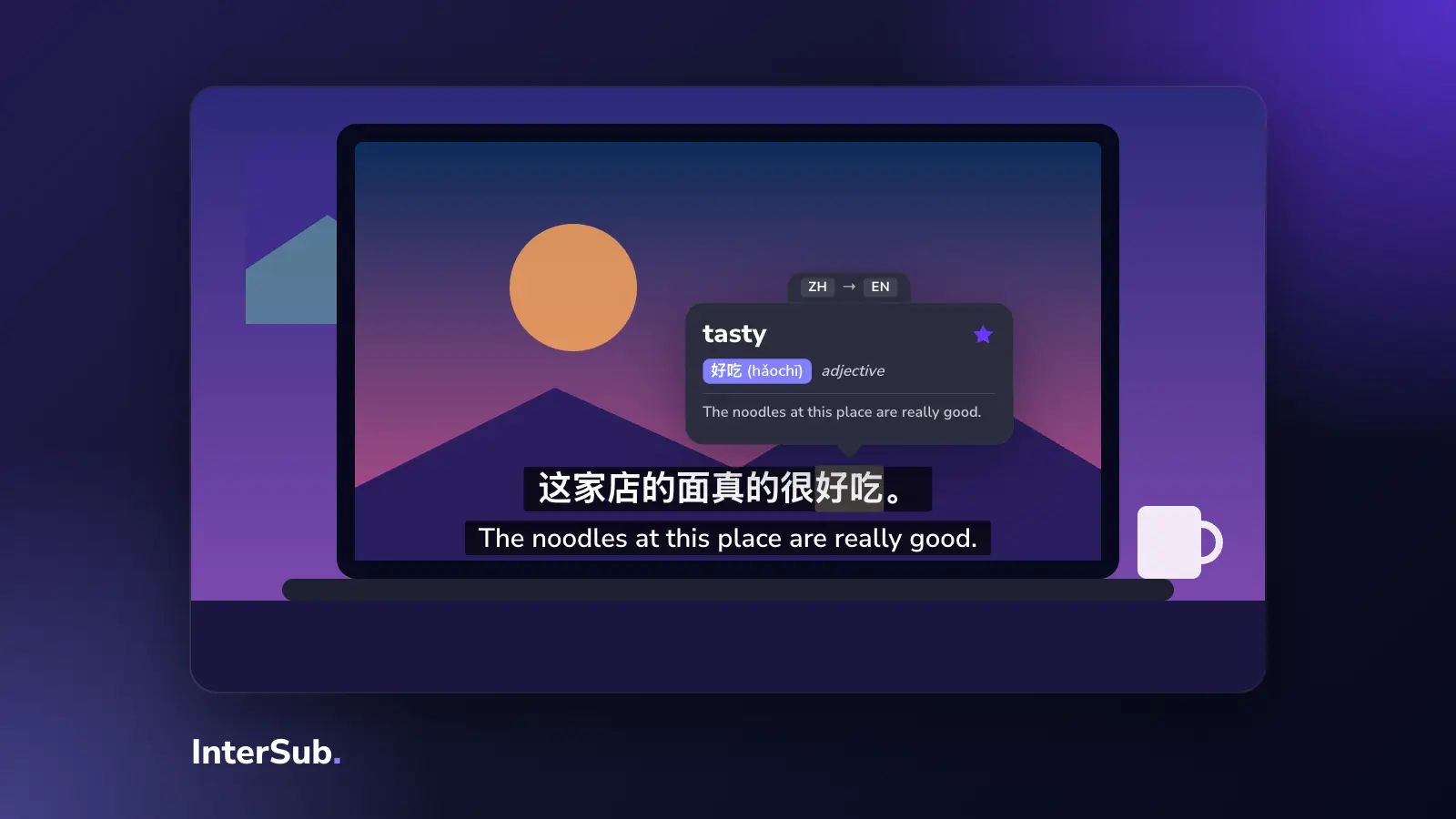
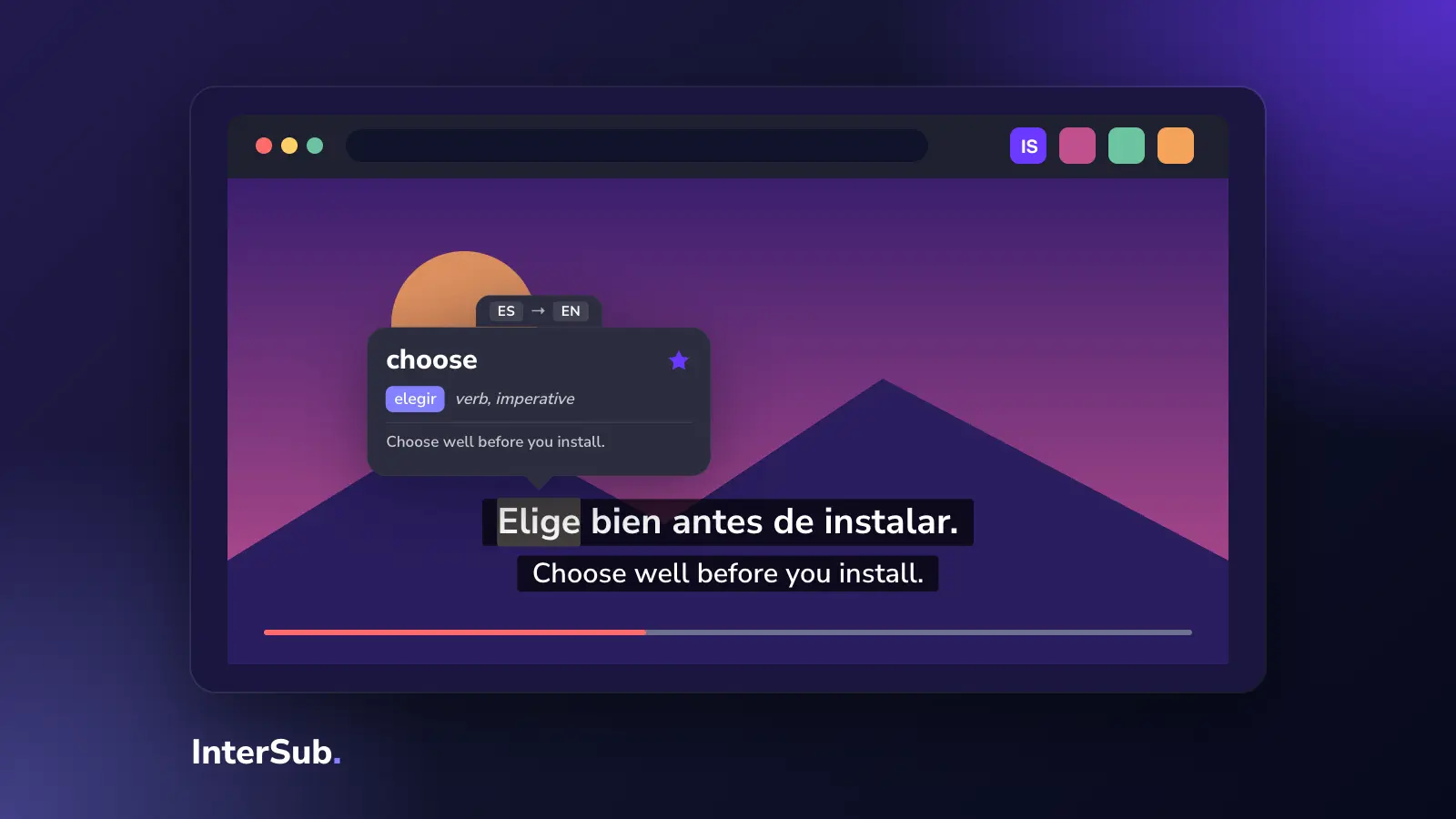
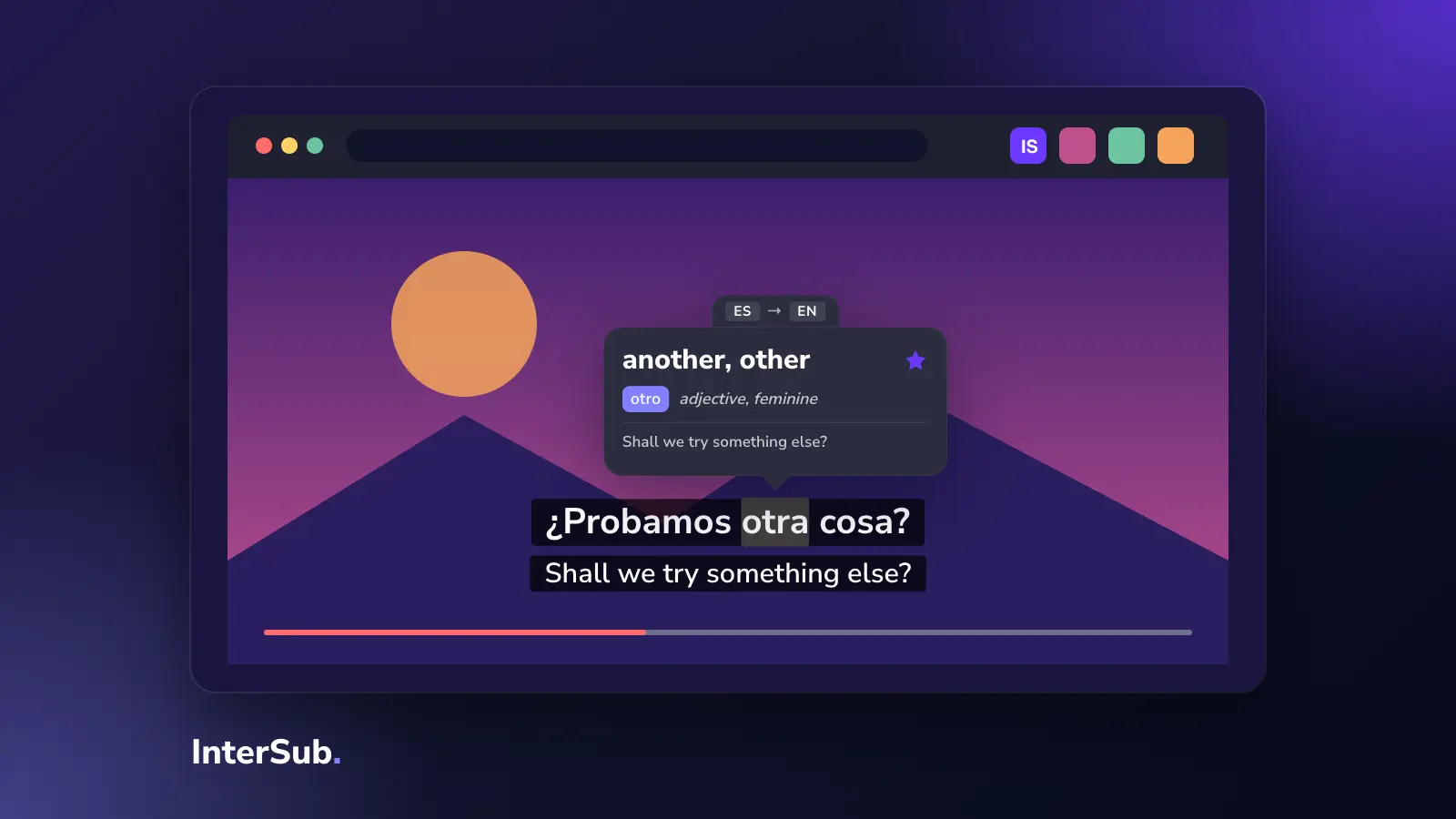
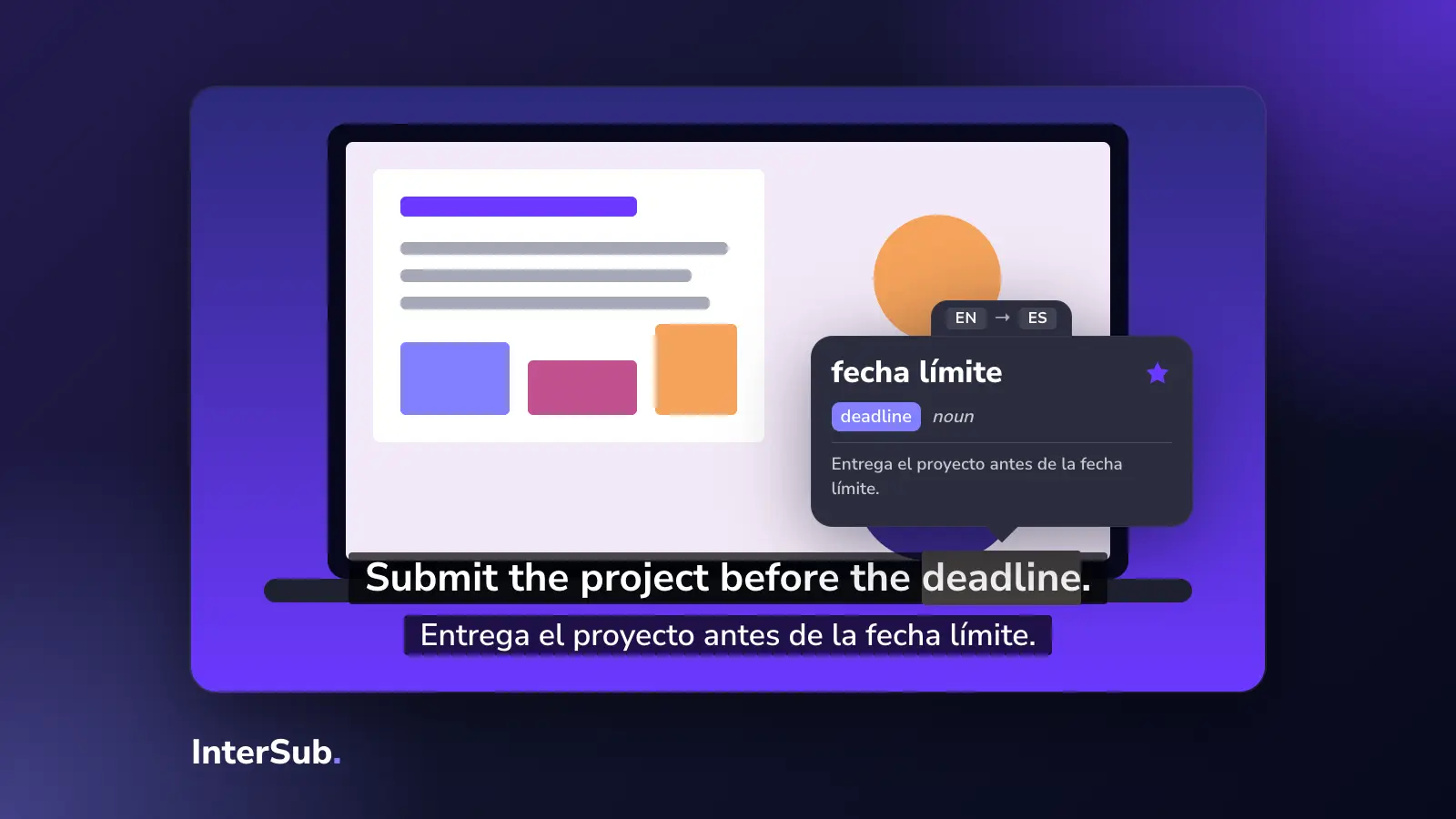
If the course isn't in your first language, this is the one that changes the most. InterSub keeps the original captions and adds a second line in your language, translated live when the course has no track for it. Hover over a word and the video pauses and shows the translation, with the words around it.
It works on Coursera, Udemy, LinkedIn Learning and other course sites, in Chrome, Edge and Firefox. Details are on our pages about Coursera dual subtitles, Udemy dual subtitles and LinkedIn Learning dual subtitles.
2. Video Speed Controller: the Coursera speed extension
The built-in speed menu stops at 2× and is a few clicks away. Video Speed Controller adds keyboard shortcuts to speed up, slow down and jump back by a few seconds, in small steps, on any HTML5 video. It is the best Coursera speed extension and works as a Udemy video speed extension too.
Our advice: don't go above 1.5× on a lecture with new material. You will watch it twice.
3. Forest: stay on task
Forest runs a timer and blocks the sites you put on a list until it ends. It's simple and it works when the problem is that "one more tab" during a lecture.
4. Notion Web Clipper: course notes in one place
Udemy's built-in notes live inside each course. If you keep everything in Notion, the official Notion Web Clipper saves a course page, a reading or a reference link into your workspace. Good for multi-course programs where notes from one course feed the next. It isn't a Udemy notes extension in the strict sense; for timestamped notes, the built-in Udemy notes are better.
5. Read&Write: help with readings
Coursera courses come with readings, and Read&Write by Texthelp reads text aloud, gives dictionary definitions and lets you highlight. Useful when the readings, not the videos, are the hard part.
6. Super Simple Highlighter: mark up readings
Highlights text on web pages and keeps the highlights when you come back. Handy for Coursera readings and Udemy article lectures; it does nothing for video.
What we left out
Downloaders. They are the most searched Udemy browser extension category, and they break Udemy's terms; Coursera allows downloads in its mobile app for offline viewing.
If you only install one Udemy Chrome extension or Coursera extension, pick by your problem: speed, focus or language. For language, read how InterSub works as a subtitle translator on course sites.
Frequently asked questions
What are the best Chrome extensions for Coursera?
Video Speed Controller for speeds and shortcuts, Forest to keep you on task, Notion Web Clipper for notes, Read&Write for reading help, and InterSub if the course is not in your first language.
Is there an extension to speed up Coursera videos?
Coursera's player has its own speed setting. For finer steps, faster speeds and keyboard shortcuts, install Video Speed Controller.
Can you take notes on Udemy videos with an extension?
Udemy already has notes tied to the video timestamp. If you keep notes in Notion, the Notion Web Clipper saves course pages there.
How to translate Udemy or Coursera subtitles?
Coursera offers machine-translated subtitles for many courses. Udemy's own captions cover fewer languages. With InterSub you keep the original captions and add a translated line on both sites; see our pages on Udemy dual subtitles and Coursera dual subtitles.