
Online Subtitle Players Compared: OnlinePlayer, asbplayer, LLPlayer, SubX and InterSub
Which player shows your own video with subtitles, and which shows two languages at once? OnlinePlayer, asbplayer, LLPlayer, SubX and InterSub Player compared.
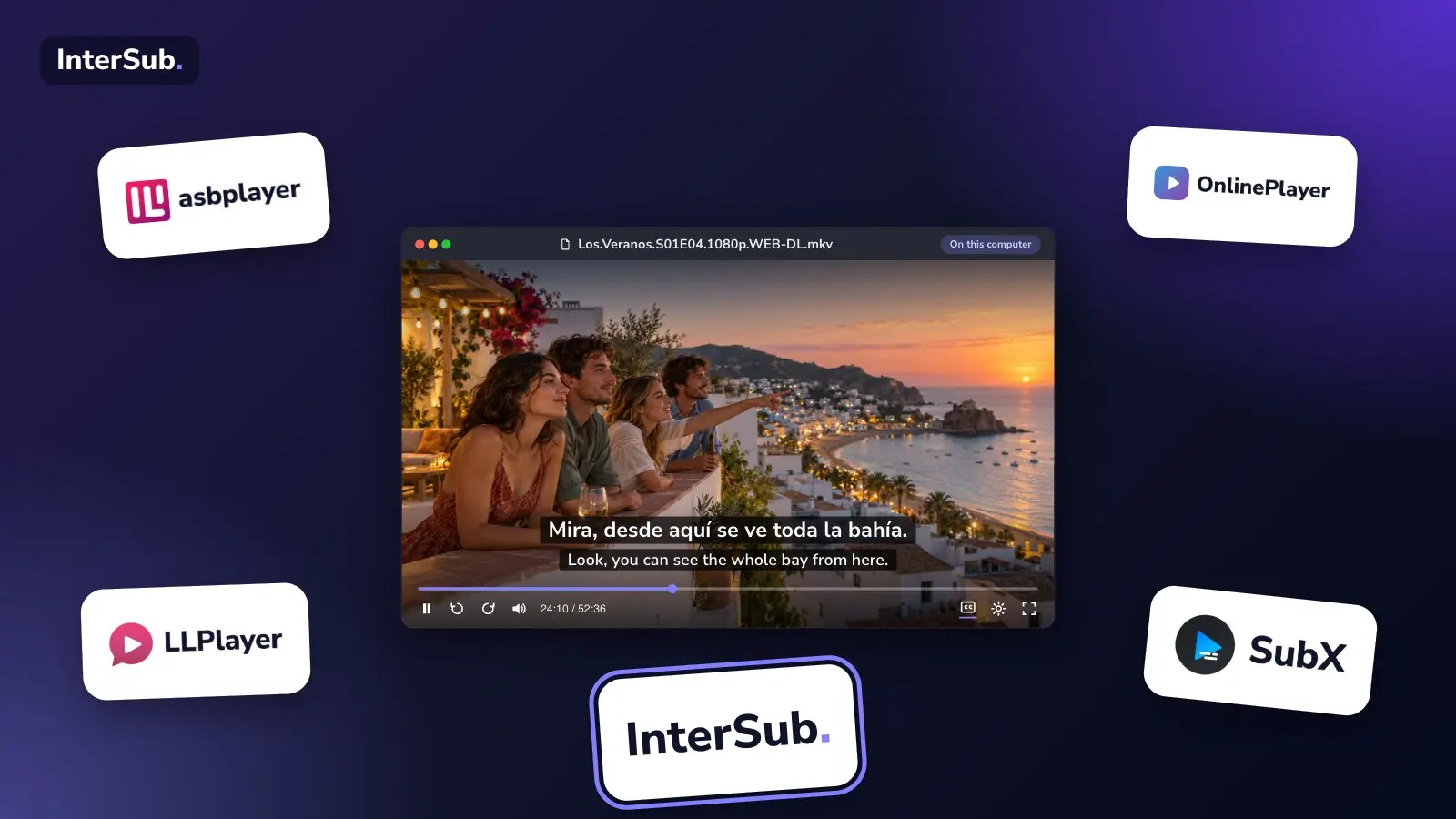
If you have a video file and a subtitle file, you don't need a streaming site, only a player that handles both. Most online video players with subtitles show one subtitle line. If you are learning a language, you probably want two: the language you are learning and your own. This post compares five players that open your own files: OnlinePlayer, asbplayer, LLPlayer, SubX and our own InterSub Player. We make InterSub Player, so check our claims against the table like everyone else's. Everything below is taken from each project's own pages and documentation as of November 2026.
Looking for tools that add dual subtitles to Netflix or YouTube instead? That is a different job, covered in 7 dual subtitle extensions compared.
The five players at a glance
| Player | Where it runs | Two subtitle lines | Word translation | Price |
|---|---|---|---|---|
| InterSub Player | Browser, on a computer | Yes | Hover a word | 15 words a month free; paid plans for more |
| asbplayer | Browser (web app) and Chrome or Firefox extension | Yes, several tracks | Not built in; works with Yomitan | Free, open source |
| OnlinePlayer | Browser | Not mentioned | Not mentioned | Free; the site may show ads |
| LLPlayer | Windows desktop | Yes | Translate words; dictionary lookup not supported yet | Free, open source |
| SubX | iPhone, iPad and Android | Yes | Translates subtitles, offline in 60 languages; word lookup not mentioned | Free; SubX+ listed at $4.99 |
OnlinePlayer: a general player with subtitle tools
OnlinePlayer is a browser player for local files, direct links and cloud storage such as Google Drive and Dropbox. Its page lists MP4, WebM, MKV, AVI and FLAC among the formats it plays, and says what works depends on your browser and device.
For subtitles it reads SRT, VTT, ASS, SSA, SUB and SMI files, lists subtitle tracks that are embedded in an MKV, and lets you shift the timing without rewriting the file. For local videos it can also generate captions with AI on your device. Local files, it says, are not uploaded for processing.
What it does not describe is a second subtitle line or a way to translate a word. It is a good choice when you want one subtitle track in a general-purpose player. It is not built for language study.
asbplayer: the learner's tool, with a setup to match
asbplayer is open source and made for people who learn from subtitled media. Its web app plays local files: you drag a video and subtitles onto the page. It can load several subtitle tracks at once, so showing a second language is possible, and its documentation lists plain MP4 and MKV support in Chrome-based browsers and Firefox, with AC-3 and DTS audio converted in the browser. AVI is not on that list.
The learning features are the strength. It creates Anki flashcards from a subtitle line, with audio and a screenshot, and it offers playback modes such as auto-pause and repeat. For word lookup it relies on a separate tool, Yomitan, which you install and configure yourself. If you mine sentences into Anki and don't mind tuning your setup, asbplayer is the better fit. If you want a translation to appear when you hover a word, with no extra tools, it takes more work.
LLPlayer: dual subtitles on the Windows desktop
LLPlayer is a free, open-source player for Windows 10 and 11. It shows two subtitle lines at once, including image-based subtitles, which it converts to text with OCR. It can generate subtitles on your machine with Whisper speech recognition, and it translates subtitles through online services or through local models. Its own documentation says dictionary lookups are not supported yet; you can translate words or copy them to another tool.
If you watch on a Windows computer and want everything in one program, it fits. It is not a web page: you install it, and it needs the .NET runtime.
SubX: for the phone and the tablet
SubX is a video player app for iPhone and iPad, with an Android version according to its site. It plays MKV, MP4 and AVI, reads SRT, VTT and LRC subtitles, and shows two subtitle tracks at once. Offline translation into 60 languages is free, and translation into more than 130 languages comes with the paid SubX+ upgrade, listed at $4.99. It can generate subtitles with Whisper on the device and says it works fully offline.
It is the only tool here built for a phone, so it is the one to look at if you study on the train.
InterSub Player: two lines and a translation on hover, in the browser
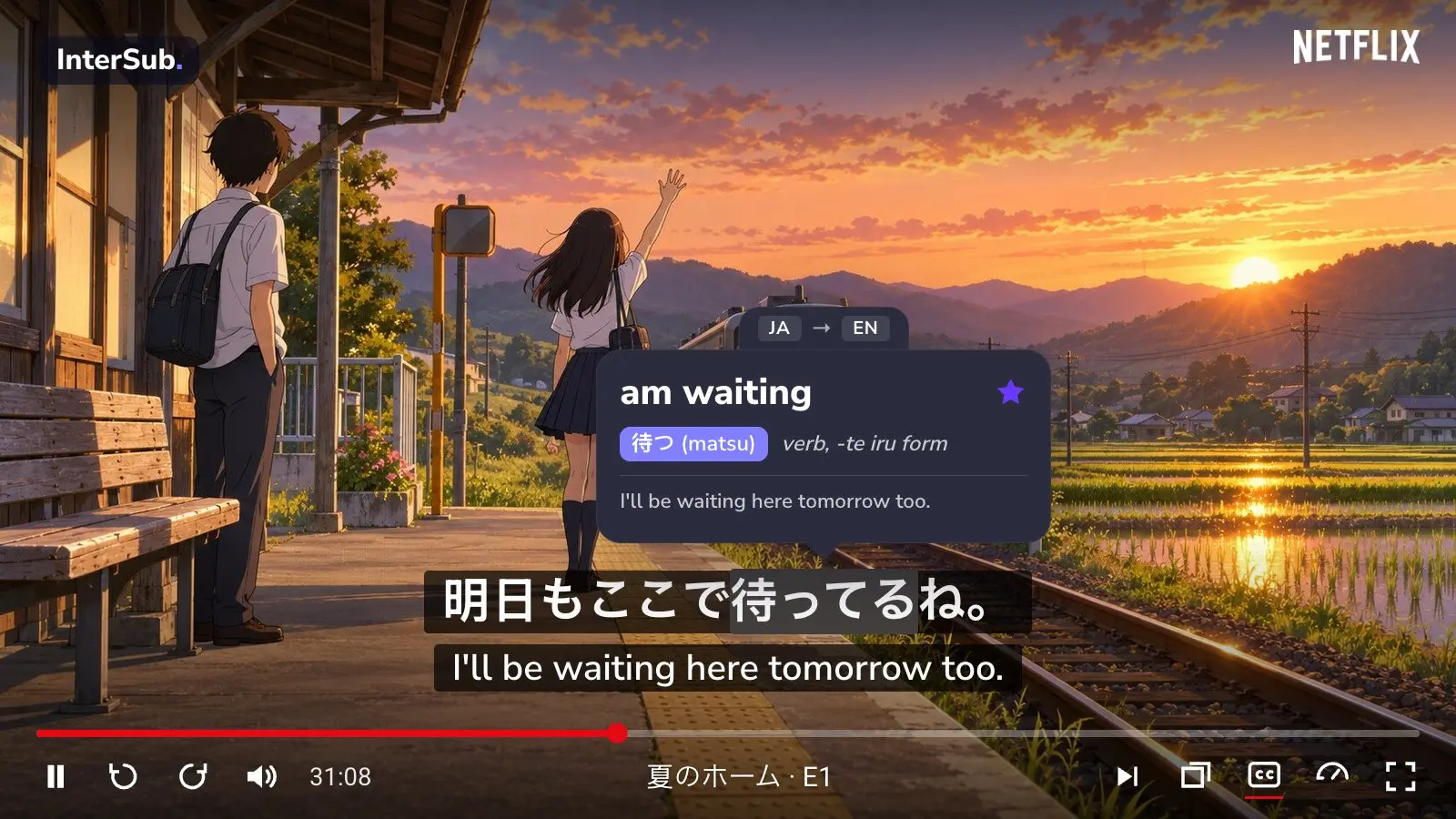
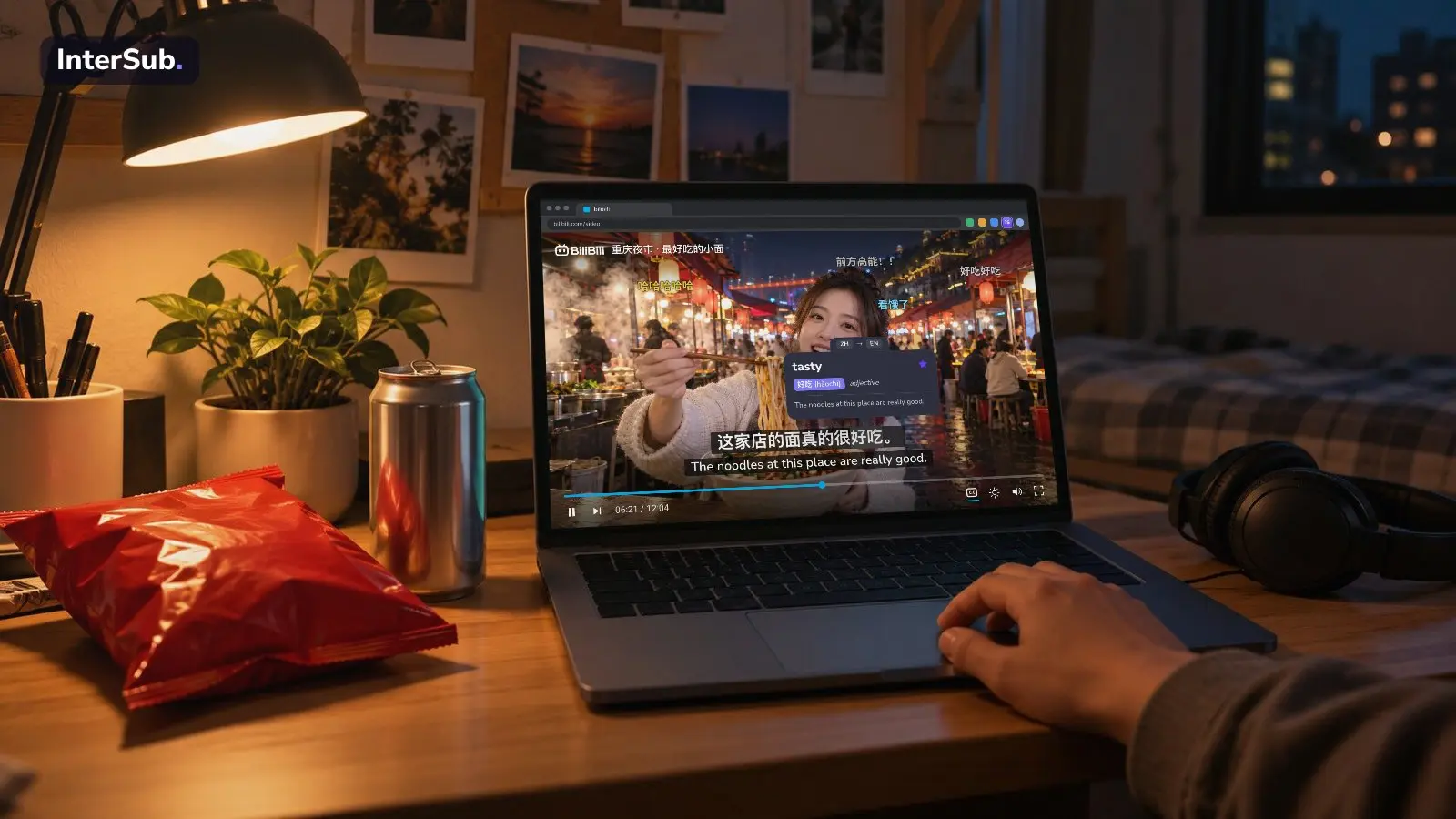
InterSub Player runs on intersub.cc/en/player. You open a video from your computer, load one subtitle file in the language you learn and, if you have it, a second one in your own language. Both lines show together, and hovering over a word opens its translation, which you can save to your word list.
It plays MP4, WebM, MKV, MOV, AVI, TS and VOB. When your browser cannot play a file, for example an MKV with AC-3 sound, a built-in engine takes over. You can switch audio tracks and jump between chapters. It reads SRT, VTT, ASS and TTML files, and subtitles embedded in MKV and MP4. Picture subtitles from Blu-ray and DVD are turned into text in your browser, in 29 languages, so you can translate their words too. Each subtitle line has its own delay, so you can fix out-of-sync subtitles without editing the file.
Your video and subtitle files are not uploaded. Only the word you look up, the phrase around it, the time in the video and the languages are sent for translation. You don't need to install anything or sign up; sign in if you want your translated words saved.
What it does not do: it is built for computers, and works on a tablet only in landscape orientation. It does not search for subtitles, so you bring the file. Without an account you can translate 15 words a month; paid plans raise that limit and add subtitle translation. The page has a demo video you can try first.
Which one should you pick?
- One subtitle line, common video formats, no study features: OnlinePlayer, or a simple player such as Simple Video Player, whose page promises that your videos are not uploaded.
- Two lines on the Windows desktop, with local subtitle generation: LLPlayer.
- Study on a phone or tablet: SubX.
- Sentence mining into Anki, and you don't mind configuring tools: asbplayer.
- Two lines and hover-to-translate in a browser, with no install: InterSub Player. If you also want the same on Netflix, YouTube and other sites, the InterSub extension works alongside it.
Why two lines help at all is covered in double subtitles. If you arrived from a Language Reactor search, see Language Reactor alternatives.
Frequently asked questions
What is the best online video player with subtitles?
For one subtitle track on a file you already have, OnlinePlayer and Simple Video Player are the simplest. For two subtitle lines in a browser, look at asbplayer and InterSub Player. LLPlayer (Windows) and SubX (phones and tablets) are not web players but also show two lines.
Can I show two subtitles at once in an online player?
Yes, in a few of them. asbplayer can load several subtitle tracks at once, and InterSub Player shows a main and a second subtitle line with a translation for any word you hover. OnlinePlayer and Simple Video Player describe a single subtitle track.
Is OnlinePlayer free?
Its site says core playback needs no registration and no subscription fee, and that the site may show advertising. Local files are not uploaded to it for processing.
Is asbplayer free?
Yes. asbplayer is an open-source project under the AGPL license. Its web app plays local files in your browser, and its Chrome and Firefox extension adds subtitles to streaming sites.
Do these players work on a phone?
SubX is a phone and tablet app. InterSub Player is built for computers and works on a tablet in landscape orientation. The other web players are not documented for phones.