
CS50 Subtitles: Watch CS50 in Your Own Language
CS50 lectures come with English captions. How to get CS50 subtitles in German, Arabic, Chinese, Dutch, Italian or Portuguese, with English kept on screen.
CS50 subtitles come in English on every lecture, and that is where the official part ends for most languages: CS50 lets volunteers translate its subtitle tracks, but only a few languages have them. If you want to watch CS50 with German, Arabic, Chinese or any other language on screen, the practical way is to keep the English captions and add a translated line under them in your browser. That is what this post shows, language by language.
Why keep English on screen
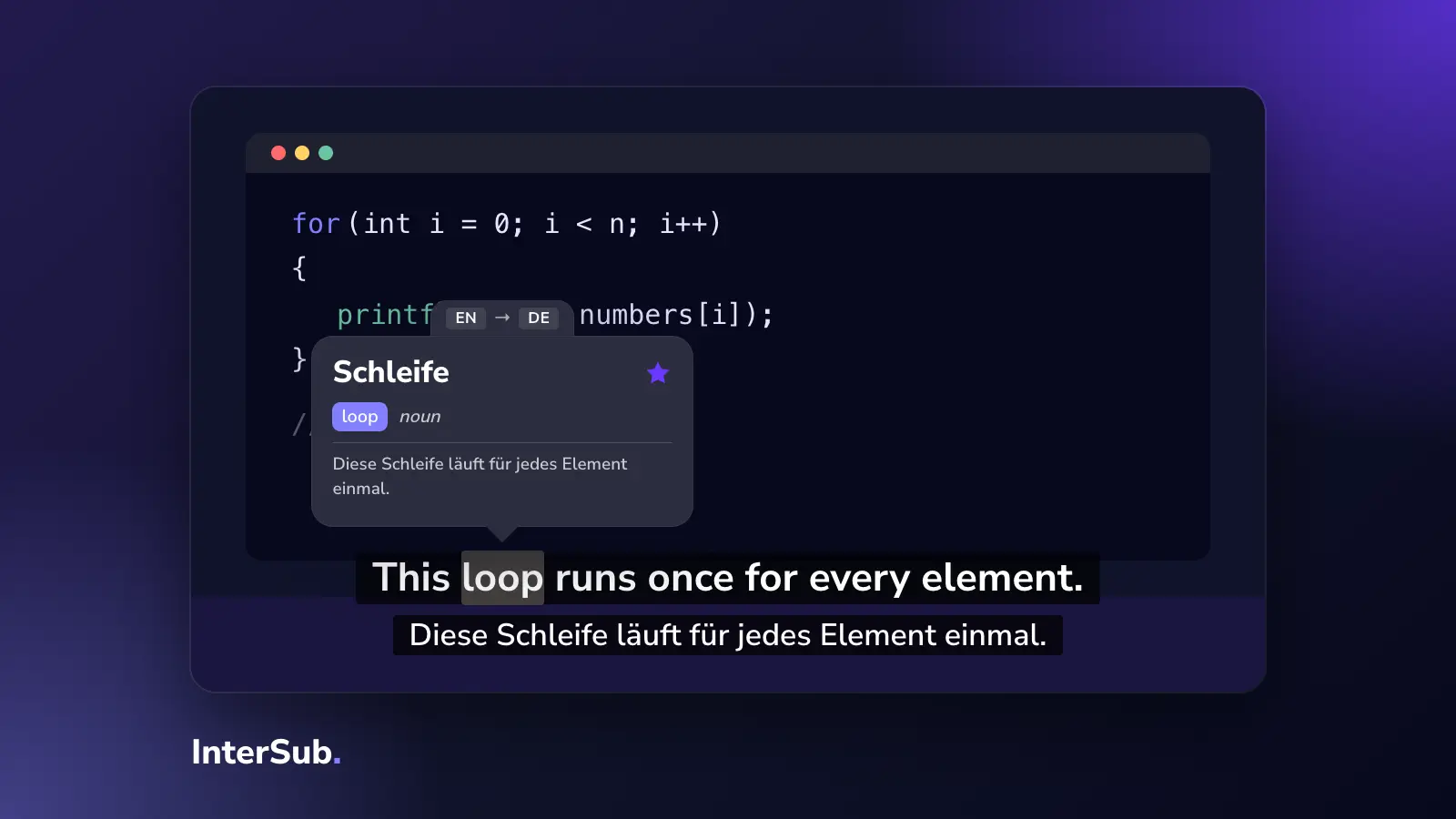
Translated subtitles alone are tempting. For CS50 they cause a problem you only notice in week three: the course, the problem sets, the documentation and every error message are in English. If you learned "Schleife" instead of "loop", you will translate back every time you code.
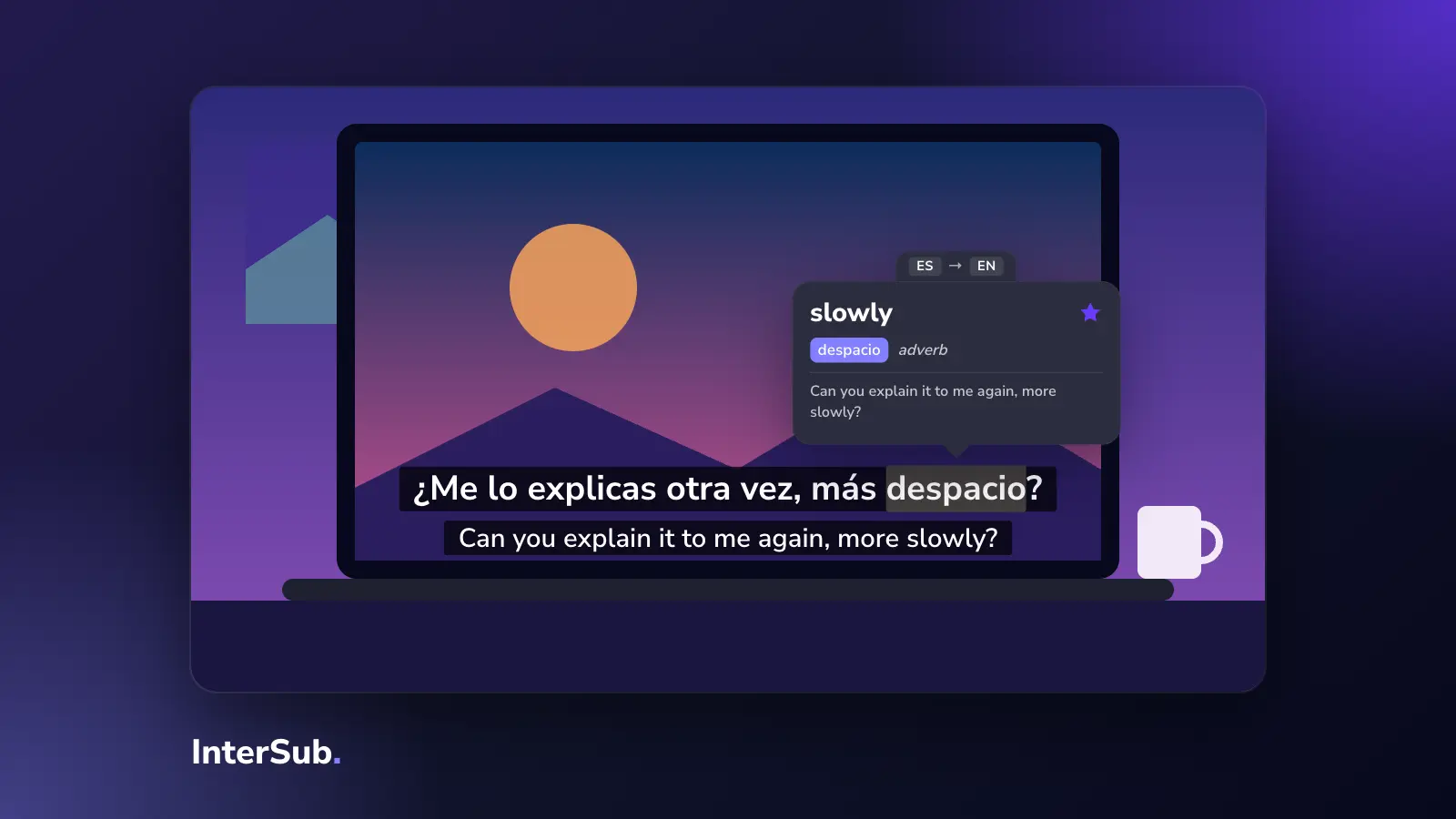
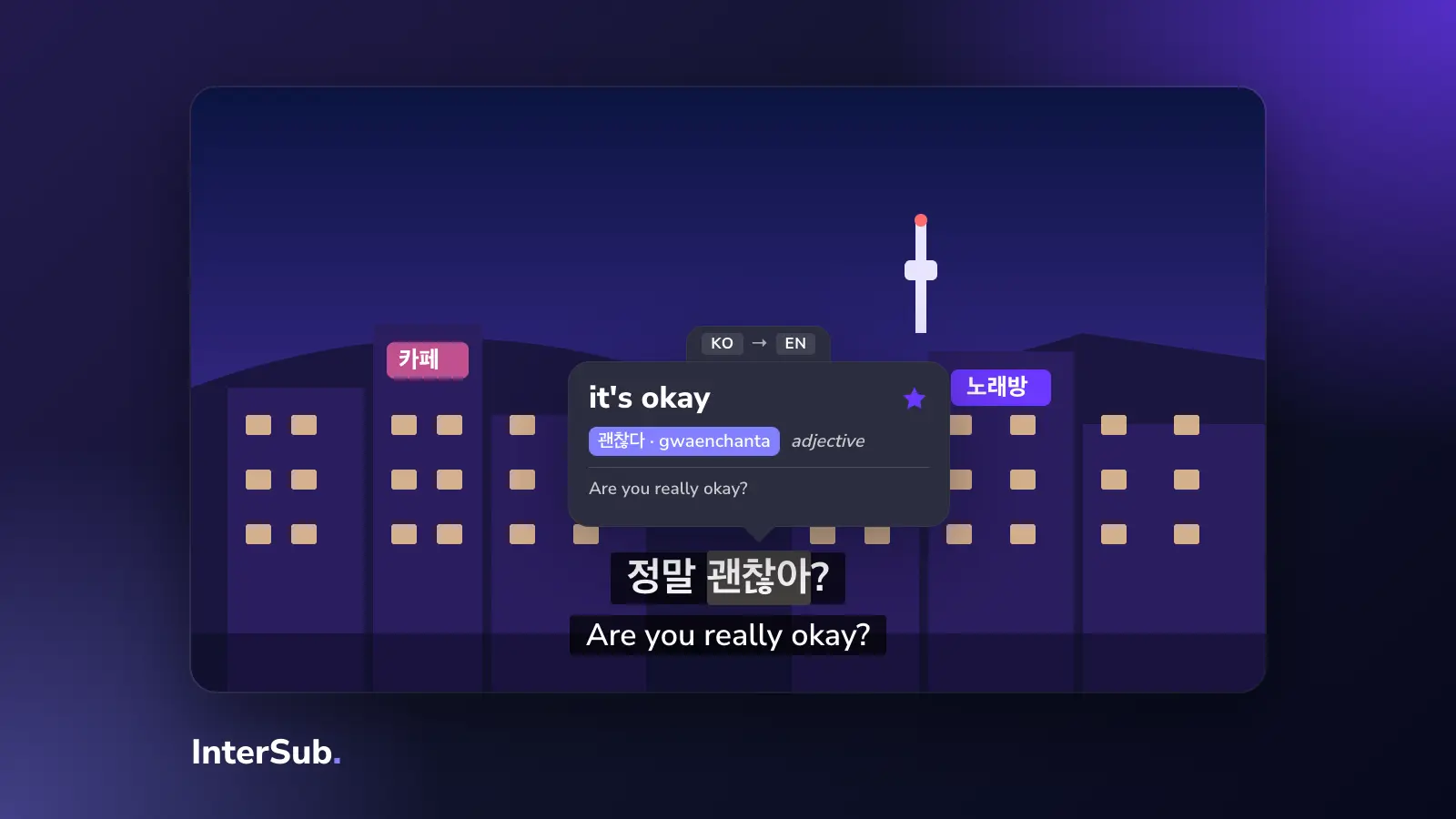
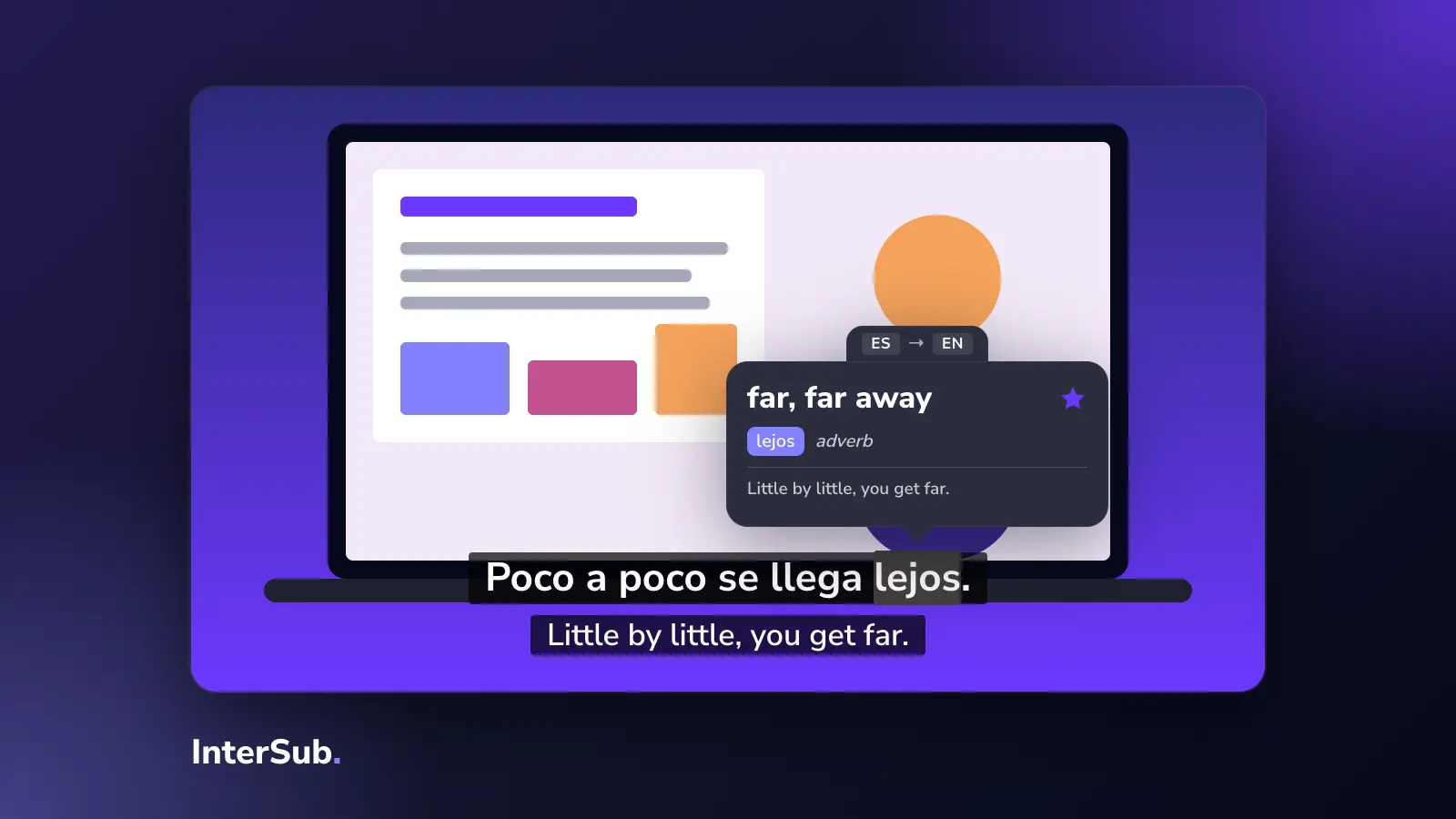
So we suggest two lines: English as David Malan says it, and your language under it. You follow the lecture, and the English terms stick because you see them every time.
What YouTube gives you
The CS50 lectures on YouTube have English captions. YouTube can auto-translate them into many languages, but then you see only the translated line, and machine translation of programming terms is often odd: "string" becomes a piece of rope, "argument" a quarrel.
CS50 also publishes its subtitle files so that volunteers can translate them, and Arabic, Spanish and Urdu are among the languages listed. When a lecture has your language as a real track, use it.
CS50 subtitles by language
With InterSub in Chrome, Edge or Firefox you get YouTube dual subtitles: English from the video plus a line in your language, translated as you watch when no track exists. Hover over a term in the English line and the video pauses and shows what it means.
CS50 German subtitles. The most searched one. German programmers keep many English terms as they are, so the second line helps with the explanations more than with the terms.
CS50 Arabic translation. Arabic is written right to left; InterSub shows the Arabic line correctly next to the English one. Check whether the lecture has a volunteer Arabic track first.
CS50P Chinese subtitles. CS50's Python course is popular with Chinese learners. Chinese Python tutorials keep many English terms, and a two-line view matches that.
CS50 Dutch subtitles, CS50 Italian subtitles and CS50 Portuguese subtitles work the same way: the English captions stay, the second line is translated live.
The same setup works for the rest of the family: CS50x (the introduction), CS50P, CS50W (web), CS50AI and others, as long as you watch them on YouTube.
Settings that help with a lecture
- Hover lookup with context. InterSub translates the word and the few words around it, which matters for terms like "call" in "function call".
- Wordbook. Every term you look up is saved, so after a few weeks you have your own CS50 glossary, and you can review it in Anki.
- Pause-only second line. Once you follow the English, hide the translation and show it only when you pause.
Translating the second line live works on paid plans; showing two existing subtitle tracks is free. If you need more than lectures, InterSub's subtitle translator works the same way on Coursera, Udemy and other course sites, and its translator extension also translates words on ordinary web pages such as the CS50 documentation.
Frequently asked questions
Does CS50 have subtitles in other languages?
The lectures have English captions, and CS50 lets volunteers translate its subtitle tracks; Arabic, Spanish and Urdu are among the languages listed for translation. For most other languages you rely on YouTube's auto-translate or on an extension like InterSub.
How to watch CS50 with German, Arabic or Chinese subtitles?
Open the lecture on YouTube in Chrome, Edge or Firefox with InterSub, set English as the language of the video and your language as the second line. You get English and German, Arabic or Chinese on screen together.
Can I take CS50 if my English is not good?
Yes, if you can read English slowly. Keep English captions on, add a translation line for the hard parts, and look up the terms you meet again and again: the course reuses the same few hundred technical words.