
AI Subtitle Translation: Watch Any Video in Two Languages
How AI subtitle translation works in a browser, which engines InterSub uses, where it helps and where it doesn't, and how to turn it on.
AI subtitle translation fills the gap every learner hits sooner or later: the show you want to watch has subtitles, but not in your language. Instead of a missing second line, a translation engine produces one as you watch. It works well for everyday dialogue and still trips on jokes and slang; details below.
When you need it
Streaming platforms don't offer every subtitle language in every country. A Korean drama on Netflix may have Korean and English subtitles but not Polish; a YouTube lecture may have only auto-generated English captions; a course on Coursera may have the original track and nothing else. If you want two lines, the original and your own language, one of them is often missing.
An ai subtitle translator extension solves exactly this: it takes the track that exists and translates it into the one you need.
How AI subtitle translation works
In InterSub it goes like this:
- Find a source track. The extension reads the subtitles the platform provides, usually the original language of the video.
- Translate ahead. Lines are sent to a translation engine in a sliding window ahead of the scene you are watching, so the second line is ready when the first one appears.
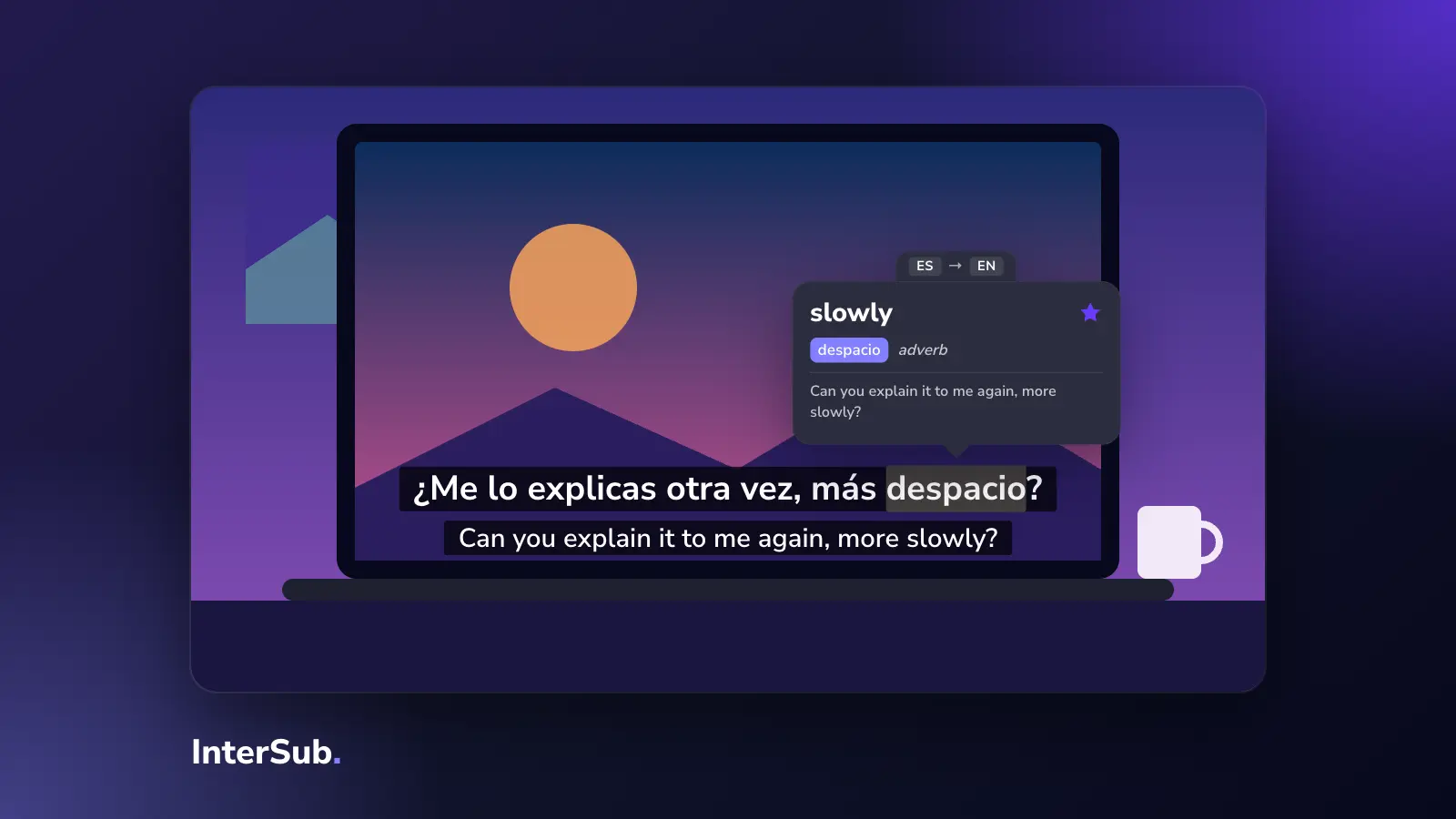
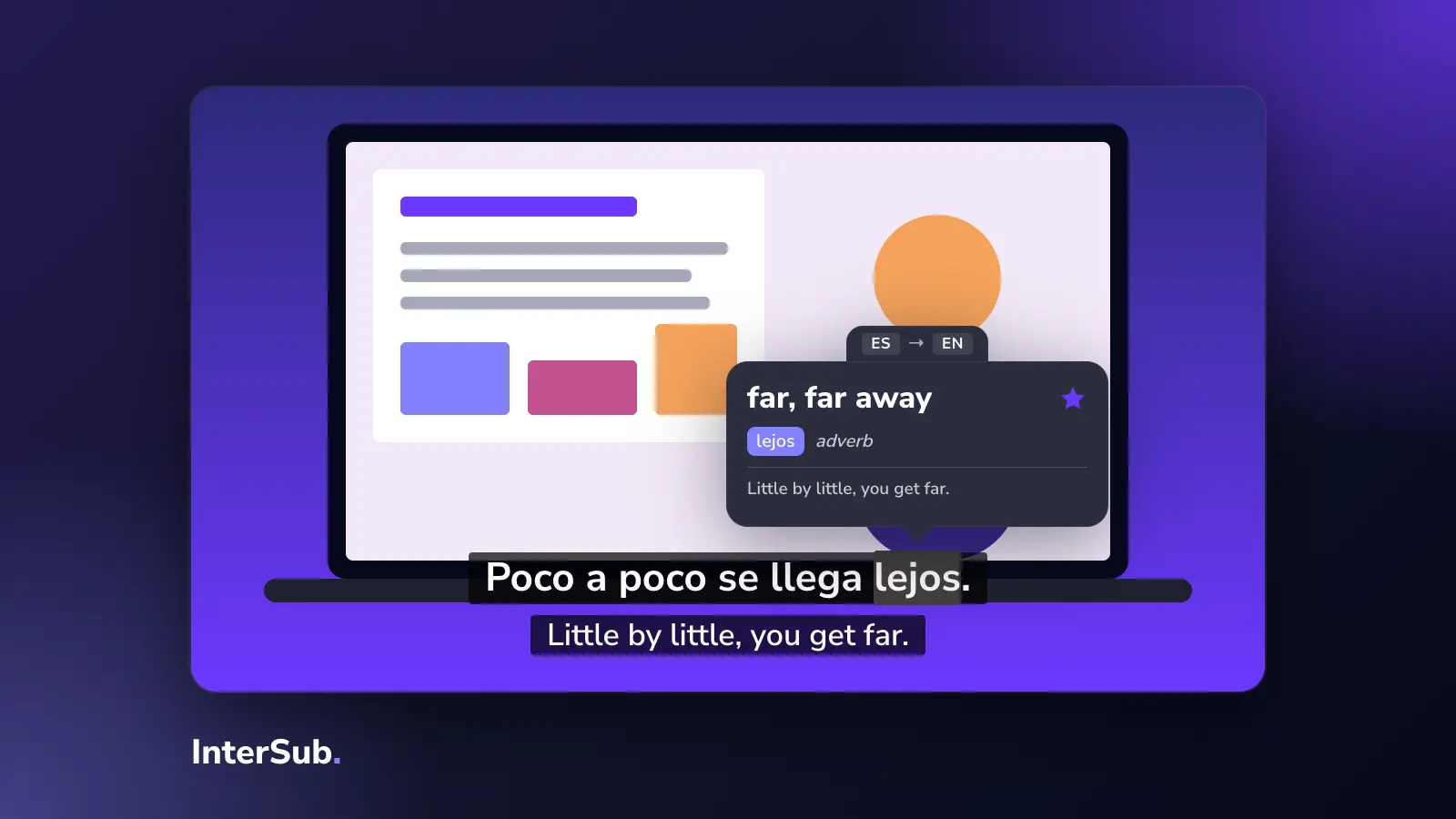
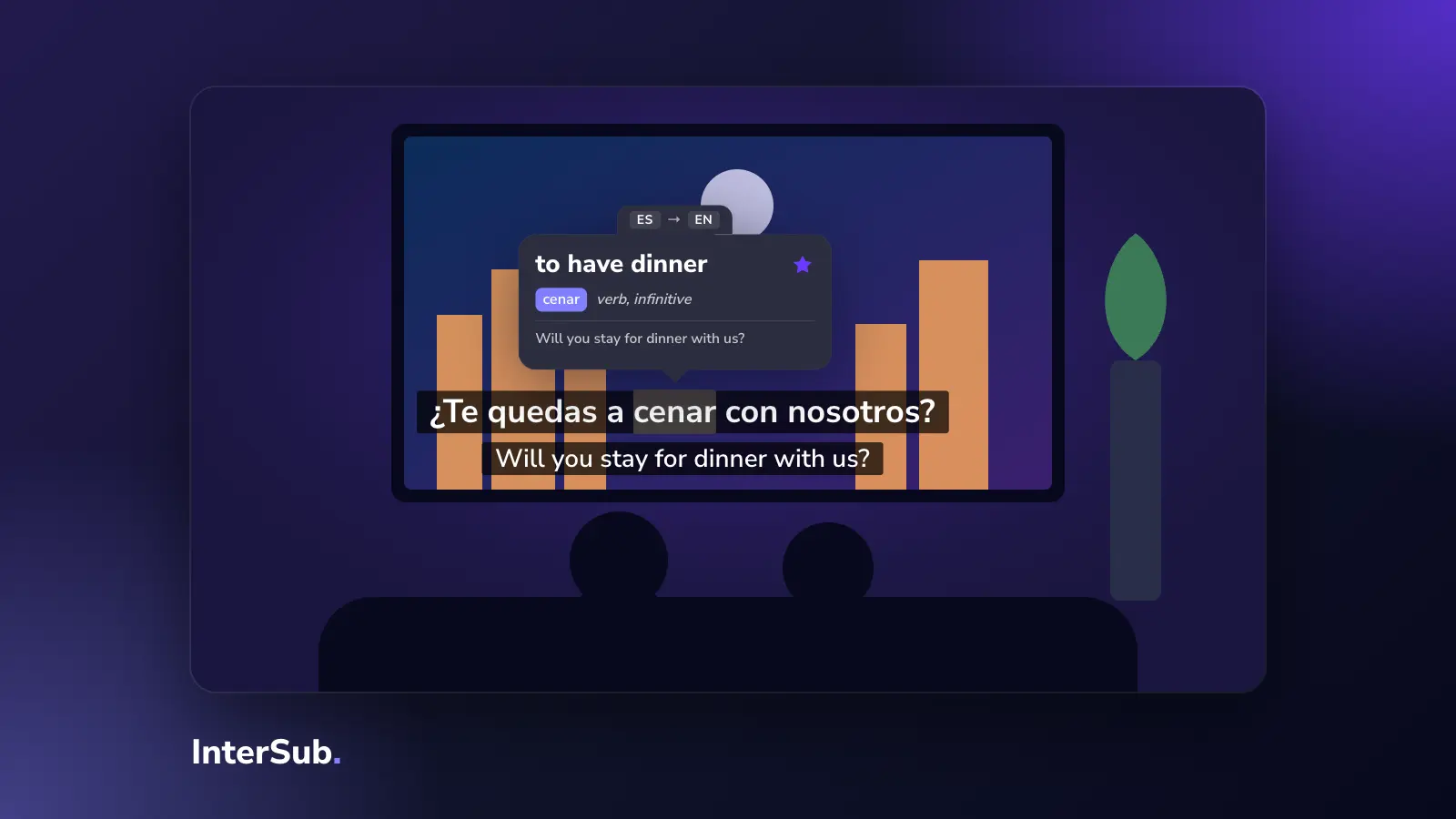
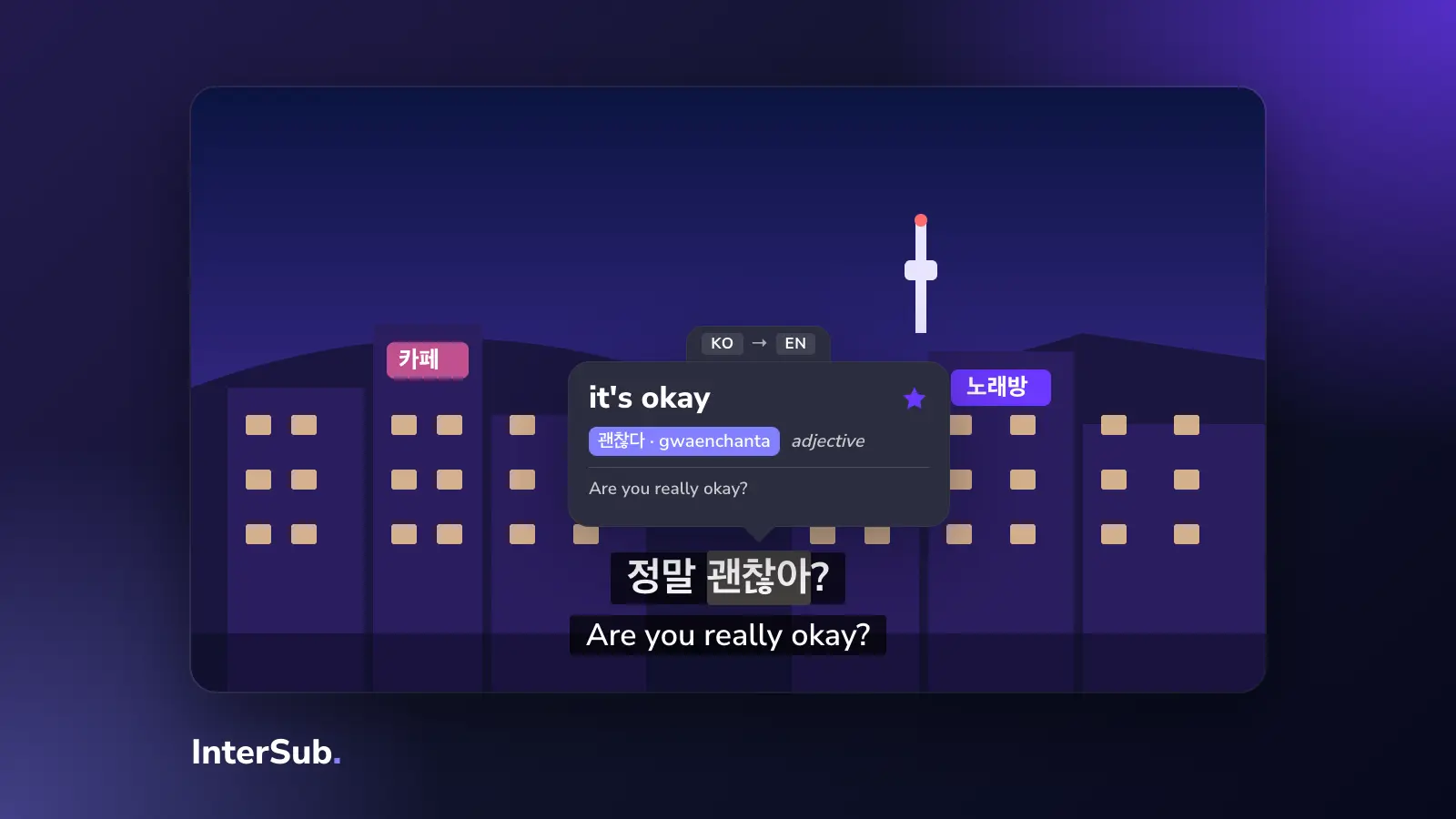
- Show both lines. The translation appears under the original, in sync.
- Keep it local. Translated lines are cached in your browser, not on our servers. Rewatch the episode and nothing is translated twice.
For the translation itself, InterSub uses DeepL first, then Microsoft and Amazon if DeepL doesn't answer or hits a limit. You don't choose the engine; you just get a second line.
The same feature can also replace a track that exists. If a platform's official translation of your language is poor or too loose for learning, "Translate Second Subtitles Live" ignores it and translates from the original instead.
What it's good at, and where it fails
Machine translation of subtitles is good at ordinary dialogue: questions, plans, everyday phrases. That is most of what you hear in a series.
It is weaker at:
- Slang and jokes. A pun rarely survives, and slang can come out literal.
- Very short lines. "Right." or "Come on!" have many meanings and little context.
- Names and made-up words. Fantasy and sci-fi terms get translated when they shouldn't.
Two things soften this. You always see the original line next to the translation, so you can tell when they disagree. And when you hover over a word, InterSub's dictionary shows the word in the context of the sentence, which is often more precise than the line-level translation.
Where you can use it
Live translation of the second line works wherever InterSub works: Netflix, YouTube, Prime Video, Crunchyroll, Coursera, Udemy, LinkedIn Learning and other sites, in Chrome, Edge and Firefox. Typical uses:
- Translate YouTube video captions that exist only in English or only in the original language.
- Prime Video subtitles translator for titles with fewer subtitle languages than Netflix.
- Anime on Crunchyroll, which usually has Japanese and English subtitles: the second line can be your language. See our page on crunchyroll ai subtitles.
- Lectures on course sites, where captions are often English only.
If a video has no subtitles at all, there is nothing to translate: InterSub works with the subtitles the platform provides. That also means it is not a video language changer that dubs audio; the sound stays original, which is the point for a learner.
AI subtitle translation vs. ChatGPT translation
You could paste a subtitle file into a chatbot. ChatGPT translation of a whole file can be good, but it breaks the timing, takes manual work for every episode, and you still need a player that shows two tracks. A browser extension does the same job live, in the player you already use. InterSub does use a ChatGPT-based AI Language Buddy, but for a different job: explaining a word or phrase you ask about, not translating whole subtitles.
How to turn it on
- Install InterSub in Chrome, Edge or Firefox.
- Open a video and set the language of the video and your language.
- In Settings, enable AI translation of the second subtitle line.
Two subtitle tracks that already exist are free to show. Subtitle translate on the fly is part of the paid plans, including Pay as you go. More about the subtitle translator and the rest of the translator extension.
AI auto translate video subtitles won't replace a good human translation, but for learning it does something a human track can't: it gives you a second line in your language on almost any video with subtitles.
Frequently asked questions
How does AI subtitle translation work?
The extension takes the subtitle track the video already has, sends the lines ahead of the current scene to a machine translation engine, and shows the result as a second line in sync with the first. InterSub keeps the translated lines in your browser, so a rewatch doesn't translate them again.
Is AI subtitle translation better than Google Translate?
For subtitles, the engine matters less than the setup. InterSub uses DeepL first and Microsoft and Amazon as fallbacks, and shows the translation next to the original line, so you can check it against what you hear instead of trusting it blindly.
How to translate subtitles in real time while watching?
Install a subtitle translator extension such as InterSub, pick the language of the video and your language in its settings, and turn on live translation of the second line. It works on Netflix, YouTube, Prime Video and other platforms in Chrome, Edge and Firefox.
Which AI translates subtitles best?
DeepL is usually the most natural for European languages; Microsoft and Amazon cover more language pairs. For slang and jokes, all of them miss sometimes, which is why seeing the original line next to the translation helps.