
Chrome Extensions for Language Learning: 6 Worth Trying
Six Chrome extensions for language learning compared: InterSub, Language Reactor, Trancy, Migaku, Readlang and Toucan, and which one suits how you learn.
Chrome extensions for language learning fall into three groups: ones that work on video subtitles, ones that help you read, and ones that slip new words into the pages you already visit. Which language learning extension fits depends on where you spend your time in the browser. Six are worth a look, ours included.
Extensions for learning with video
1. InterSub
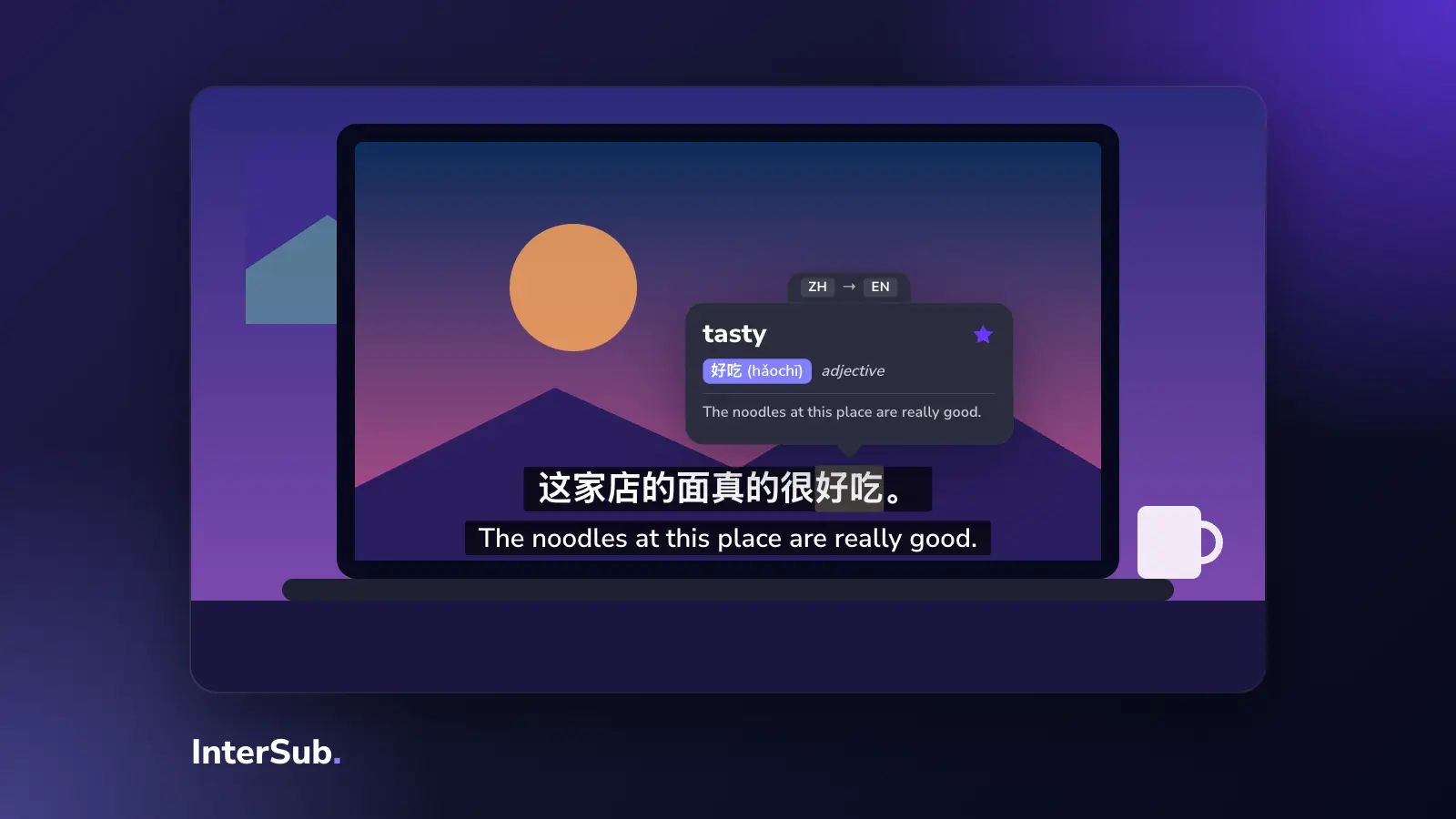
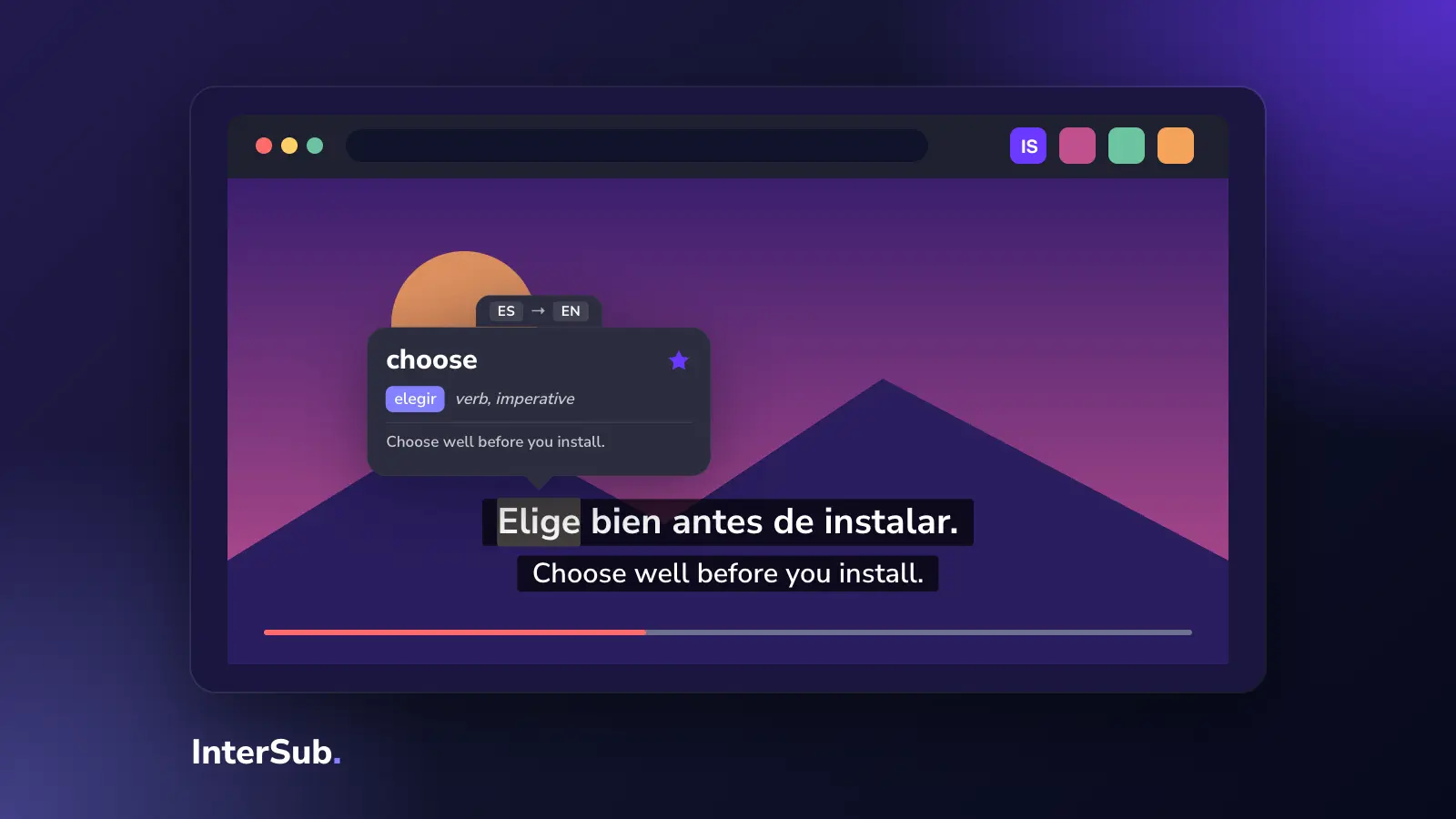
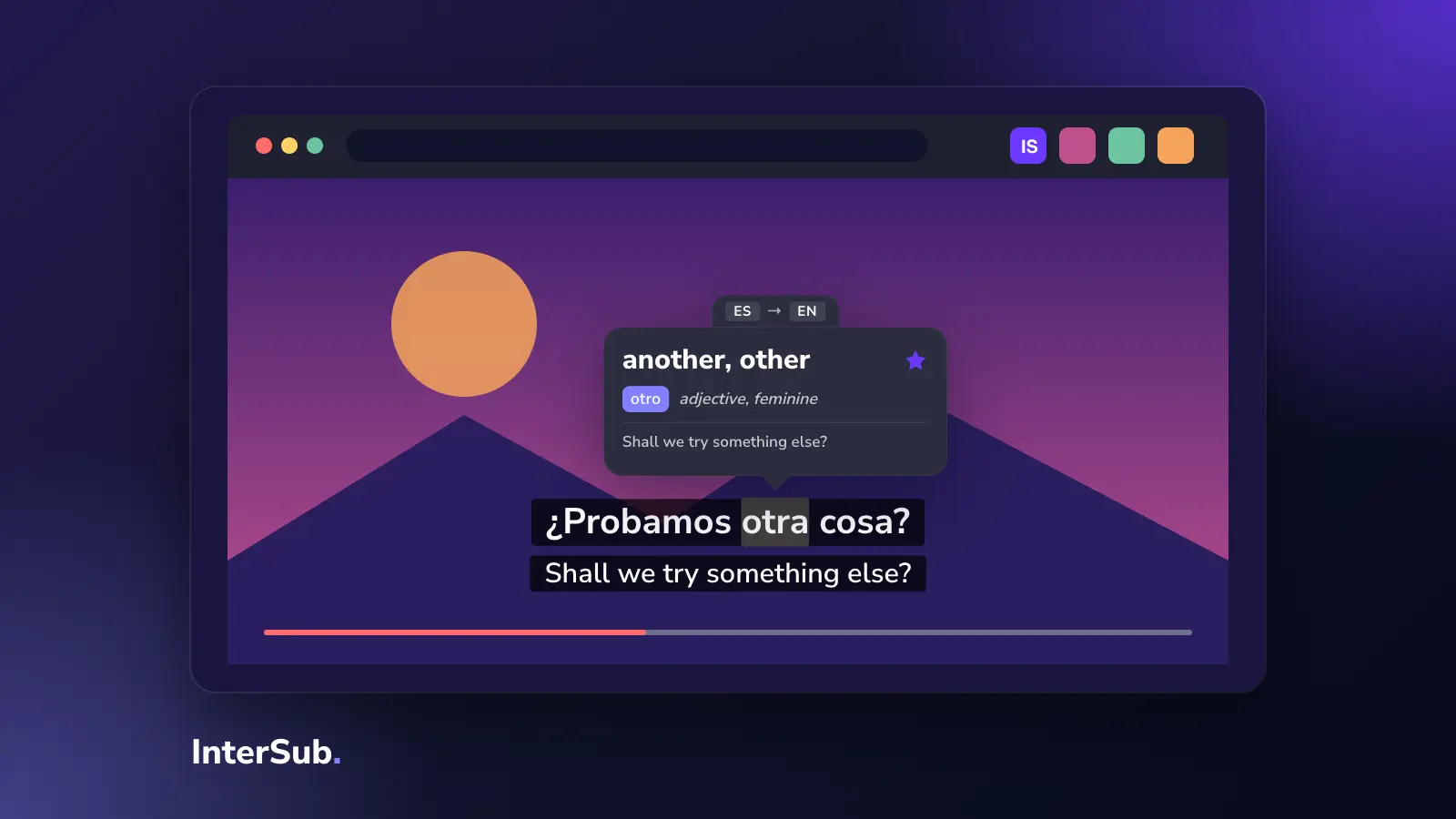
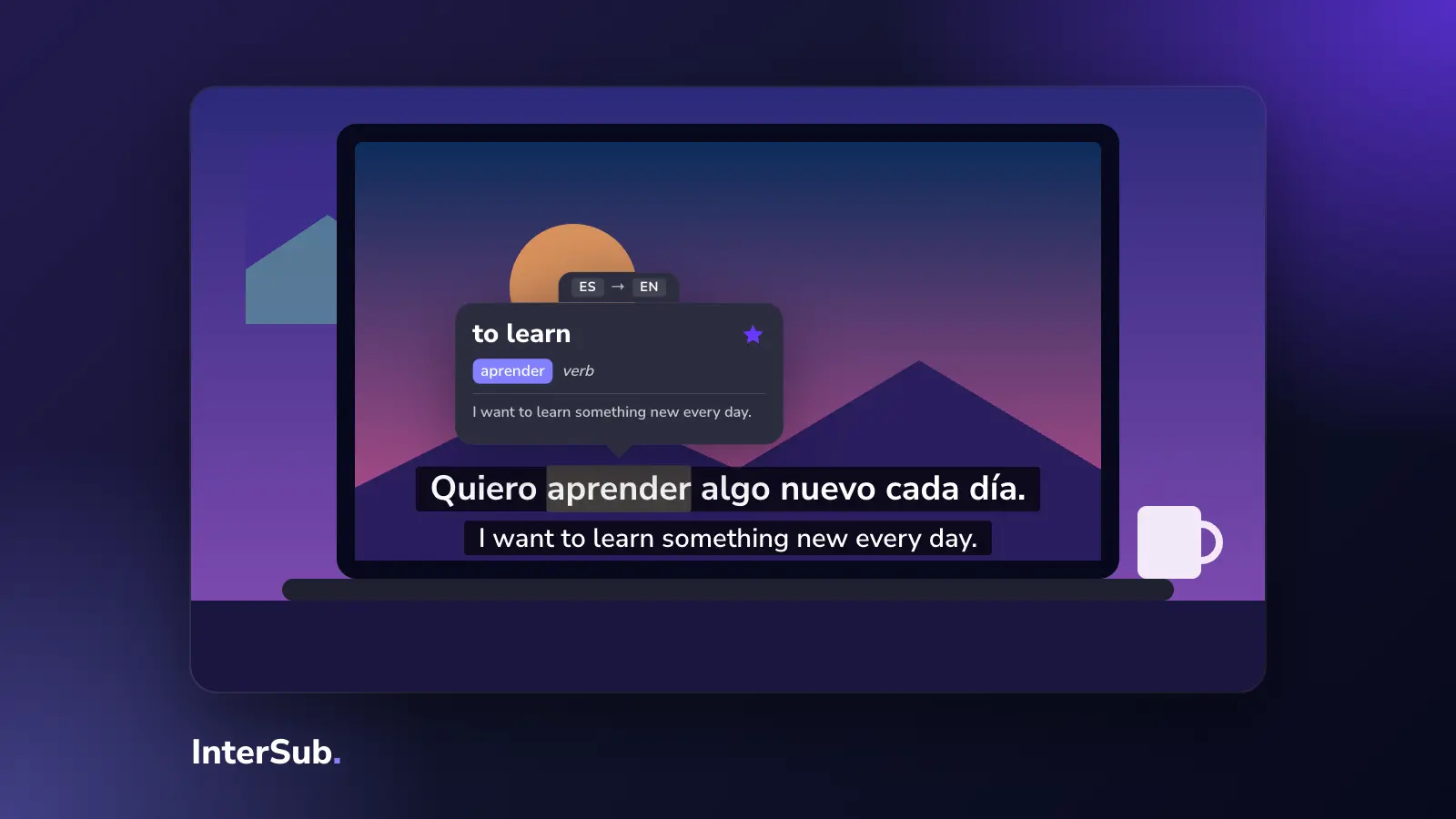
The one we make. InterSub shows two subtitle lines, the original and your language, on Netflix, YouTube, Prime Video, Crunchyroll, Coursera, Udemy, LinkedIn Learning and other sites. Hover over a word and the video pauses; a pop up dictionary shows its base form, part of speech and translation, plus a translated slice of the sentence around it. Words go to your Wordbook, and from there to Anki through our anki chrome extension sync.
It works in Chrome, Edge and Firefox. Two subtitle lines are free; live translation of the second line, for videos with no track in your language, is on paid plans. We kept the screen simple on purpose: two lines and a dictionary, nothing else unless you open it. More on the dual subtitles extension page.
2. Language Reactor
The best-known language learning chrome extension for Netflix and YouTube, formerly "Language Learning with Netflix". Two subtitle lines, a transcript beside the video, saved words and phrases, and a mode that pauses after each line. The free version covers the basics; Pro adds more. If you want the full study toolbox on screen, it's a strong choice.
3. Trancy
Trancy also shows dual subtitles, then adds AI on top: generated transcripts, explanations of grammar, speaking practice. It also has mobile apps. The trade-off is a busy interface. People searching trancy vs language reactor usually decide by this: Trancy for more AI, Language Reactor for less clutter.
4. Migaku
Migaku is for learners who collect sentences into Anki, and it is popular with Japanese learners: it splits Japanese text into words, shows pitch accent and creates detailed cards in one click. Setup takes longer than the others, and it's paid. In language reactor vs migaku comparisons Migaku wins on Anki depth and loses on simplicity.
Extensions for reading and browsing
5. Readlang
Readlang works on articles: click a word on any page for a translation, and it turns your lookups into flashcards. Good if you learn mostly by reading news or blogs in your target language. InterSub can also translate words on ordinary web pages, and shows the bubble only on sites in the language you are learning if you set it so.
6. Toucan
Toucan, now Toucan by Babbel, replaces a few words on every page you visit with their translation in the language you are learning. Hover to see the original. It is a gentle way to meet new words every day, not a way to understand a film or a lecture.
How to choose a language learning extension
- You learn with series, films or YouTube. Start with a subtitles extension: InterSub or Language Reactor. If you are looking for a language reactor alternative that works on more sites than Netflix and YouTube, that is where InterSub differs most.
- You want AI to explain everything. Trancy.
- You build Anki decks from sentences, especially in Japanese. Migaku.
- You read more than you watch. Readlang.
- You don't have time to study at all. Toucan, as a start.
Two extensions that change the same video player can conflict, so keep one subtitles extension at a time. A reading extension and a subtitles extension usually get along.
Why the video ones work
A netflix language learning extension turns hours you already spend watching into practice. Two lines on screen let you follow the story and hear the language at the same time; a word you look up in a scene is easier to remember than one from a list. That's why most of the best chrome extensions for language learning are the video ones. If that's the kind you want, InterSub is a free translator extension to start with.
Frequently asked questions
What is the best Chrome extension for learning languages?
It depends on where you learn. For videos on Netflix, YouTube and course sites, a dual subtitles extension like InterSub or Language Reactor. For reading articles, Readlang. For a few new words a day while you browse, Toucan.
Is there a free alternative to Language Reactor?
InterSub shows two subtitle lines on Netflix, YouTube and other platforms for free, with a limited number of word lookups each month. Trancy also has a free tier.
Language Reactor vs Migaku vs Trancy: which is better?
Language Reactor is the simplest of the three, Trancy adds the most AI features and has mobile apps, and Migaku is built for sentence mining into Anki, especially for Japanese. Pick by how much setup you are ready for.
Do language learning extensions work on Netflix and YouTube?
Yes, both are the most supported sites. Coverage of other platforms differs: InterSub also works on Prime Video, Crunchyroll, Coursera, Udemy and LinkedIn Learning.